
How to Create a User Persona for Enterprise UX (Step-by-Step Guide)
In complex products, especially in B2B SaaS and enterprise software, teams often design based on assumptions rather than real user behavior.
This leads to:
Low feature adoption
High training dependency
Poor user satisfaction
This is where user personas in UX design become critical.
A well-defined persona helps teams move from assumption-driven design to user-centered decision making.
What is a User Persona in UX Design?
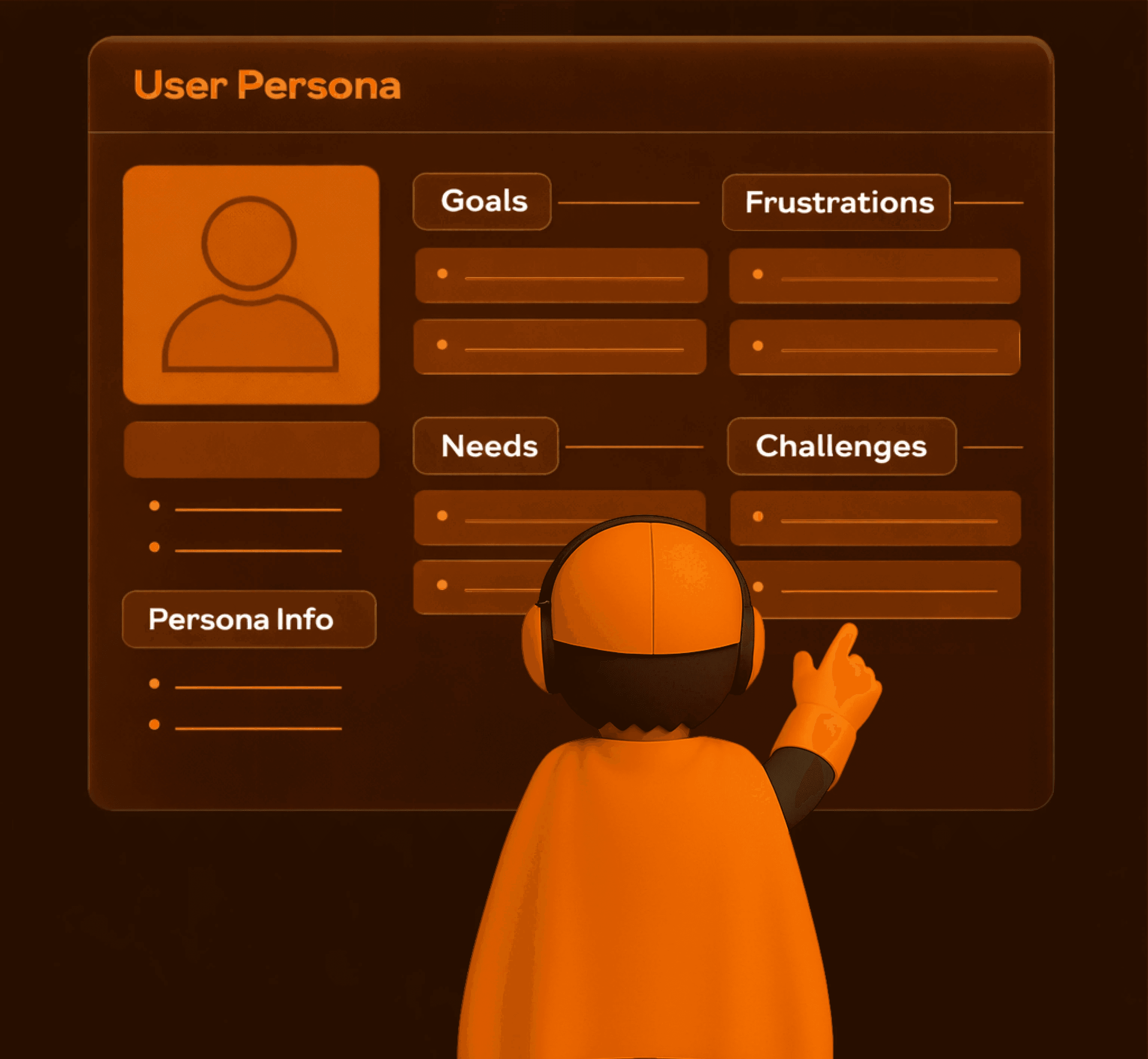
A user persona is a structured representation of a specific user type based on real research, behaviors, and goals.
It helps product teams understand:
Who the user is
What they are trying to achieve
What challenges they face
How they interact with the system
In enterprise UX, personas are especially important because users often have role-based responsibilities such as QA, analysts, managers, or operators.
Why User Personas Matter in Enterprise Software
Unlike consumer apps, enterprise platforms:
Serve multiple roles
Involve complex workflows
Require high accuracy and compliance
Without personas, teams end up designing:
Generic interfaces
Cluttered workflows
Features that don’t align with real user needs
Personas ensure that each design decision maps to a real user context.
Step 1: Collect Real User Data
The foundation of every persona is real data, not assumptions.
Methods to Collect Data:
User interviews
Observational research
Product analytics
Surveys and feedback
The goal is to understand:
How users actually work
What problems they face daily
What tools they currently use
In enterprise environments, this step is crucial because workflows are often multi-layered and role-dependent.
Step 2: Identify Patterns and User Segments
Once data is collected, the next step is to identify patterns.
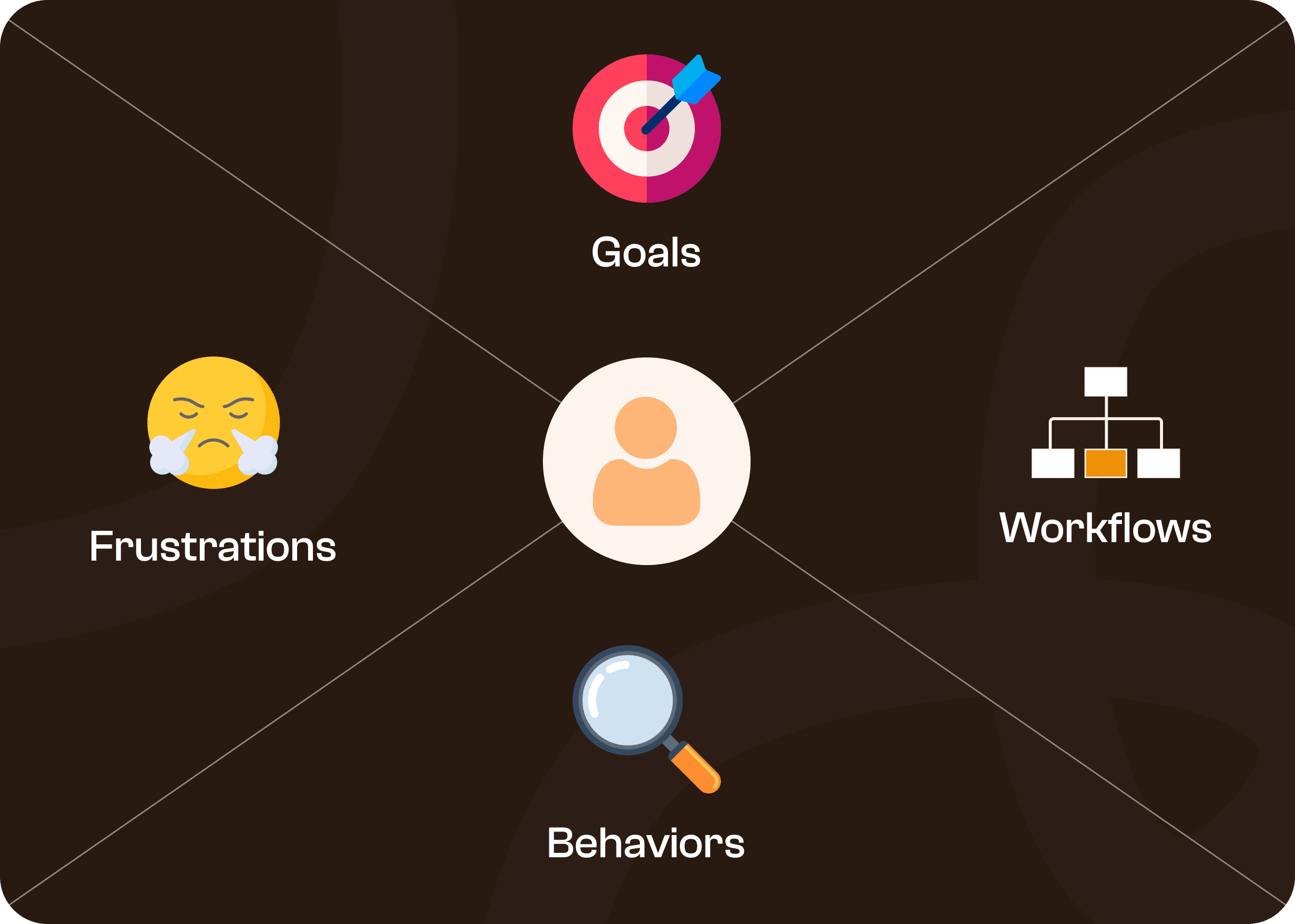
Look for similarities in:
Goals
Frustrations
Behaviours
Workflows
Group users who share similar characteristics.
For example:
QA Analyst
Production Manager
Data Analyst
Each group represents a distinct user persona.
This step transforms raw data into structured insights.
Step 3: Build the Persona Profile
Now convert insights into a clear and usable persona profile.
Each persona should include:
Name and role
Age and experience level
Key goals
Major frustrations
Behavioural traits
A short narrative or story
Example:
Rahul – QA Analyst
Goal: Ensure compliance and accuracy
Frustration: Repeated manual entries and unclear workflows
The persona should feel real and relatable, not generic.
Step 4: Validate and Refine the Persona
Personas are not static.
They must be validated against real-world usage.
Ask:
Does this persona reflect actual users?
Are the challenges accurate?
Do workflows align with reality?
If not, refine the persona with additional insights.
In enterprise UX, personas evolve as:
Workflows change
Systems scale
New roles are introduced
Common Mistakes While Creating User Personas
Many teams create personas, but they fail to make them actionable.
1. Assumption-Based Personas
Creating personas without real research leads to inaccurate design decisions.
2. Overly Generic Personas
Example: “User: Admin, wants efficiency”
This lacks depth and is not useful for design.
3. Not Using Personas in Design
Personas are often created but never referenced during:
Wireframing
Feature planning
UX decisions
This defeats their purpose.
How User Personas Improve UX Outcomes
When used correctly, personas help:
Design role-based workflows
Reduce cognitive load
Improve feature discoverability
Align UX with business goals
For enterprise products, this directly impacts:
Design role-based workflows
Adoption rates
Efficiency
Training requirements
Applying Personas in Real Projects
At Upslide Design Studio, personas are not treated as documents.
They are used to:
Map workflows
Define user journeys
Structure navigation
Design role-specific interfaces
This ensures that complex systems become predictable and easier to use.
Final Thoughts
Creating user personas is not just a UX exercise.
It is a strategic step in building usable, scalable, and efficient software systems.
Without personas, teams design for “users” in general.
With personas, teams design for real people with real problems.




