
Why UX Designers Are Using ChatGPT
UX design involves a lot more than creating screens.
Designers spend time:
Understanding users
Defining problems
Mapping workflows
Writing UX copy
Creating documentation
Structuring research findings
Many of these tasks require significant time and effort.
ChatGPT helps accelerate these activities by acting as a thinking partner.
Benefits include:
Faster ideation
Better documentation
Improved brainstorming
Quicker research synthesis
Reduced repetitive work
However, the quality of the output depends entirely on the quality of the input.
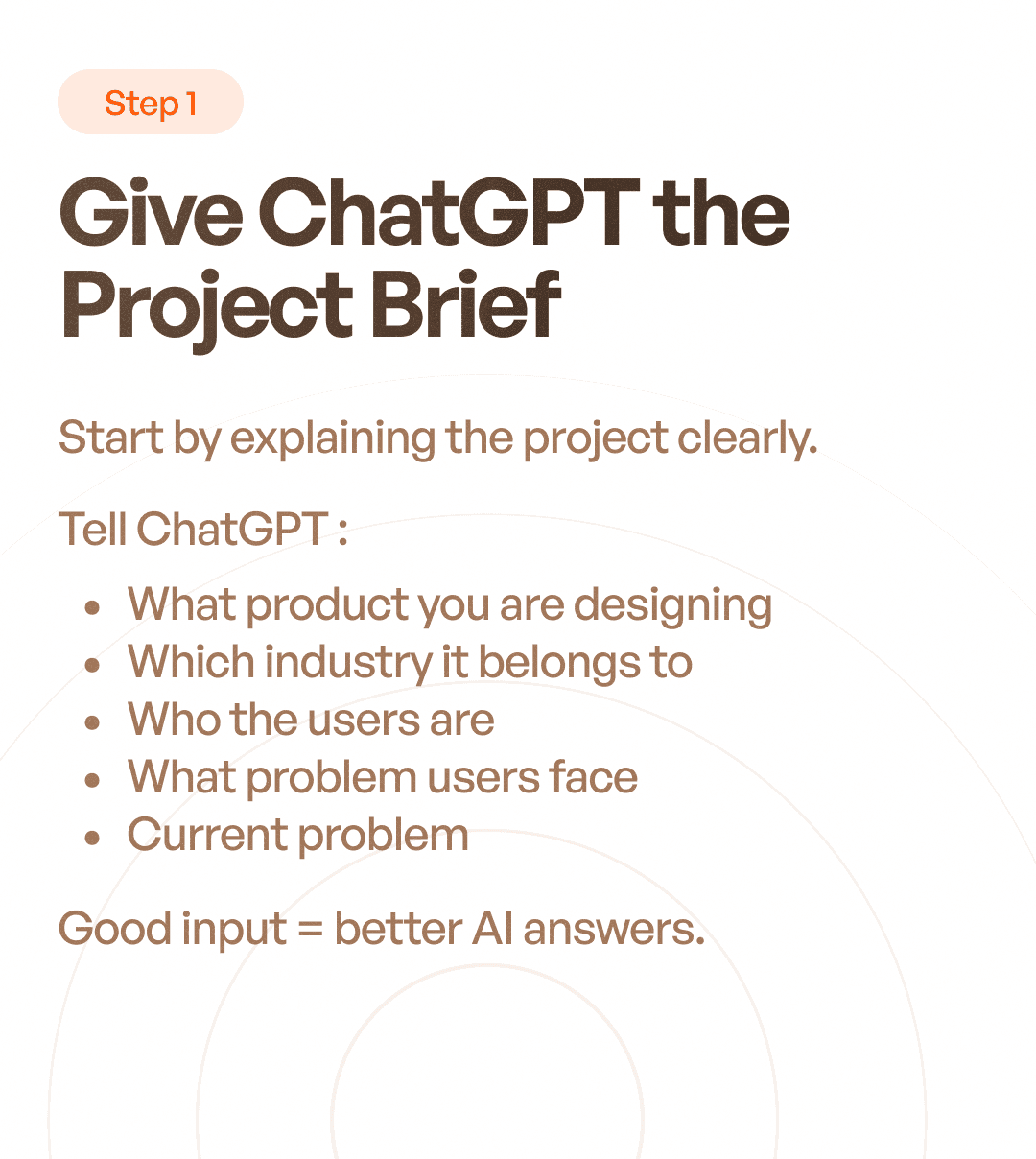
Step 1: Give ChatGPT a Clear Project Brief
The first step is providing context.
Most poor AI outputs come from vague prompts.
Instead of asking:
"Help me design an app."
Provide detailed information.
Include:
Product name
Industry
Target users
Business goals
User challenges
Existing problems
Key workflows
Example Prompt
"I am designing a procurement management platform for manufacturing companies. Users include procurement executives, managers, and vendors. The current challenge is that purchase requests and approvals are managed through emails and spreadsheets."
The more context you provide, the more relevant the responses become.
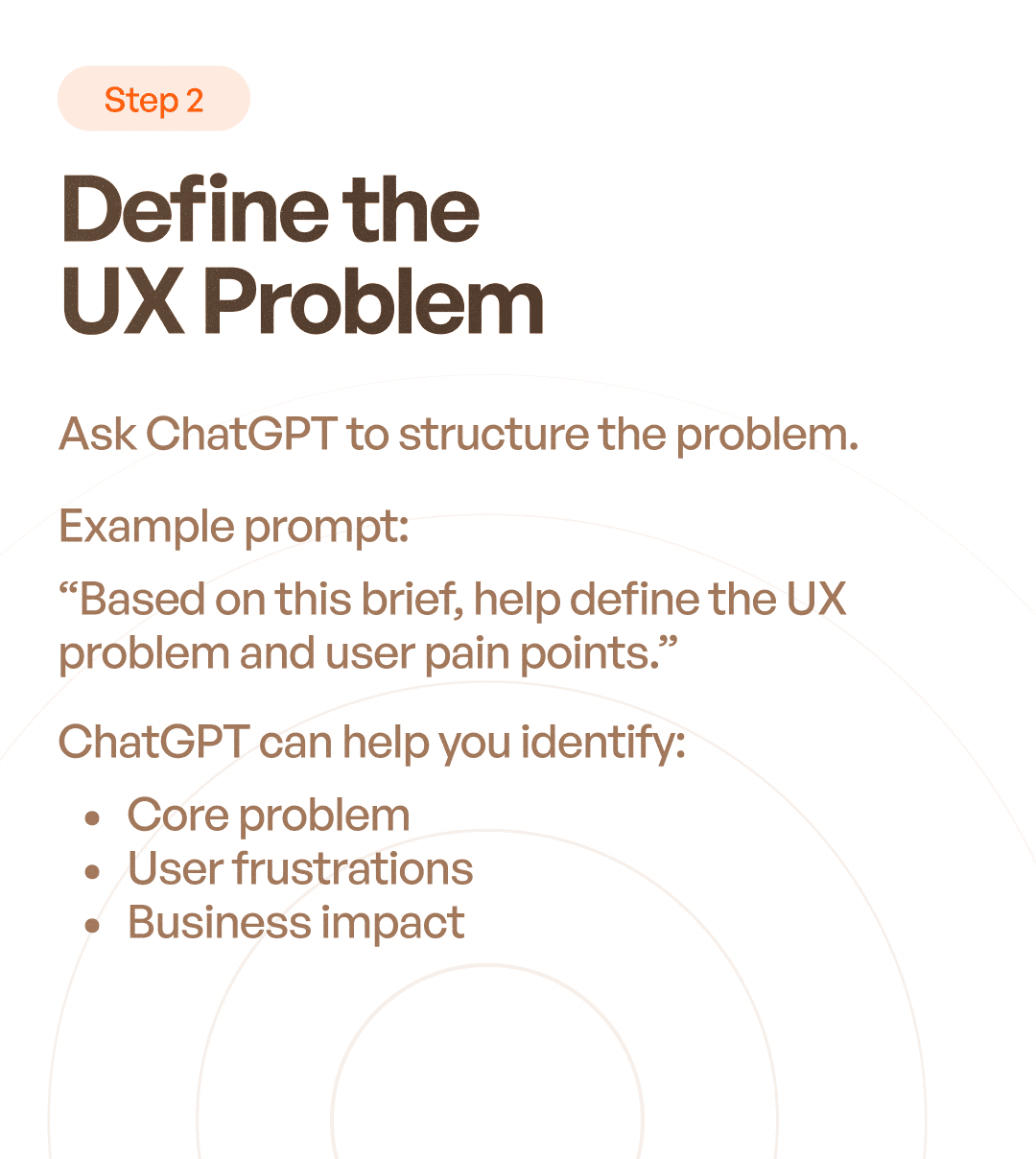
Step 2: Define the UX Problem
Before creating solutions, designers must understand the problem.
This is where ChatGPT can help structure thinking.
Ask ChatGPT To:
Identify pain points
Summarize user frustrations
Highlight business challenges
Find workflow inefficiencies
Example Prompt
"Based on this project brief, help identify the major UX problems users may face."
The goal is not to accept every answer.
The goal is to uncover potential issues that deserve investigation.
Benefits
You can quickly generate:
Problem statements
Opportunity areas
UX hypotheses
Research questions
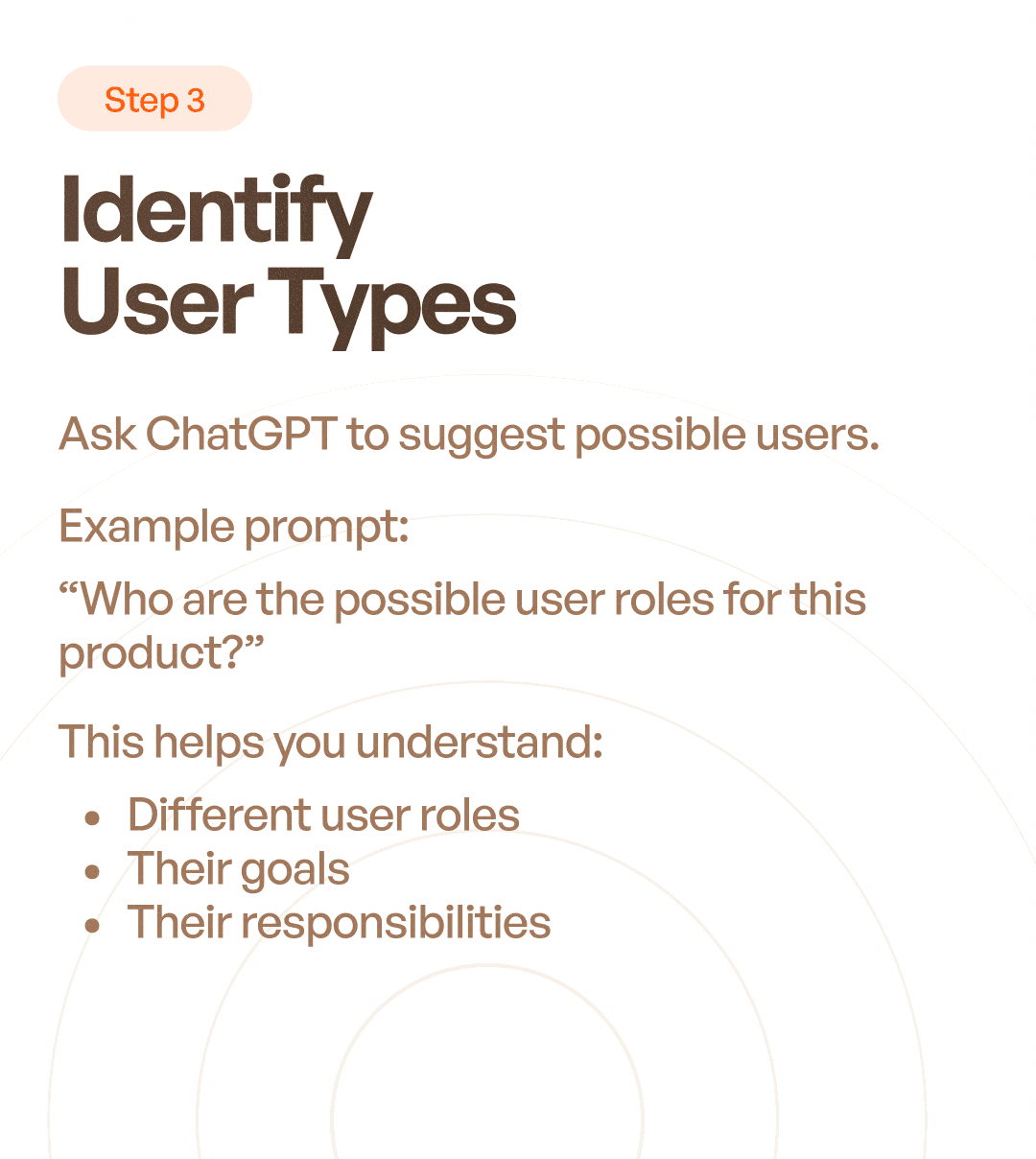
Step 3: Identify User Types
Every product serves different users.
ChatGPT can help generate initial user categories before formal research begins.
Example Prompt
"Who are the possible user roles for this procurement management platform?"
Potential outputs may include:
Procurement Executive
Procurement Manager
Vendor
Finance Team
Administrator
Why This Matters
Different users have:
Different goals
Different permissions
Different frustrations
Different workflows
Understanding these differences is essential for creating effective experiences.
Step 4: Generate User Scenarios
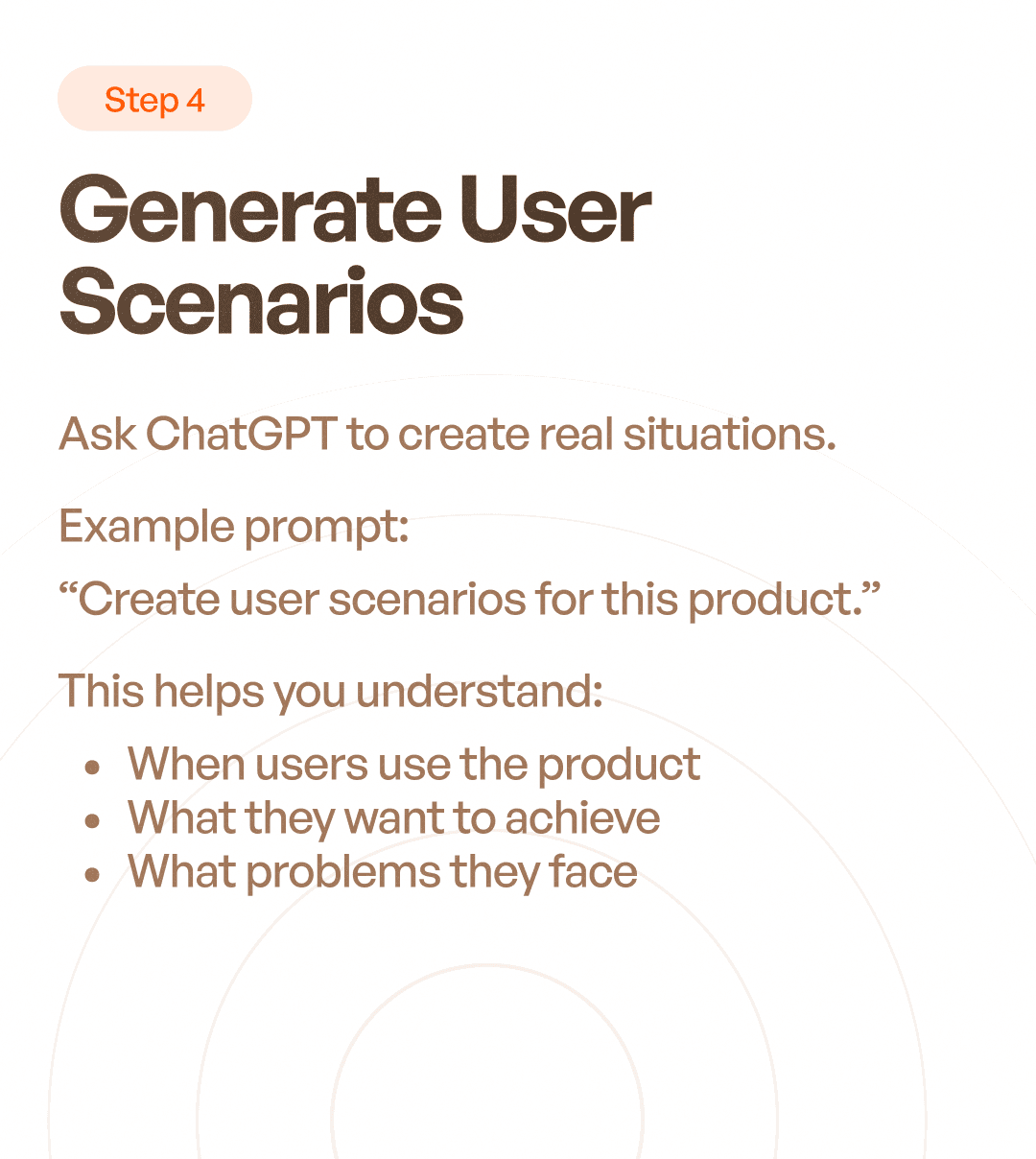
User scenarios help designers understand how users interact with a product in real-life situations.
Example Prompt
"Generate realistic user scenarios for a procurement executive using this platform."
ChatGPT can help uncover:
User motivations
Context of use
Desired outcomes
Potential obstacles
Example Scenario
A procurement executive receives an urgent purchase request and needs to identify vendors, collect quotations, compare pricing, and generate a purchase order before the end of the day.
This creates a realistic foundation for future design decisions.
Step 5: Map User Flows
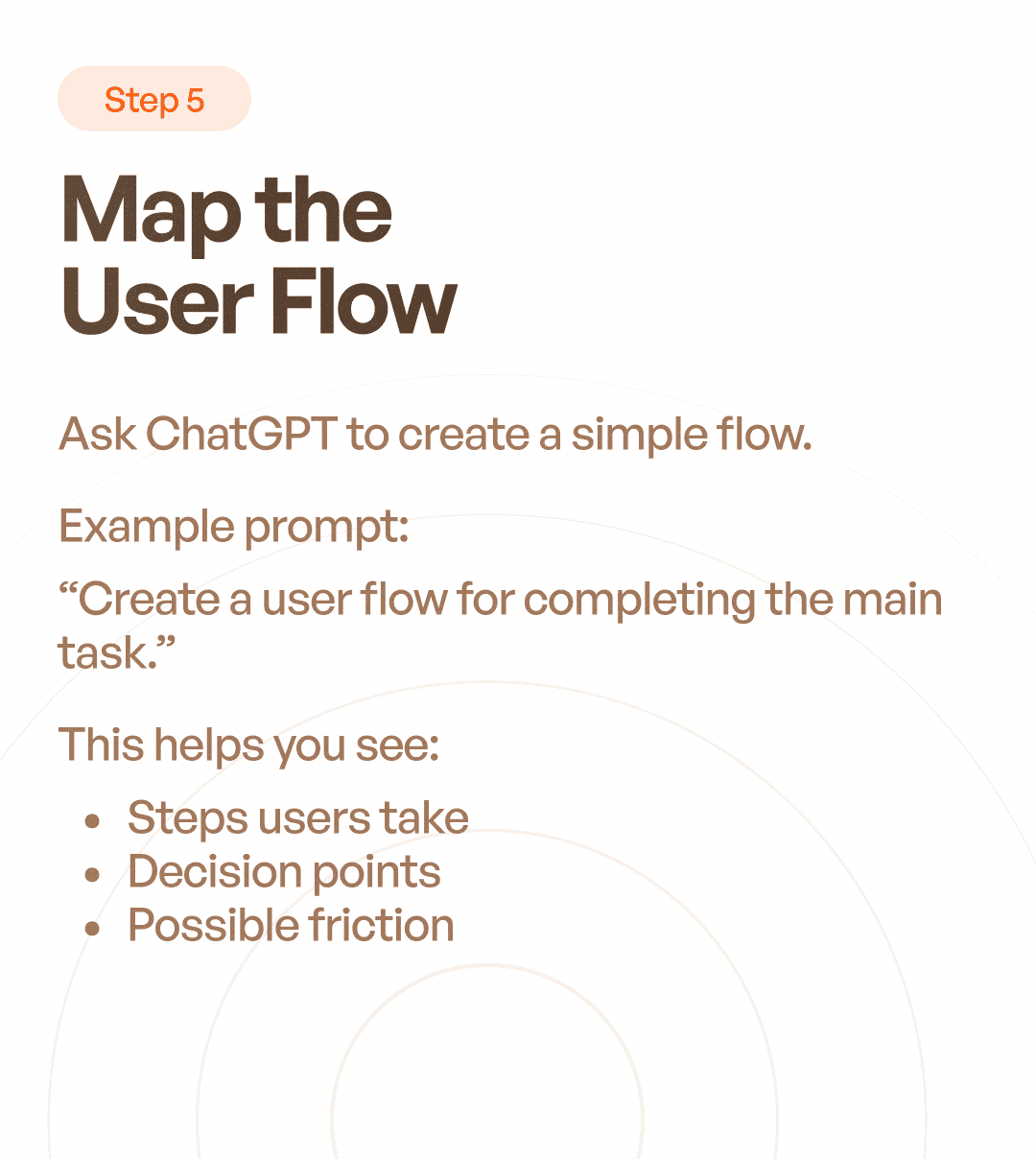
Once users and scenarios are identified, designers can begin mapping workflows.
ChatGPT can help structure these flows.
Example Prompt
"Create a user flow for generating and approving a purchase order."
Potential flow:
Create Purchase Request
Submit for Approval
Manager Reviews Request
Request Approved
Vendor Selection
Quotation Comparison
Purchase Order Creation
Final Approval
Purchase Order Issued
Why It Helps
User flows reveal:
Decision points
Dependencies
Bottlenecks
Missing steps
Edge cases
This allows designers to identify problems before creating screens.
Other Ways UX Designers Use ChatGPT
Beyond user flows and research, ChatGPT can assist with many UX activities.
UX Research Planning
Generate:
Interview questions
Survey questions
Research frameworks
Information Architecture
Organize:
Navigation structures
Feature grouping
Content categorization
UX Writing
Generate:
Button labels
Error messages
Empty states
Onboarding content
Documentation
Create:
User stories
Requirement documents
Acceptance criteria
Workshop summaries
Competitive Analysis
Analyze:
Product strengths
Feature comparisons
Industry patterns
What ChatGPT Cannot Replace
Despite its usefulness, ChatGPT has major limitations.
It does not:
Understand Real Users
It predicts likely answers.
It does not observe real behavior.
Conduct User Research
AI cannot replace:
Interviews
Usability testing
Field studies
Observation
Understand Business Context Completely
Every company has:
Internal politics
Regulatory requirements
Technical constraints
Industry-specific challenges
These require human understanding.
Make Strategic Decisions
UX decisions often involve balancing:
User needs
Business goals
Technical feasibility
AI can suggest options.
Humans make the final decision.
Common Mistakes Designers Make With ChatGPT
Using Generic Prompts
Poor inputs produce generic outputs.
Accepting Answers Without Validation
AI responses should always be reviewed critically.
Skipping Research
AI should support research, not replace it.
Designing Entire Products Through AI
Great products require human insight, judgment, and domain expertise.
The Future of UX Design and AI
Many designers worry that AI will replace UX professionals.
The reality is more nuanced.
AI is excellent at:
Speed
Pattern generation
Content creation
Documentation
Humans remain essential for:
Problem framing
Strategy
User empathy
Systems thinking
Decision making
The role of designers is evolving.
Designers who only create screens may struggle.
Designers who solve problems will become more valuable.
Final Thoughts
ChatGPT can be an incredibly powerful tool for UX designers.
When used correctly, it helps:
Organize thinking
Speed up research preparation
Generate ideas
Create documentation
Structure workflows
But AI should enhance UX thinking, not replace it.
The best results come when designers combine:
✅ AI assistance
✅ Real user research
✅ Business understanding
✅ Human empathy
Because great UX is not created by prompts alone.
It is created by understanding people, solving problems, and making thoughtful decisions.