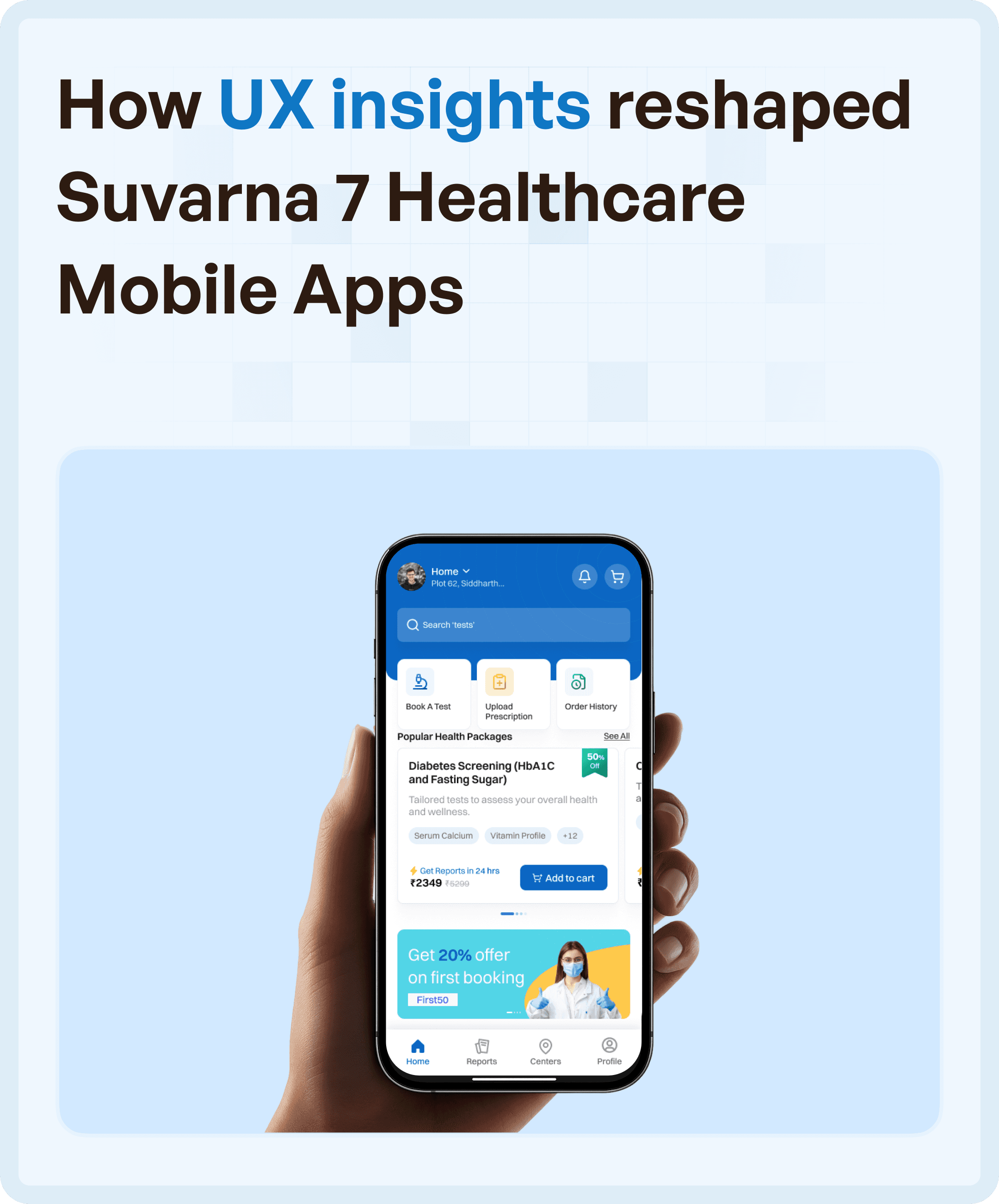

Why the Apps Struggled Despite Having the Right Features
When we began analyzing the system, the issue was not a lack of functionality. The apps had all the required capabilities, but users struggled to navigate them effectively.
By observing real user behavior across different roles, it became clear that confusion occurred at multiple stages. Tasks felt disconnected, transitions were unclear, and users often had to rely on guesswork. This led to slower task completion, increased cognitive load, and inconsistent usage patterns. Over time, users stopped relying on the system altogether.
This is a common pattern in multi-app ecosystems—where each app works in isolation, but the overall experience breaks down.
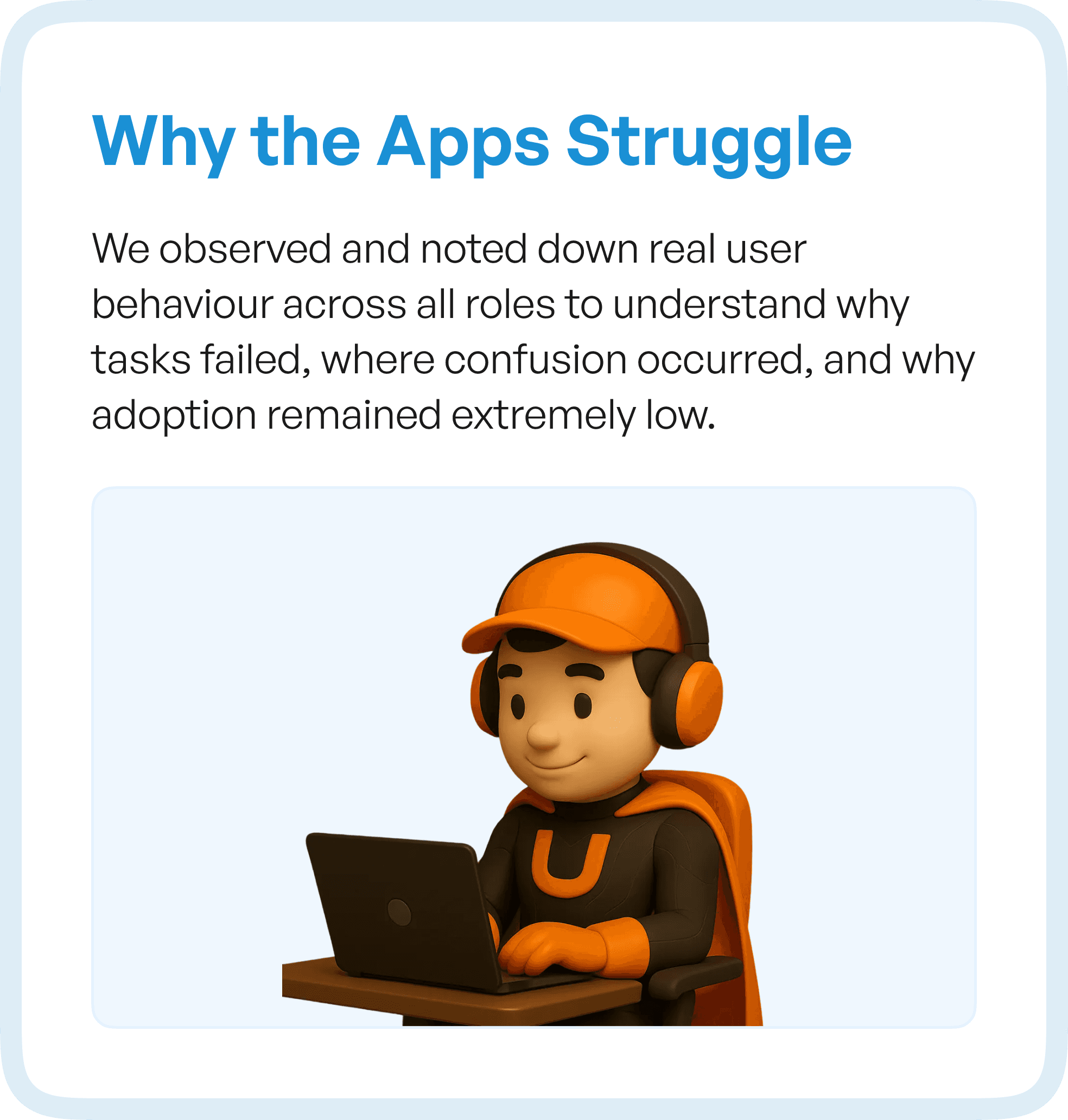
The Approach: Designing Across Systems, Not Screens
Instead of redesigning individual screens, we focused on understanding the system as a whole. The goal was to identify how users moved across apps, roles, and stages.
We mapped user flows across the entire ecosystem and conducted detailed journey mapping to uncover friction points. These insights were used to restructure workflows through wireframes, followed by building a unified design system and standardizing UI patterns across all applications.
This ensured that improvements were not isolated, but applied across the entire experience.
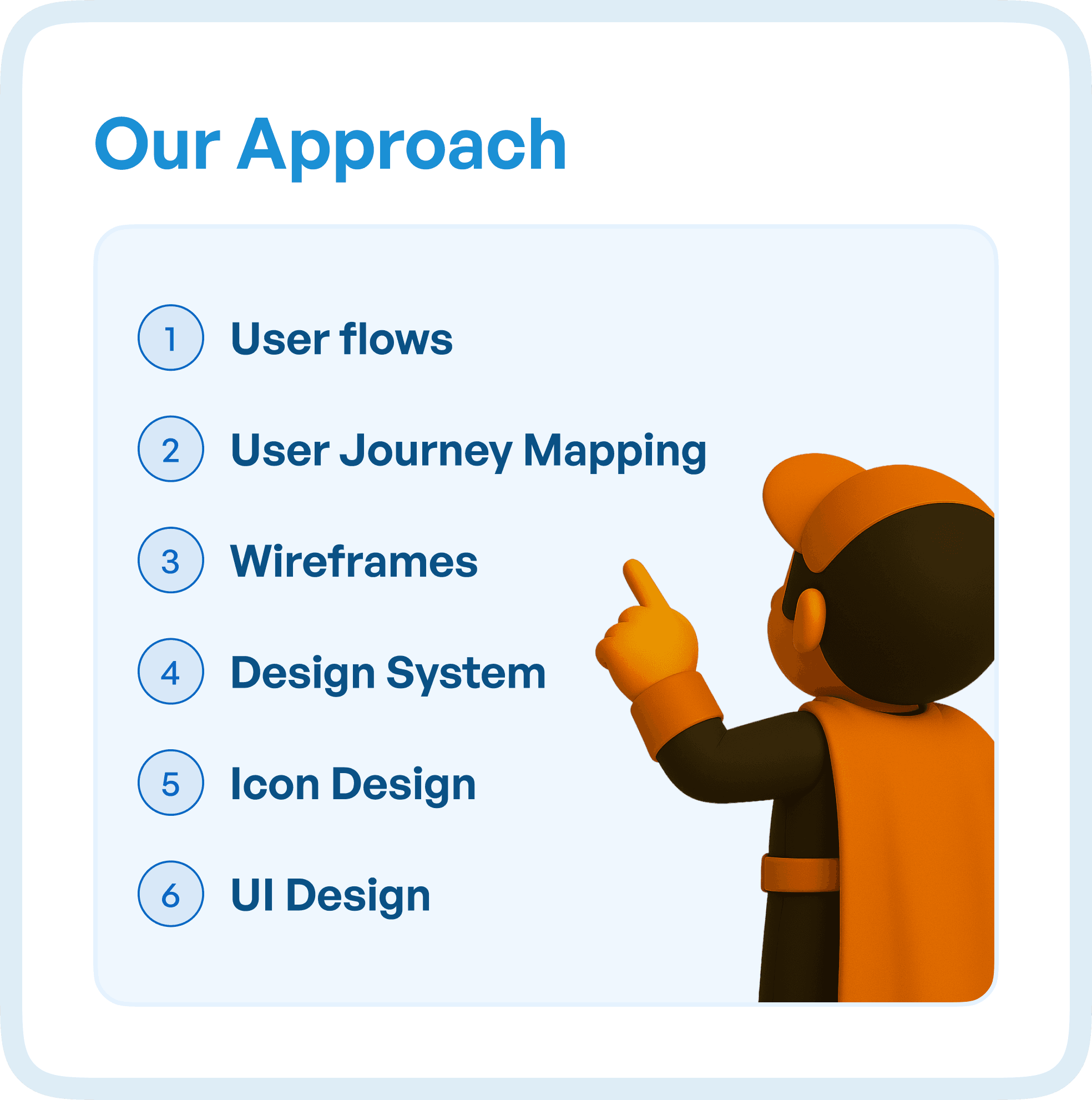
What the Flow Audit Revealed
Creating detailed visual user flows helped uncover issues that were not visible at a screen level.
As we mapped every step and interaction, patterns of friction became clear.
Users were encountering repetitive steps across different apps, increasing effort unnecessarily. Several screens existed without a clear purpose, making navigation confusing.
Hidden decision points — where users had to stop and think — were identified through step-by-step mapping. There were also clear gaps between expected user behavior and actual user actions.
Perhaps most importantly, inconsistencies across roles and tasks made the system unpredictable.
These insights highlighted a critical issue:
The system was not guiding users.
Users were trying to figure out the system.
What Journey Mapping Revealed Across Roles
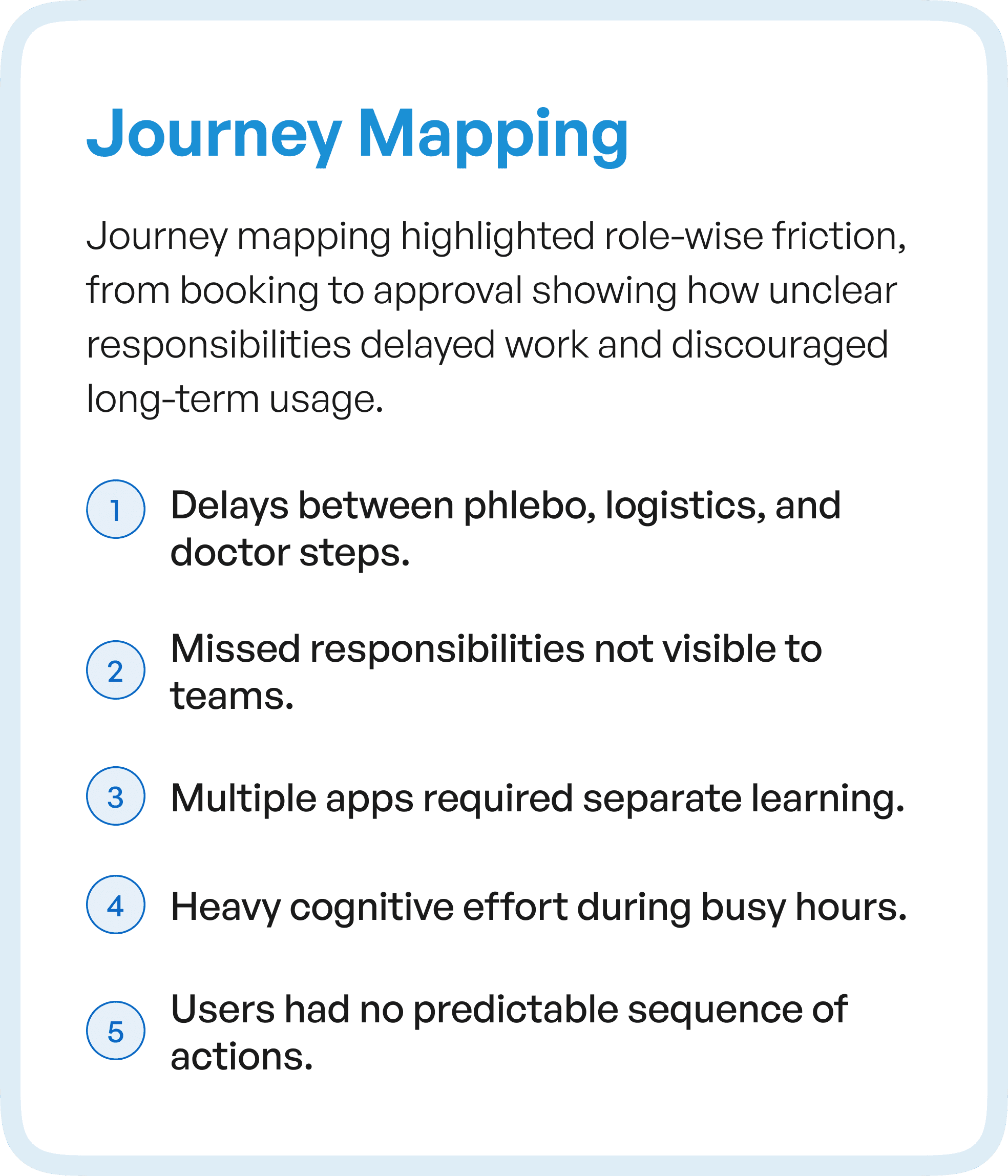
When we expanded the analysis into journey mapping, the problem became even more evident.
Different roles — such as phlebotomists, logistics teams, and doctors — experienced delays and confusion at handoff points.
Responsibilities were not clearly visible, leading to missed actions and inefficiencies. Each app required separate learning, increasing onboarding time and reducing overall usability.
During high-pressure situations, this created heavy cognitive load.
Users did not have a predictable sequence of actions.
And without predictability, systems become difficult to trust.
From Insights to Structured Wireframes
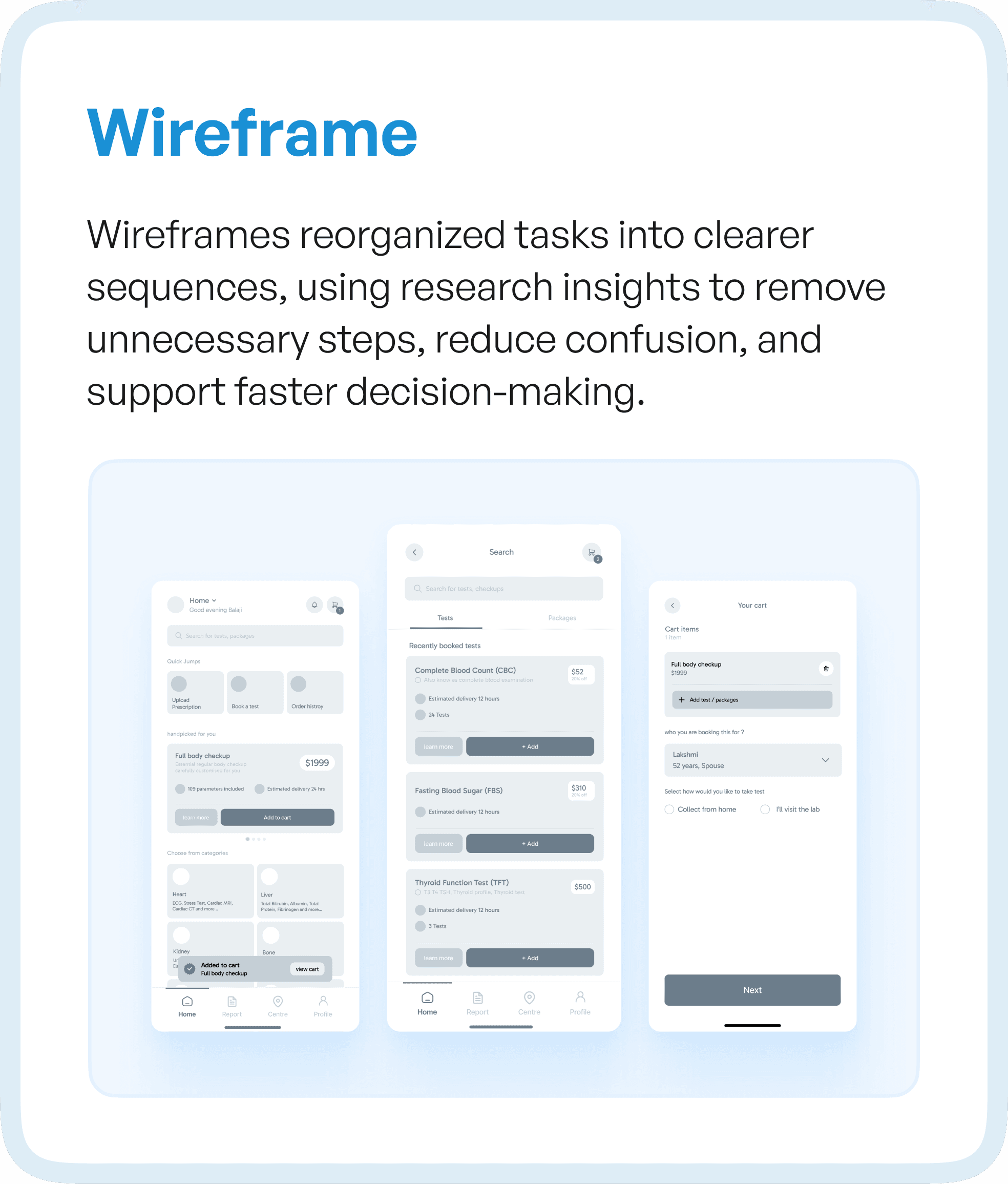
With these insights, the focus shifted to restructuring workflows.
Wireframes were designed to create clear, connected sequences of actions rather than isolated screens.
Unnecessary steps were removed. Decision points were clarified. The system began to guide users through tasks instead of forcing them to interpret the process.
This resulted in:
Faster decision-making
Reduced confusion
Smoother task progression
The experience became more predictable — a key requirement in healthcare systems.
Building a Unified Design System
One of the biggest challenges in multi-app ecosystems is inconsistency.
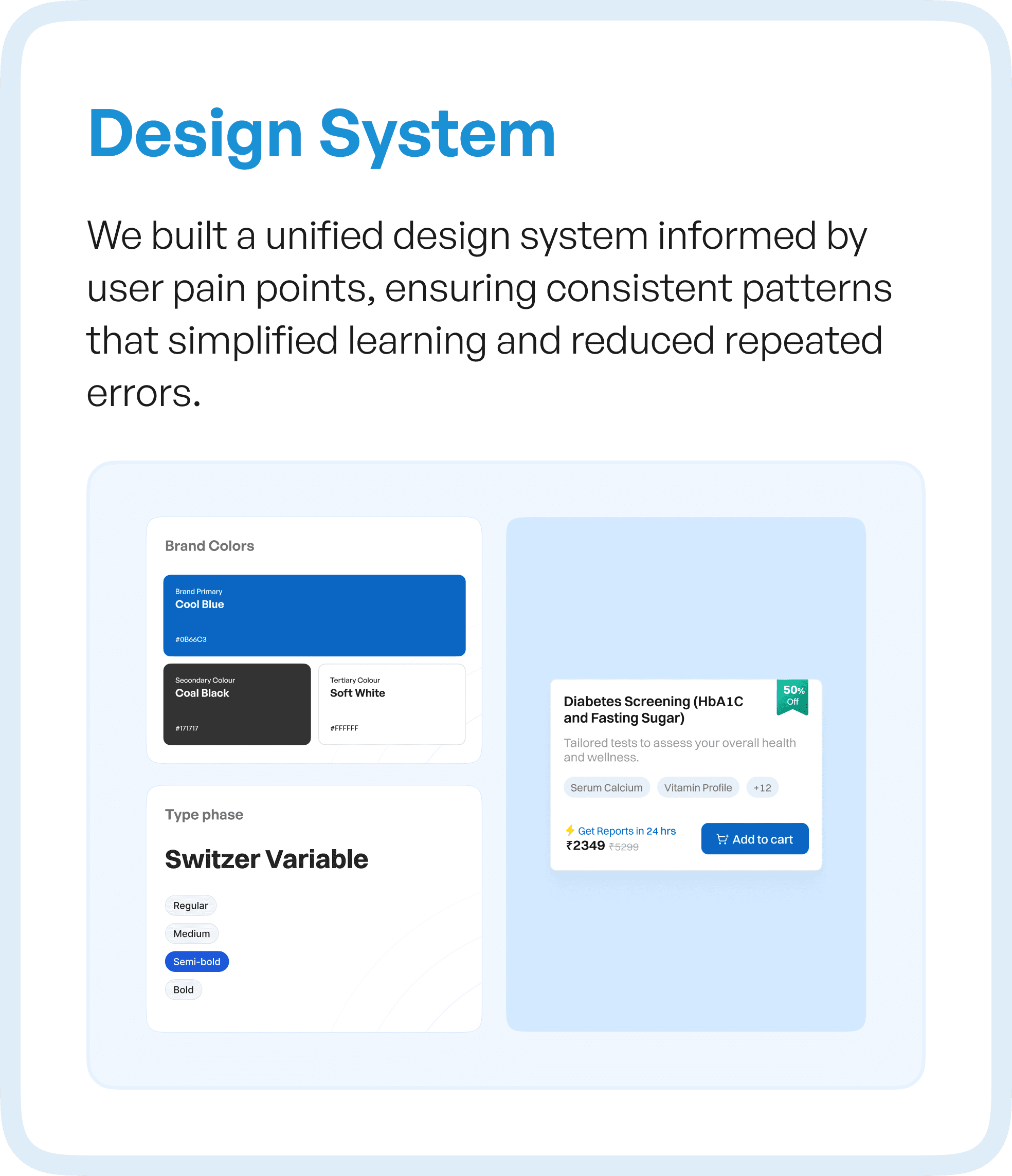
To address this, we developed a unified design system based on user insights.
This ensured that patterns, components, and interactions remained consistent across all applications.
The design system helped:
Simplify learning across apps
Reduce repeated errors
Create a familiar interaction model
Consistency allowed users to transfer knowledge from one part of the system to another, improving overall efficiency.
Icons Designed for Clarity, Not Decoration
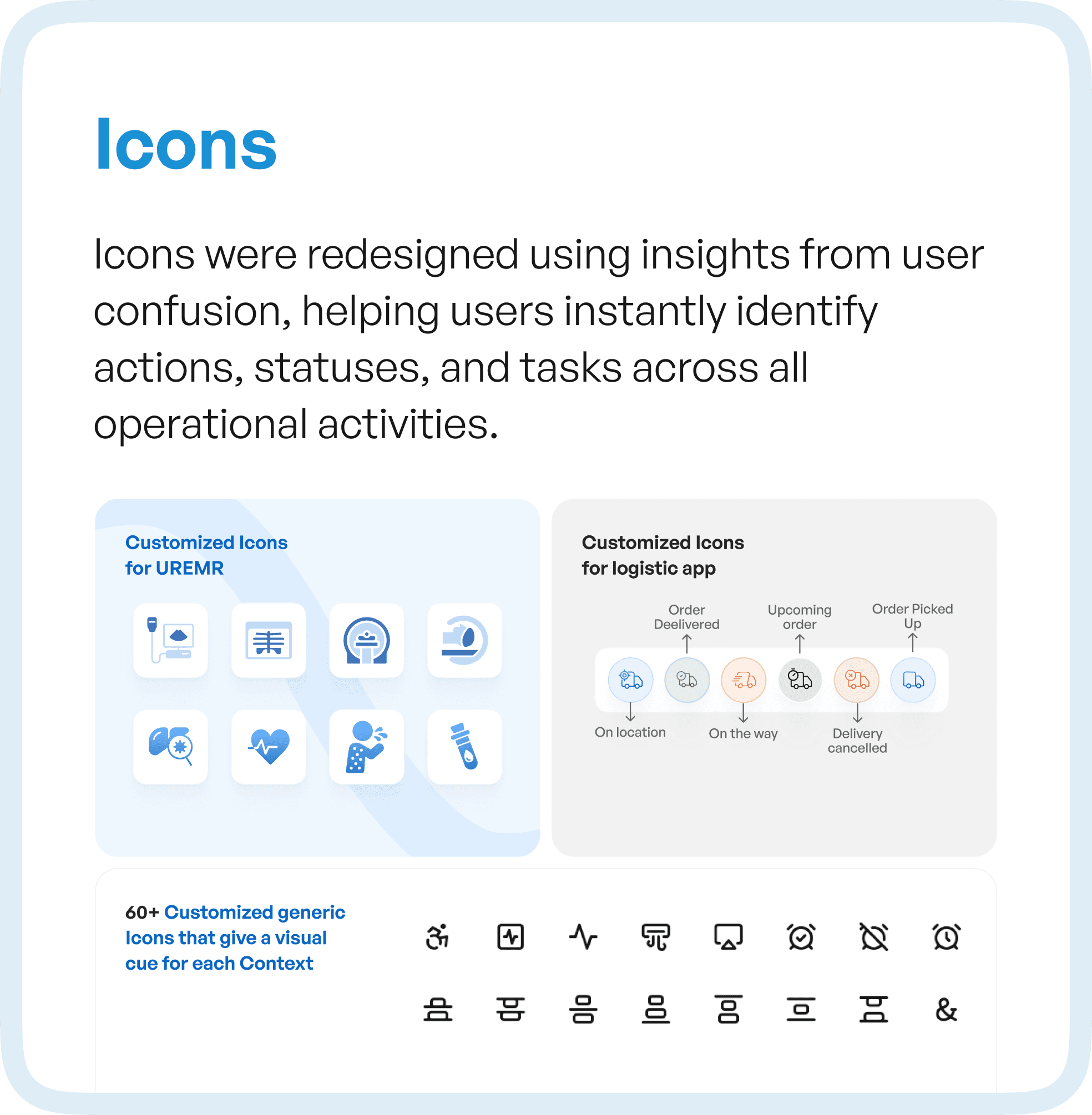
Icons were redesigned based on real user confusion points.
Instead of generic visuals, each icon was created to clearly represent actions, statuses, and tasks within the healthcare workflow.
This reduced reliance on text and allowed users to identify actions quickly, even in fast-paced environments.
The focus was not on aesthetics, but on instant recognition and usability.
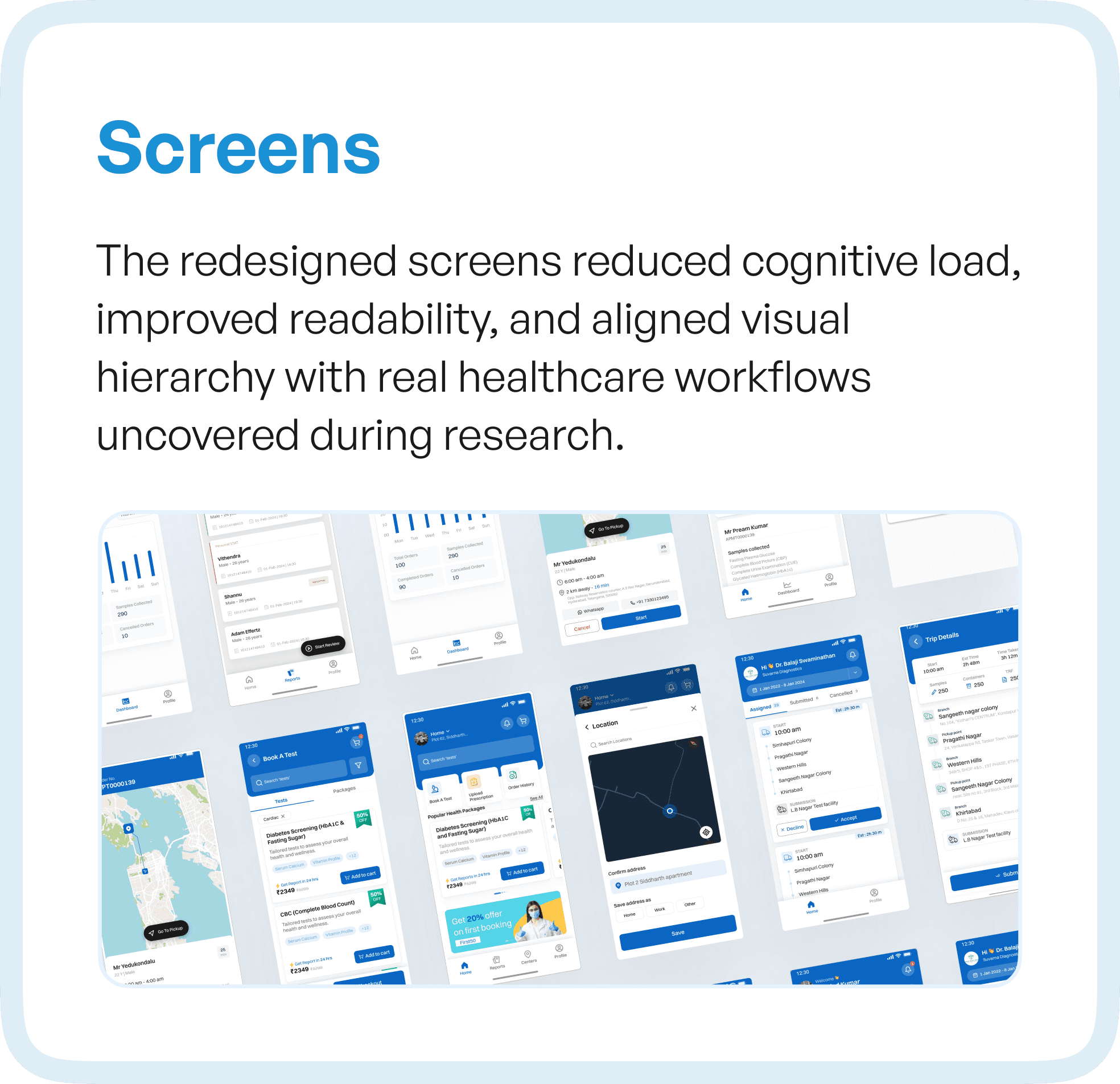
Refining Screens for Real-World Usage
The final interface was designed to align with real healthcare workflows.
Visual hierarchy was improved to highlight important information. Cognitive load was reduced by simplifying layouts and removing unnecessary elements.
Readability was enhanced to support quick scanning during busy hours.
Every screen was designed with a single objective:
Help users act faster, with less effort.
The Result: From Fragmented Apps to a Connected Experience
The redesigned Suvarna healthcare apps transformed how users interacted with the system.
Instead of navigating multiple disconnected applications, users experienced a cohesive, guided workflow.
Tasks became clearer. Transitions became smoother. Collaboration across roles improved significantly.
Most importantly, adoption increased — because the system finally aligned with how users actually work.
Why This Matters for Healthcare and Enterprise Systems
This case reflects a broader challenge in enterprise systems. When products are built in silos, workflows break, users get confused, and adoption drops.
The solution is not redesigning individual screens, but designing the system as a connected experience. Users do not think in terms of apps or modules—they think in terms of tasks and outcomes.
Final Thought
In complex environments like healthcare, the challenge is not building features.
It is connecting them.
When systems are fragmented, users struggle.
When systems are connected, users succeed.
Because ultimately, UX is not about designing apps.
It is about designing how work gets done.