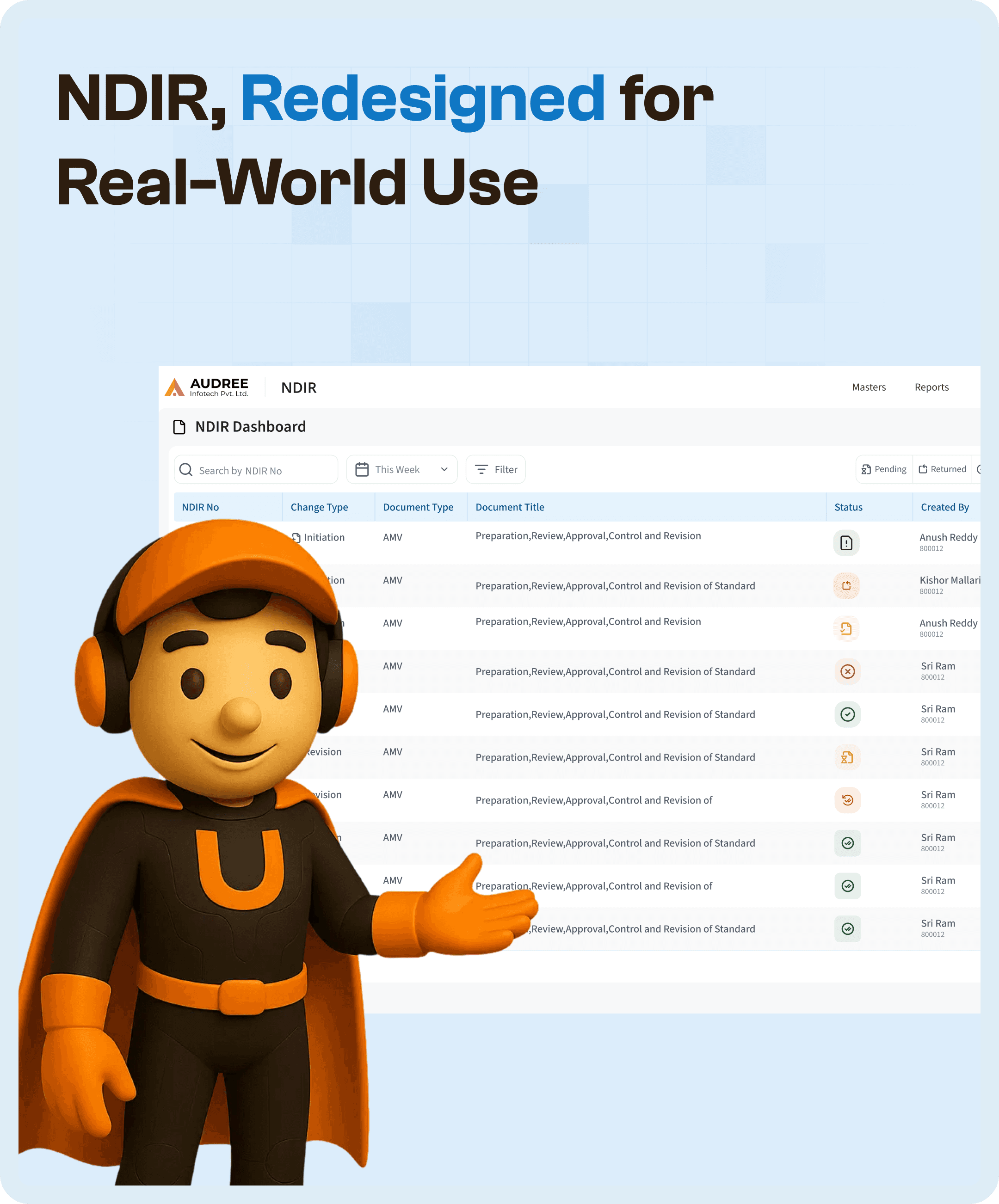

Introduction: Why NDIR UX Design Is Critical in Pharma Systems
NDIR systems play a critical role in pharmaceutical organizations. They manage drug registration workflows, documentation, approvals, compliance tracking, and coordination across multiple stakeholders.
However, as these systems evolve, they often become increasingly complex.
New modules are added. Processes expand. Regulatory requirements grow.
Over time, this leads to a system that is functionally complete but operationally inefficient.
In most cases, the problem is not the system’s capability.
It is the lack of structured UX design in the NDIR workflow.
When workflows are not aligned with real user behavior, users are forced to navigate complexity instead of completing tasks efficiently.
This is where NDIR UX redesign becomes essential.
The Problem: Scattered Navigation Across Multiple Modules
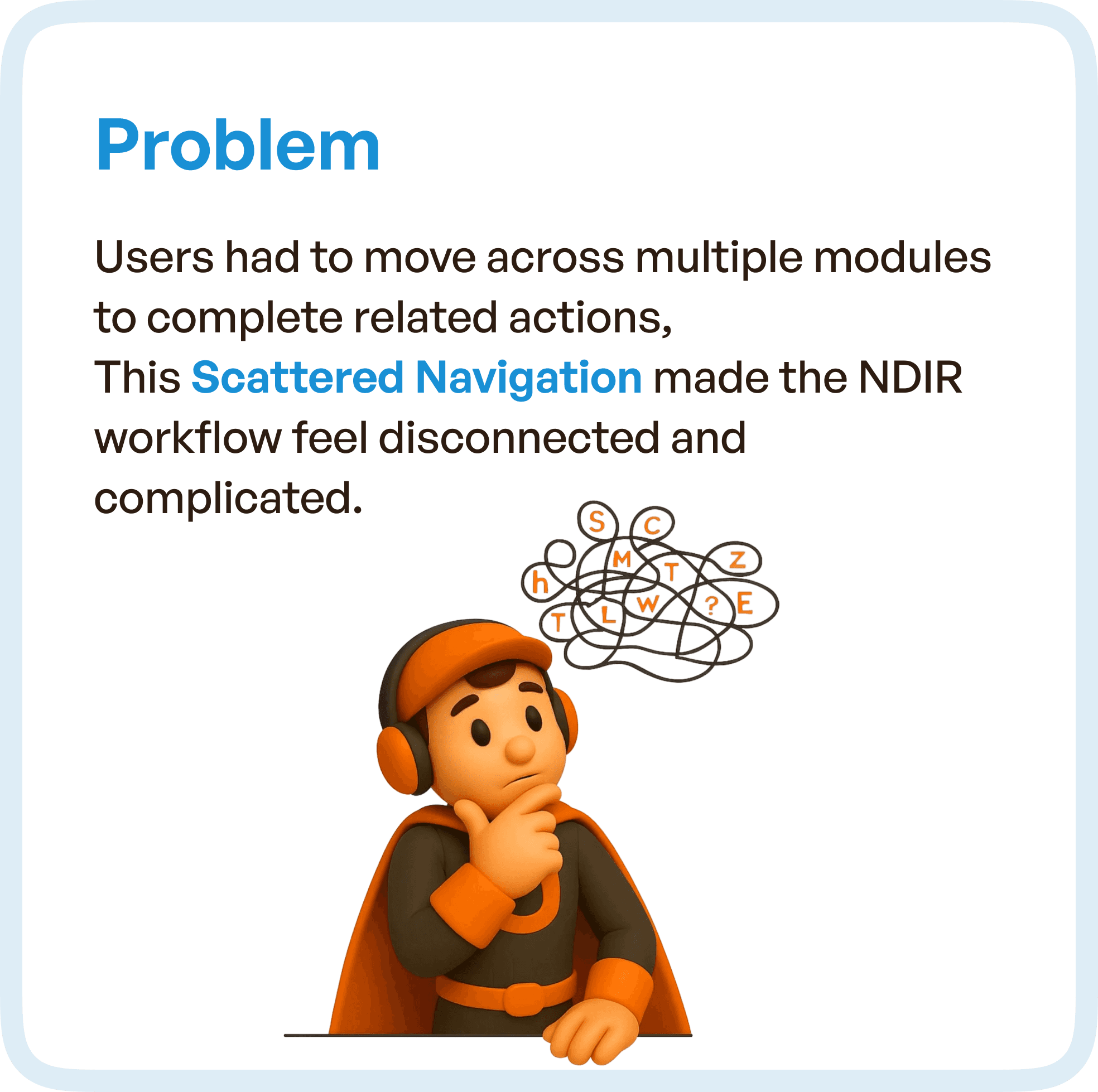
The existing NDIR system required users to move across multiple modules to complete related actions.
Each stage of the drug registration process existed in isolation, forcing users to manually connect the workflow.
This resulted in what can be defined as scattered navigation, a common issue in enterprise and pharma software UX.
Users were not moving through a process.
They were navigating a system.
This created several challenges.
Users struggled to understand where they were in the workflow. They had to switch between screens to gather context. Important information was distributed across modules, making decision-making slower.
More importantly, the system did not guide users.
It required users to figure out the workflow on their own.
This significantly increased cognitive load and reduced efficiency.
Core Issue: When Systems Are Built Around Modules Instead of Workflows
Through UX analysis, the root cause became clear.
The NDIR system was structured around modules rather than workflows.
Each module performed a function, but there was no unified lifecycle connecting them.
This meant:
Users had to constantly switch between modules
There was no clear progression from one stage to another
Visibility of the overall process was limited
In complex systems like NDIR, this is a critical flaw.
Because users do not think in modules.
They think in terms of completing a process.
Without a clear lifecycle, even simple tasks feel complex.
The Solution: Introducing a Guided NDIR Lifecycle
The redesign focused on one key principle:
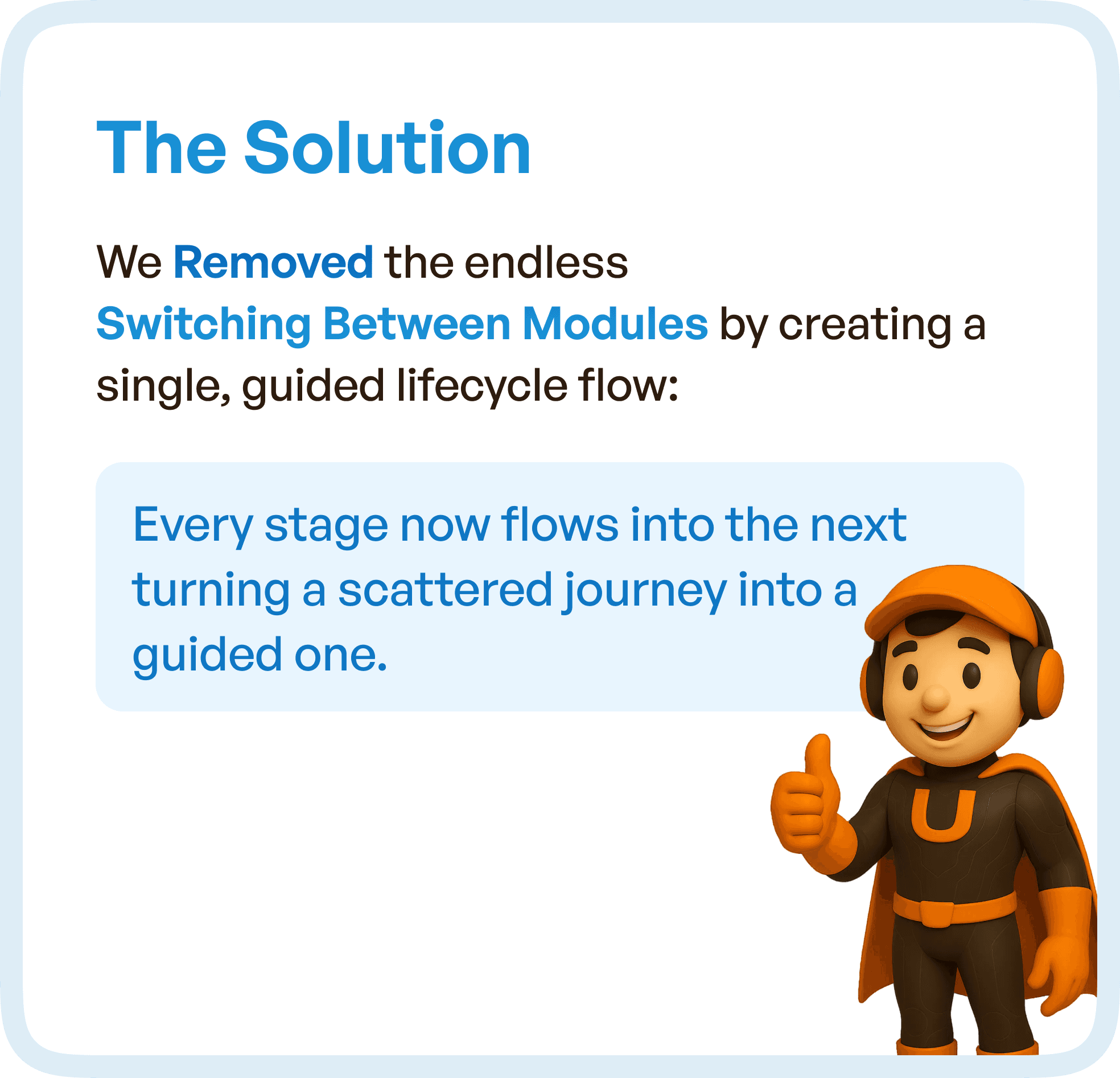
Create a single, guided lifecycle that connects all stages of the workflow.
Instead of forcing users to navigate multiple modules, the system was restructured into a continuous flow.
Each stage now leads directly to the next.
This eliminated the need for constant switching between screens and created a predictable workflow.
The transformation was not visual.
It was structural.
The system shifted from a fragmented experience to a guided one.
This approach ensured that users always knew:
Their current stage
What action was required
What comes next
This clarity significantly improved usability.
Visual Redesign: From Modules to a Tab-Based Workflow System
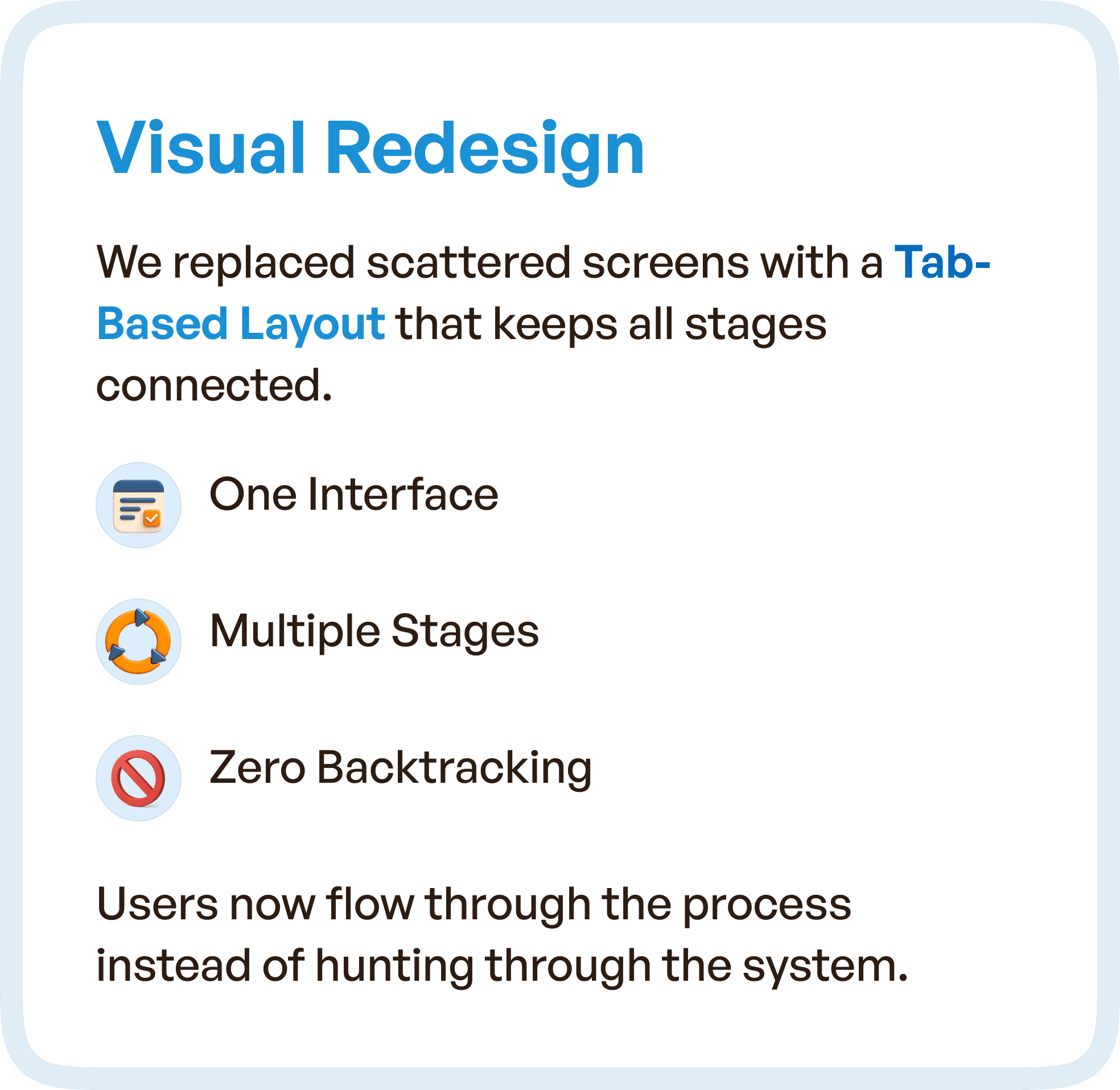
To support the new lifecycle, the interface was redesigned using a tab-based layout.
Instead of separate modules, all stages of the workflow were connected within a single interface.
This created a unified experience where users could move seamlessly across stages.
The tab-based structure ensured that:
Users stayed within one interface
All stages remained visible and accessible
Backtracking was minimized
This design approach is particularly effective in enterprise UX design, where workflows span multiple steps and roles.
By keeping everything connected, the system reduced navigation friction and improved flow.
Optimizing Inputs: Reducing Effort in Complex Forms
NDIR systems often involve heavy data entry, which can slow down workflows and increase the risk of errors.
To address this, the redesign focused on optimizing input mechanisms.
Instead of long, unstructured forms, the system introduced:
Smart fields that adapt to user input
Auto-filled data to reduce repetitive typing
Grouped inputs for better organization
Cleaner layouts for improved readability
These changes significantly reduced user effort.
More importantly, they minimized errors caused by manual input, which is critical in pharmaceutical systems.
This is a key aspect of pharma UX optimization, where accuracy and efficiency must go hand in hand.
Navigation That Supports Users, Not Slows Them Down
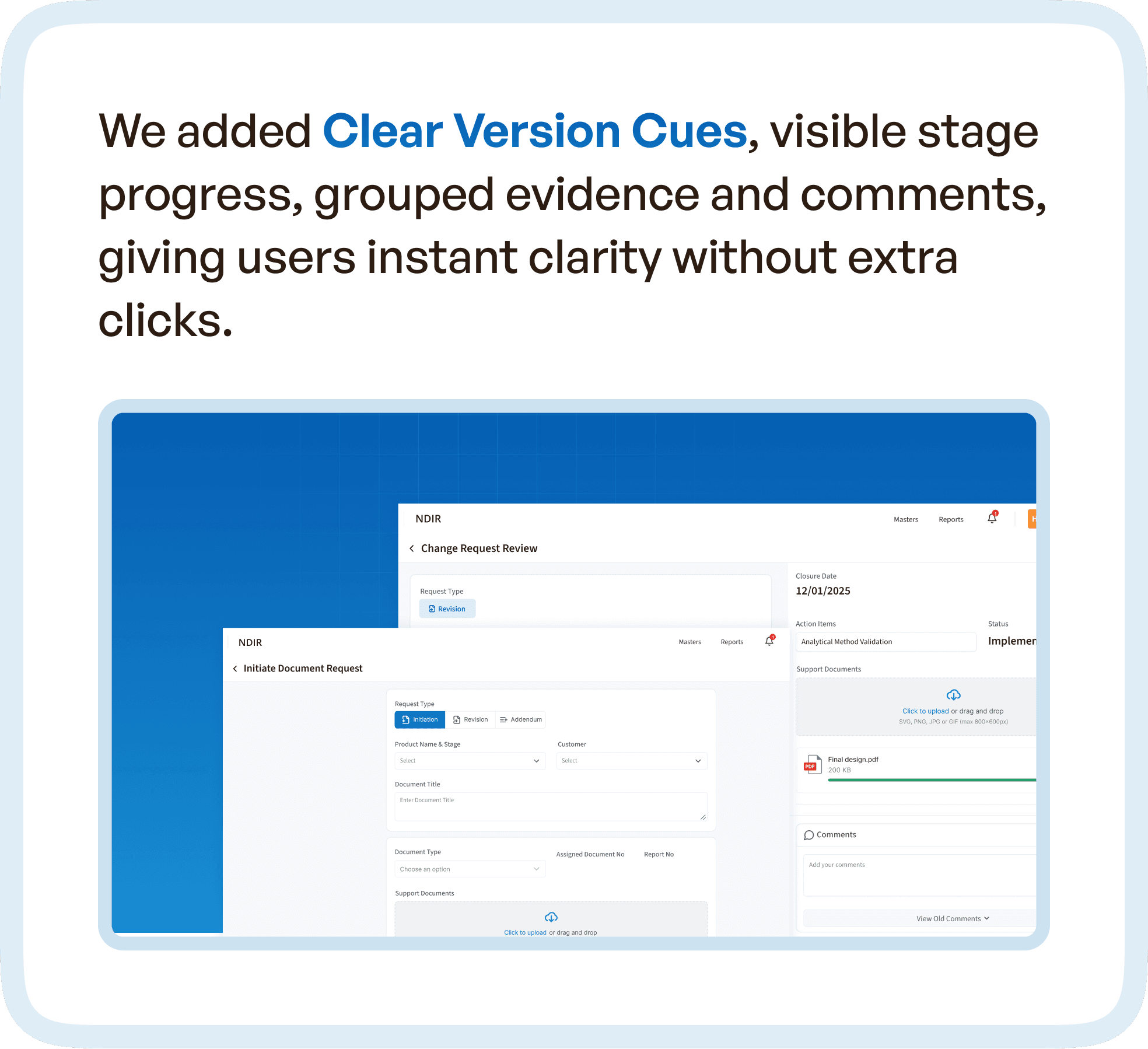
One of the most impactful improvements was the introduction of contextual navigation elements.
Users were given clear version cues, visible stage progress, and grouped evidence and comments.
This allowed them to instantly understand:
What has changed
What needs attention
What actions are required
Without navigating across multiple screens.
This shift reduced dependency on memory and manual tracking.
The system began providing answers instead of requiring users to search for them.
Notifications That Drive Action, Not Noise
In the original system, follow-ups and communication were often handled outside the platform.
This created delays and inefficiencies.
The redesigned system introduced clear, actionable notifications.
Approvers received updates that included:
Status changes
Comments and feedback
Required actions
This eliminated unnecessary back-and-forth communication.
Notifications became a tool for action rather than just information.
This is a critical improvement in enterprise UX design, where communication efficiency directly impacts workflow speed.

The Impact: From Confusion to Clarity
The redesigned NDIR system delivered measurable improvements in usability and efficiency.
Users no longer had to interpret the workflow.
They could follow it.
Navigation became intuitive. Task progression became predictable. Decision-making became faster.
The system reduced cognitive load and improved user confidence.
Most importantly, it aligned with how users actually work.
This is the ultimate goal of NDIR UX design.
Why NDIR UX Redesign Matters for Pharma Software
This case highlights a broader pattern seen across pharmaceutical and enterprise systems.
Complexity is not the problem.
Unstructured complexity is.
When workflows are scattered across modules, users struggle.
When workflows are structured into guided systems, users succeed.
NDIR systems, in particular, require:
Clear lifecycle design
Role-based workflows
Contextual visibility
Seamless navigation
Without these, even the most advanced systems fail to deliver value.
Final Thought
If your NDIR system requires constant switching, manual tracking, and external coordination…
The issue is not complexity.
The issue is structure.
Because in enterprise UX, clarity is not a feature.
It is the foundation.




