
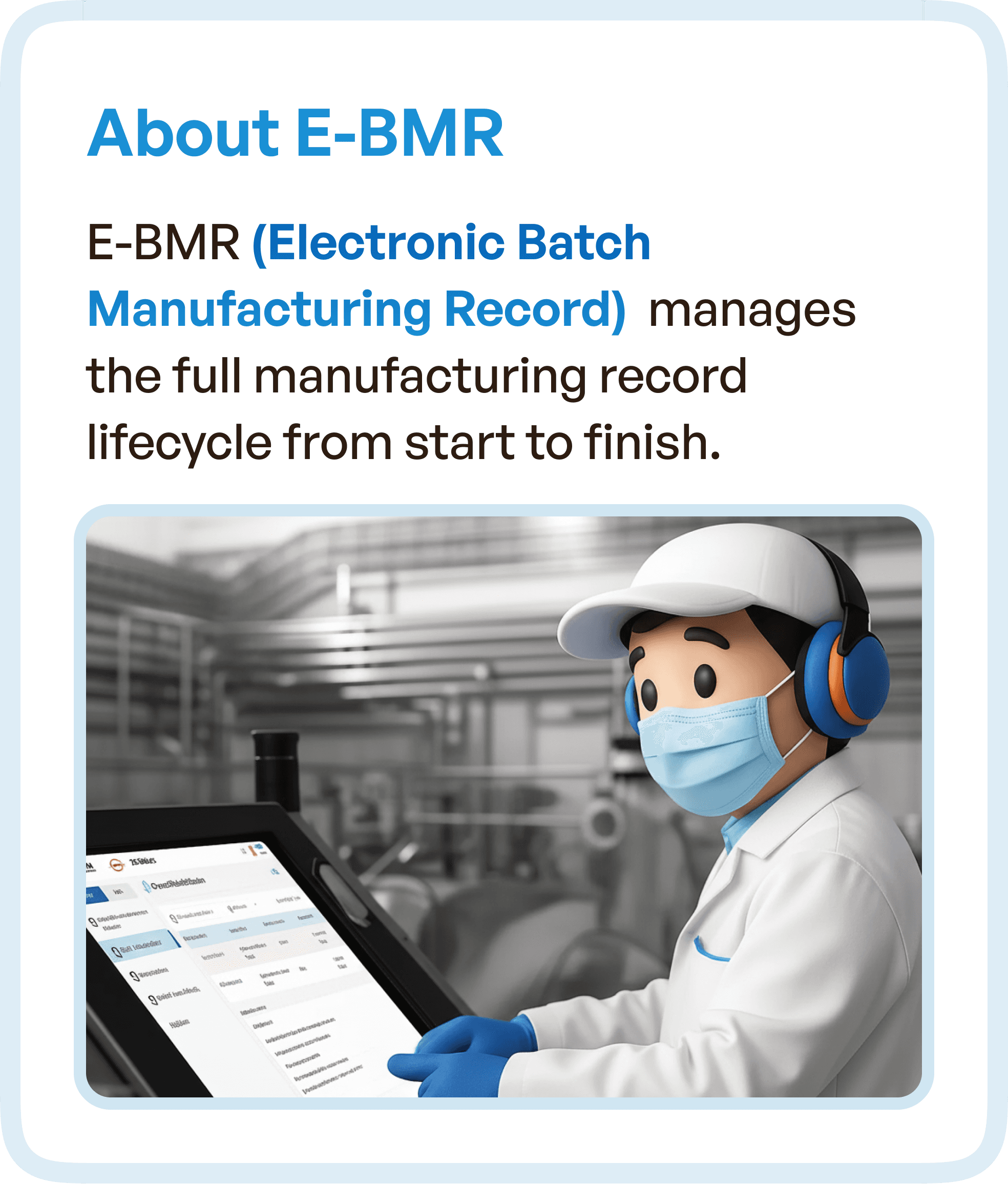
What is an eBMR System?
An Electronic Batch Manufacturing Record (eBMR) system digitizes and manages:
Batch lifecycle processes
Production steps
Quality checks
Approvals and compliance
These systems are essential in pharma because they ensure:
Traceability
Accuracy
Regulatory compliance
However, their complexity often leads to poor usability.
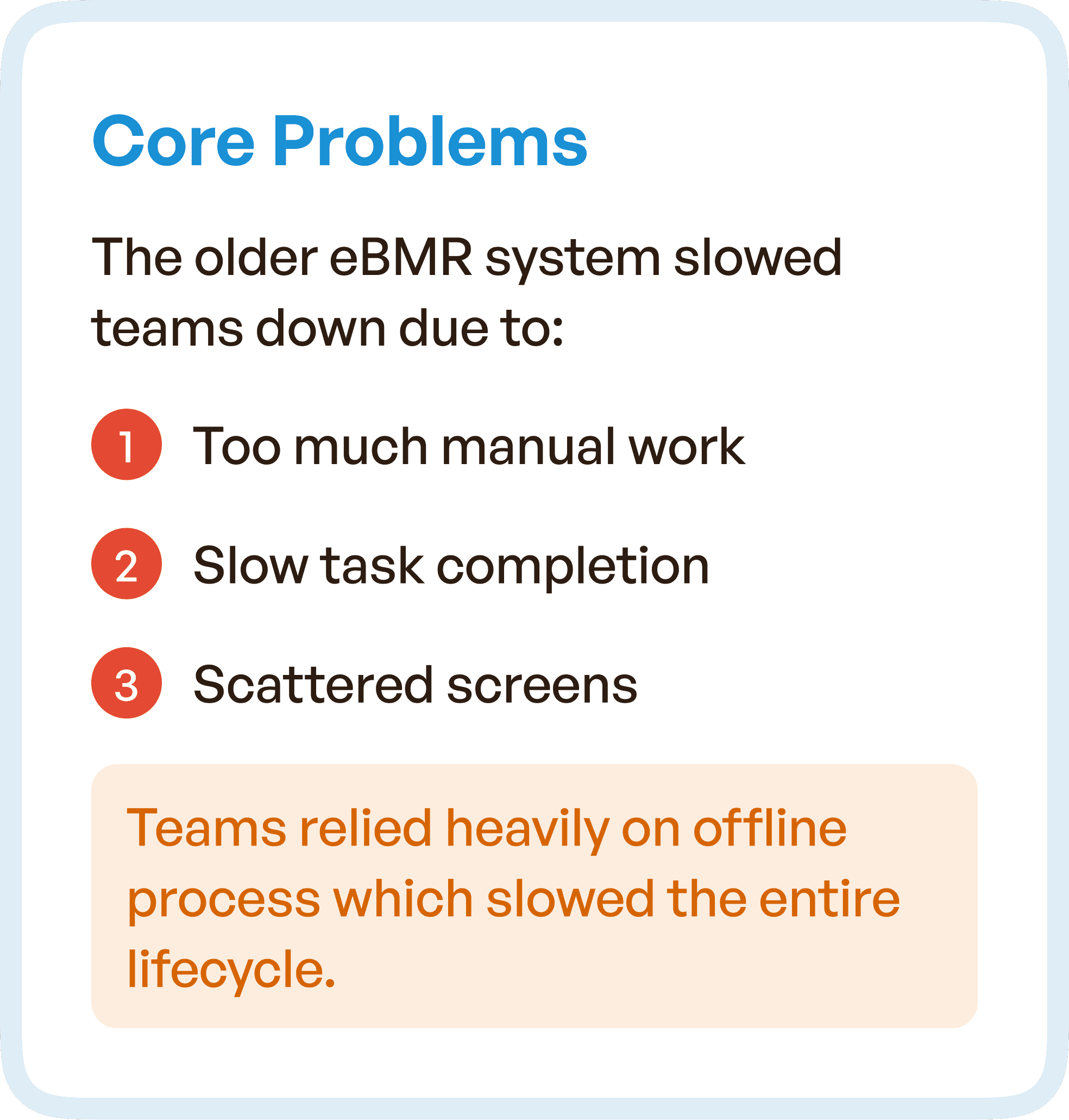
The Core Problem: Complexity Slowing Down Operations
The existing eBMR system faced major usability issues:
Excessive manual work
Slow task completion
Scattered and disconnected screens
Additionally:
Teams relied heavily on offline processes
Workflows lacked structure
Users had to remember steps instead of being guided
This created inefficiencies across the entire lifecycle.
Business Challenges
The UX issues translated into operational challenges:
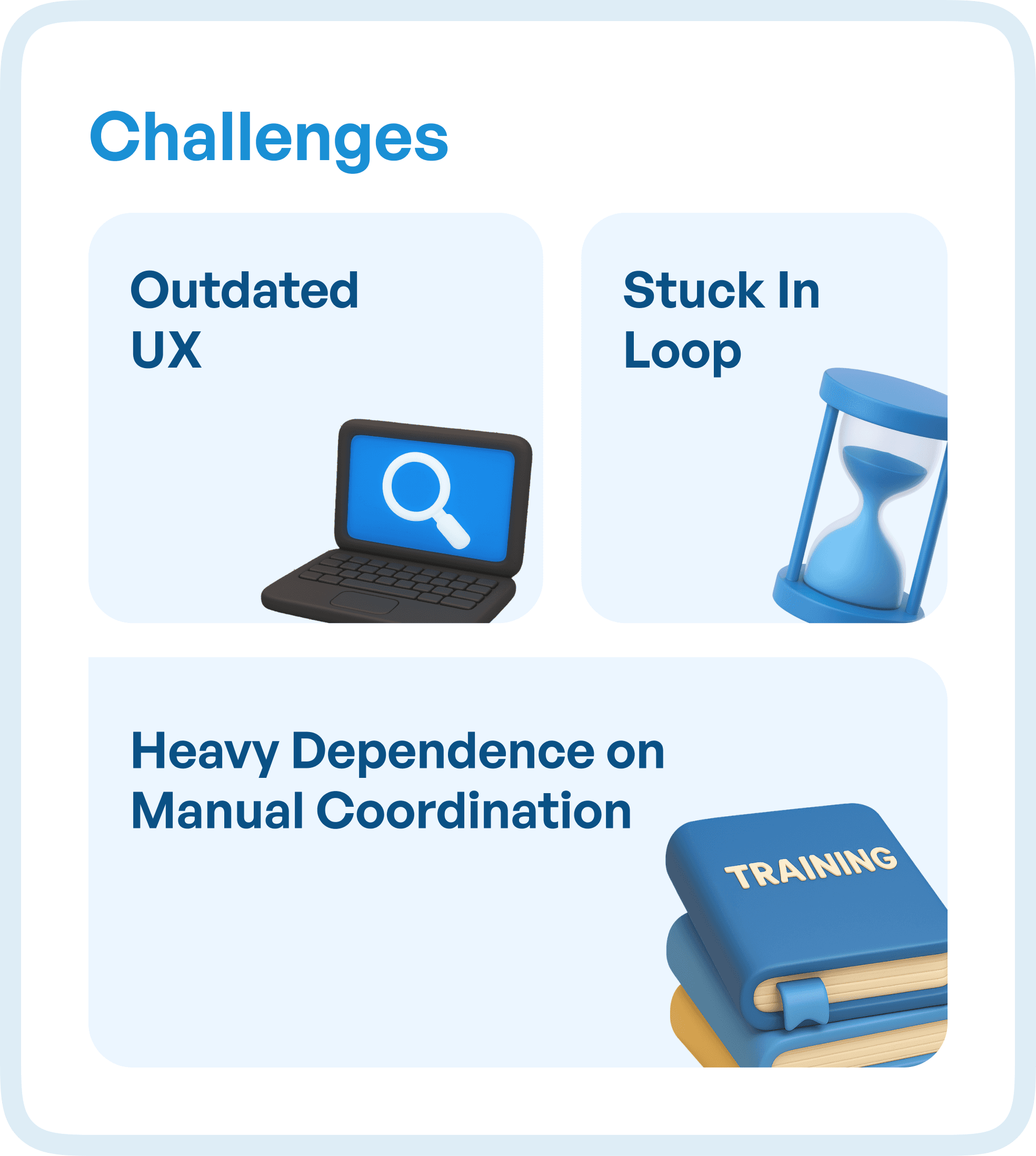
1. Outdated UX
Interfaces were not aligned with modern usability standards.
2. Stuck in Loops
Users repeated steps due to unclear workflows.
3. Heavy Manual Dependency
Teams depended on coordination outside the system.
These challenges increased errors and slowed production.
UX Goal: Simplify the eBMR Lifecycle
The goal was to redesign the system to:
Introduce clear stages across workflows
Reduce the number of clicks
Minimize manual effort
Eliminate confusion
The focus was on building a unified and structured experience.
UX Approach: Reducing Effort Through Structured Design
We focused on transforming how users interact with the system.
1. Bringing Manual Actions into the System
Previously, many tasks were handled offline.
We redesigned the system to:
Integrate manual steps into digital workflows
Reduce dependency on external coordination
This improved efficiency and traceability.
2. Introducing Guided Workflows
Users previously had to figure out what to do next.
We implemented:
Guided lifecycle stages
Step-by-step progression
Clear task sequencing
This reduced confusion and improved completion rates.
3. Adding Priority and Focus
Not all tasks are equally important.
We introduced:
Priority indicators
Structured task visibility
Clear action hierarchy
This helped users focus on what matters most.
Design Highlights
The redesigned eBMR system focused on clarity and usability.
Key improvements:
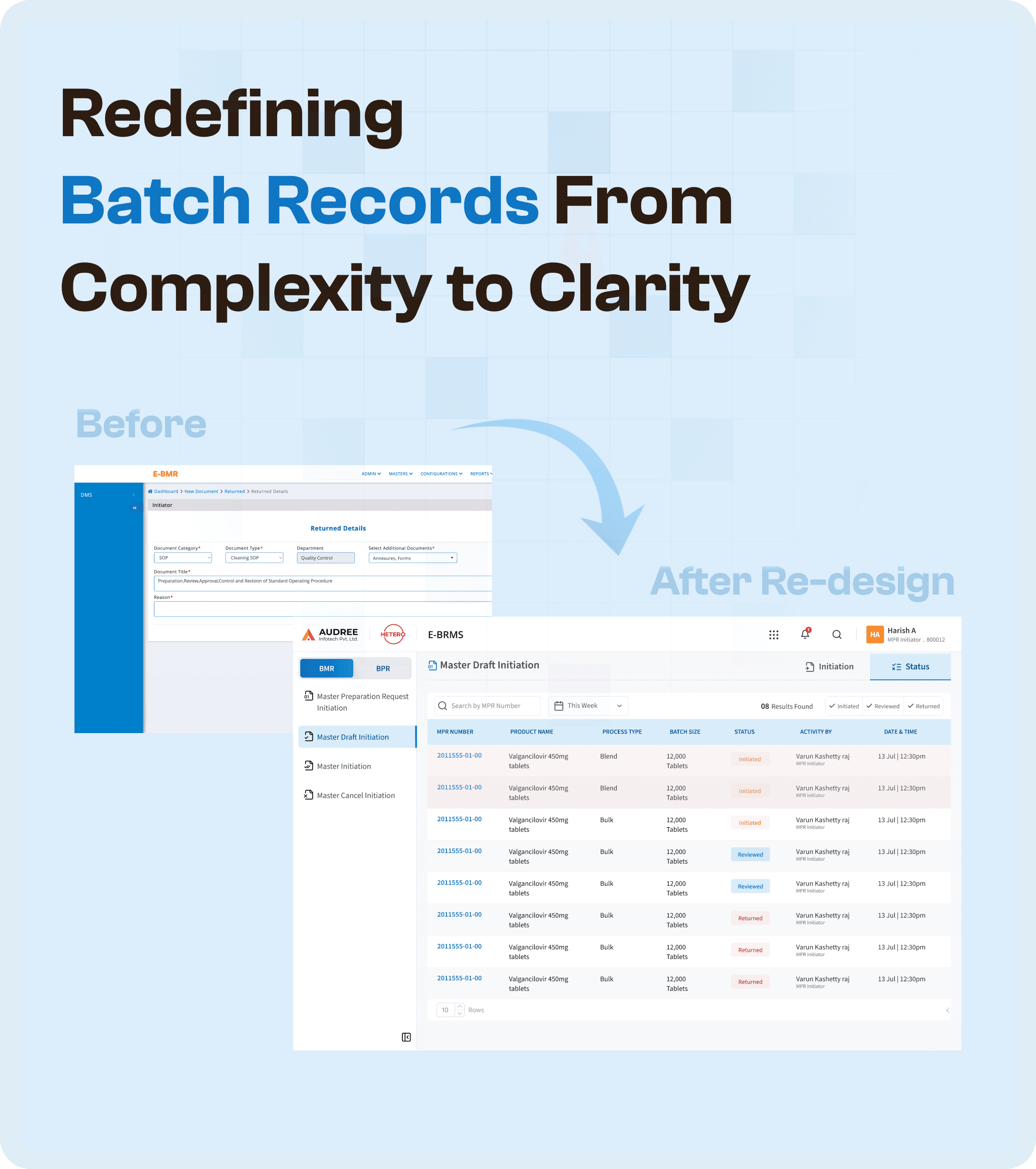
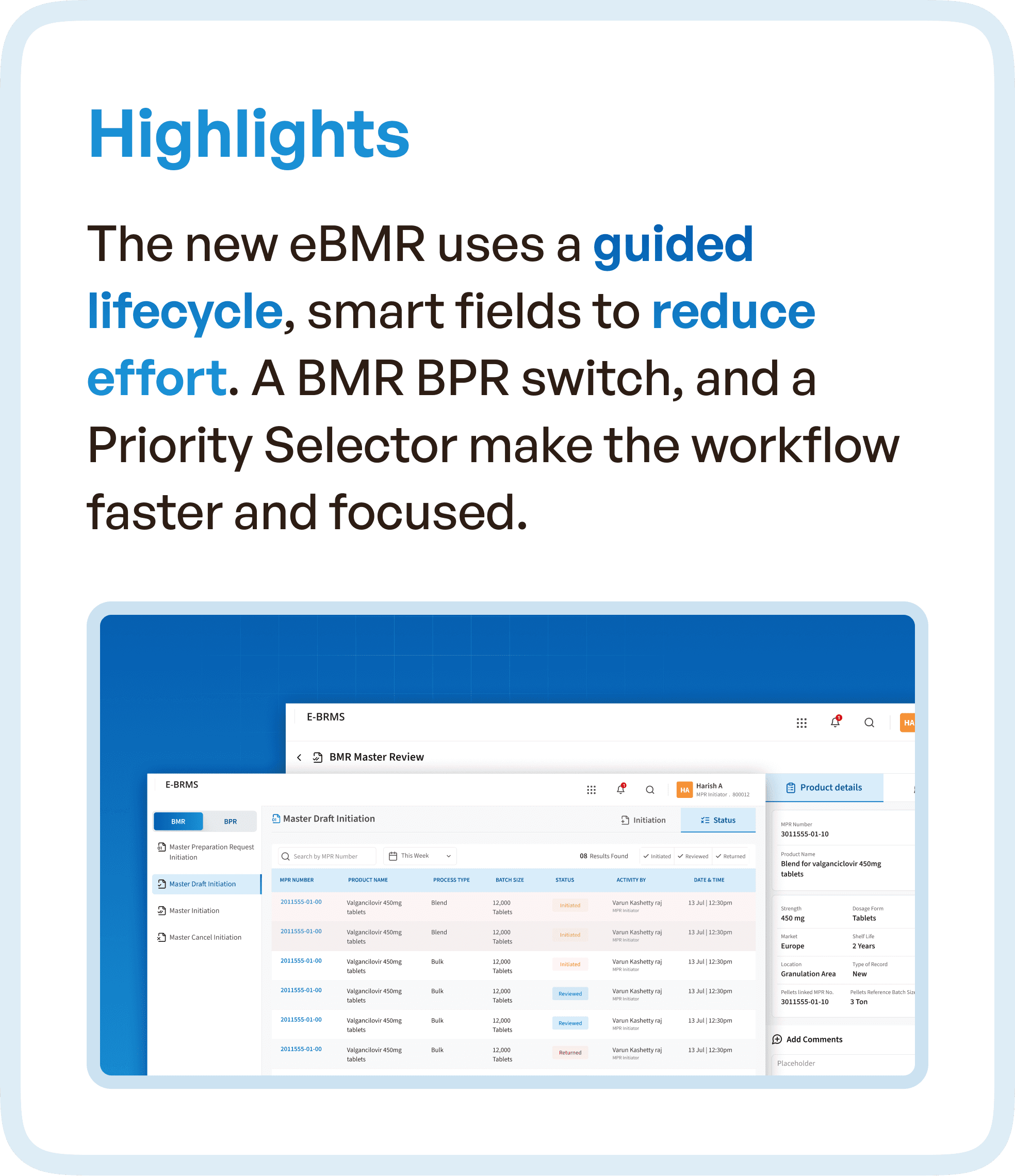
Guided lifecycle for batch processes
Smart input fields to reduce effort
BMR/BPR switching for flexibility
Priority selectors for task management
These changes made workflows faster and more intuitive.
Eliminating Workflow Fragmentation
One of the biggest improvements was removing fragmentation.
Before:
Scattered screens
Offline follow-ups
Disconnected workflows
After:
Unified interface
Structured flow
Seamless task progression
This ensured that users could complete tasks without interruption.
The Impact: Measurable UX Improvements
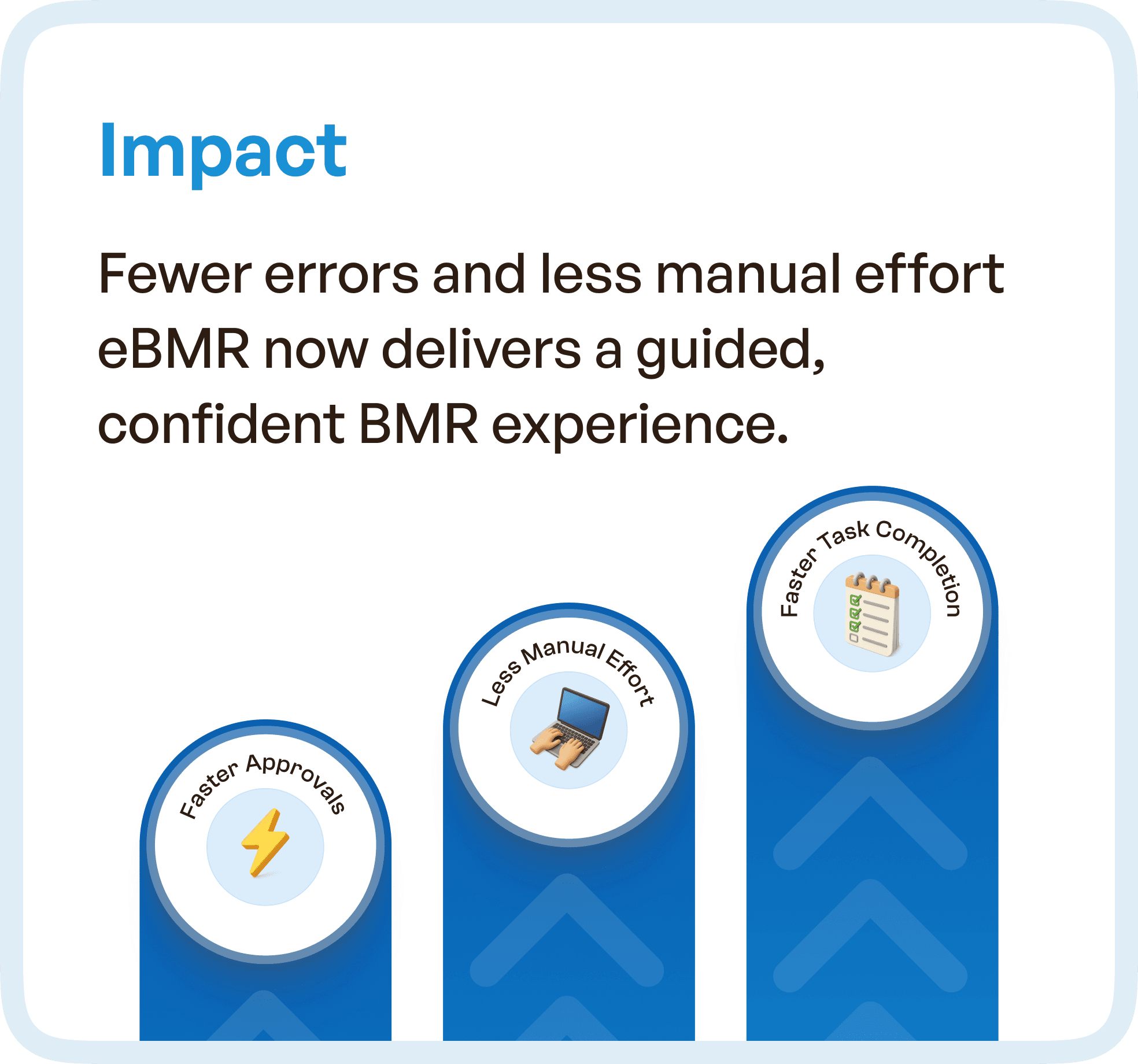
The redesigned system delivered:
Fewer errors in batch processes
Reduced manual effort
Faster task completion
More confident user experience
Users no longer needed to rely on memory or external coordination.
The system guided them.
Why UX Design is Critical in eBMR Systems
Pharma systems are:
Highly regulated
Process-driven
Error-sensitive
Without strong UX:
Errors increase
Compliance risks rise
Workflows slow down
With structured UX:
Processes become reliable
Users follow correct paths
Systems ensure compliance
Key Takeaways for Pharma UX Design
This project highlights key UX principles:
Structured workflows reduce errors
Guided systems improve efficiency
Clarity reduces training dependency
Integration eliminates manual effort
Final Thoughts
Complex systems don’t need more features.
They need better structure.
By transforming the eBMR experience from fragmented to guided, we enabled teams to:
Work faster
Make fewer mistakes
Operate with confidence




