
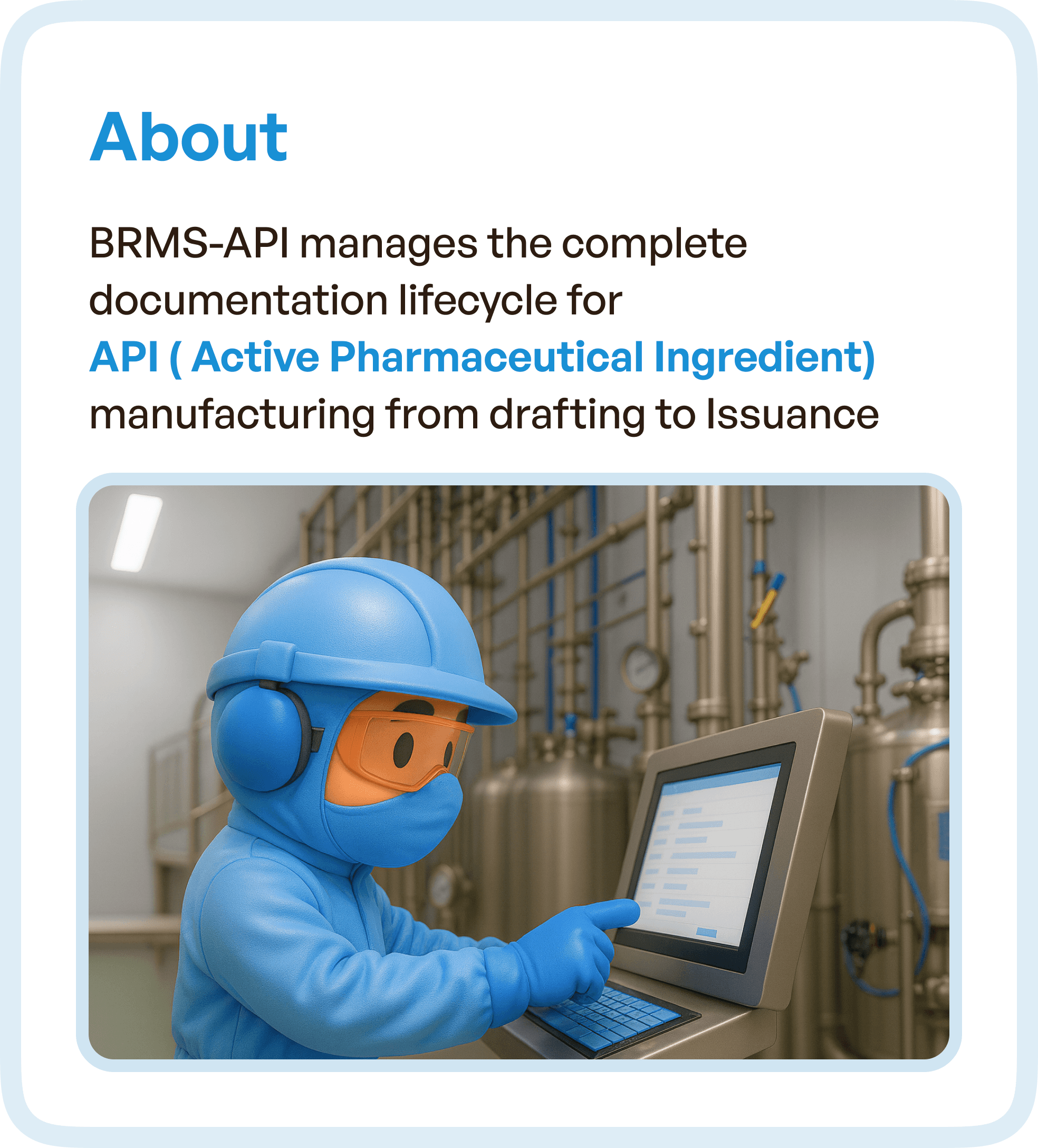
The Core Challenges: Fragmented and Inefficient Processes
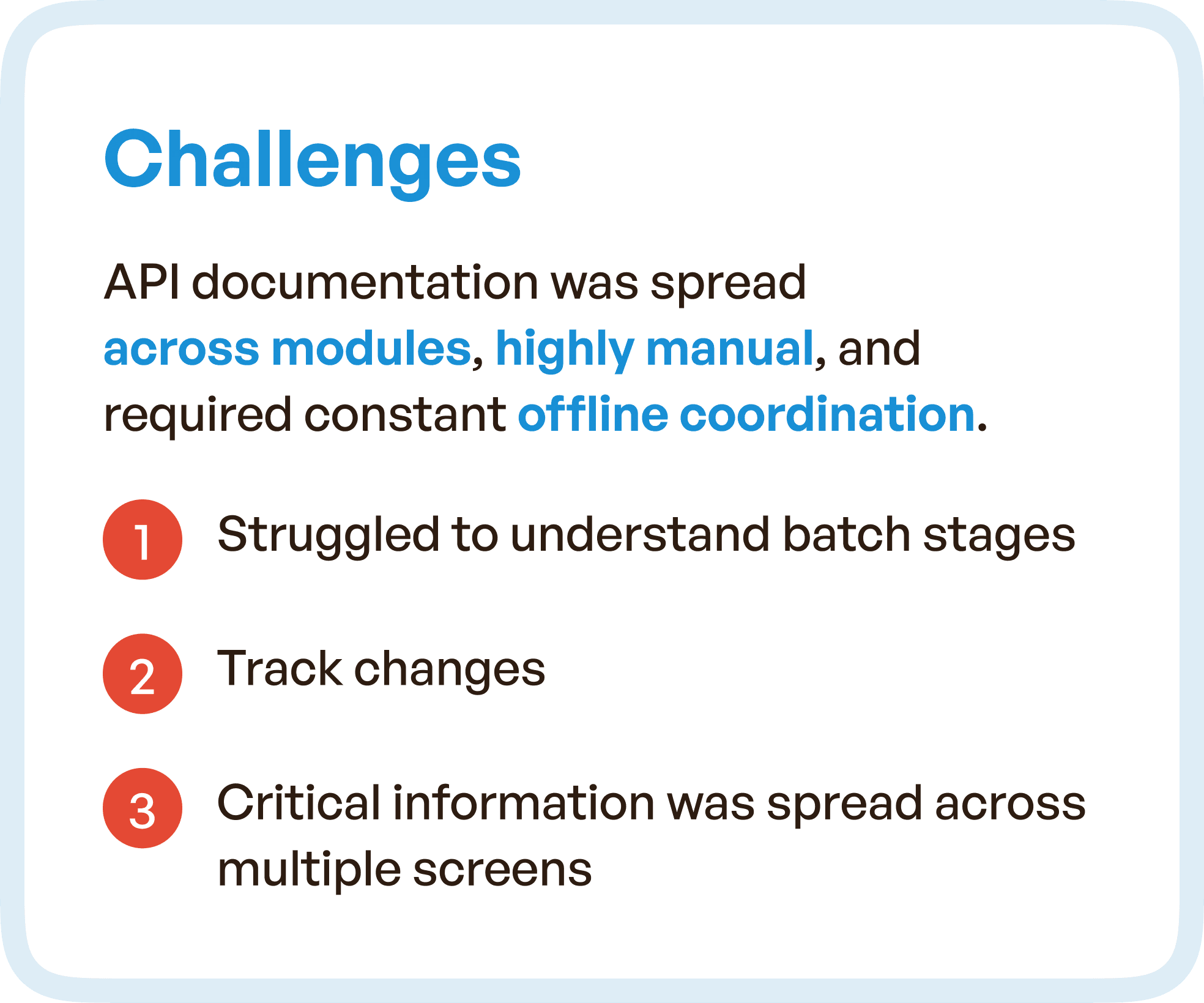
Before the redesign, the BRMS-API system presented several significant challenges:
Scattered Workflows: The API documentation process was spread across multiple modules, requiring constant manual coordination and offline communication.
Poor Navigation: Users struggled with unclear paths through the system, making it difficult to track progress or easily access relevant information.
Critical Information Dispersed Across Screens: Important details were scattered across different screens, which slowed down workflows and created confusion among team members.
As a result, teams were unable to efficiently track the progress of API batches, and manual coordination was needed to bridge the gaps between different stages, leading to delays in approvals and critical decision-making.
Our Goal: A Structured, Predictable, and Fully Traceable Workflow
The goal of the redesign was to transform the BRMS-API system into a structured, predictable digital workflow that could enhance clarity, reduce manual effort, and improve traceability. Key objectives for the redesign included:
Enhanced Traceability: Make every stage of the API batch record lifecycle visible and easy to track, ensuring full compliance and accurate documentation.
Reduced Manual Effort: Automate repetitive steps and integrate seamless communication between teams to eliminate the need for constant manual coordination.
Improved Clarity: Provide clear stage indicators and easy-to-navigate interfaces to help users easily understand the status of each batch.
The aim was to make the entire lifecycle of the API batch record visible and manageable in one unified system.
Our UX Approach: Clear, Streamlined, and Automated
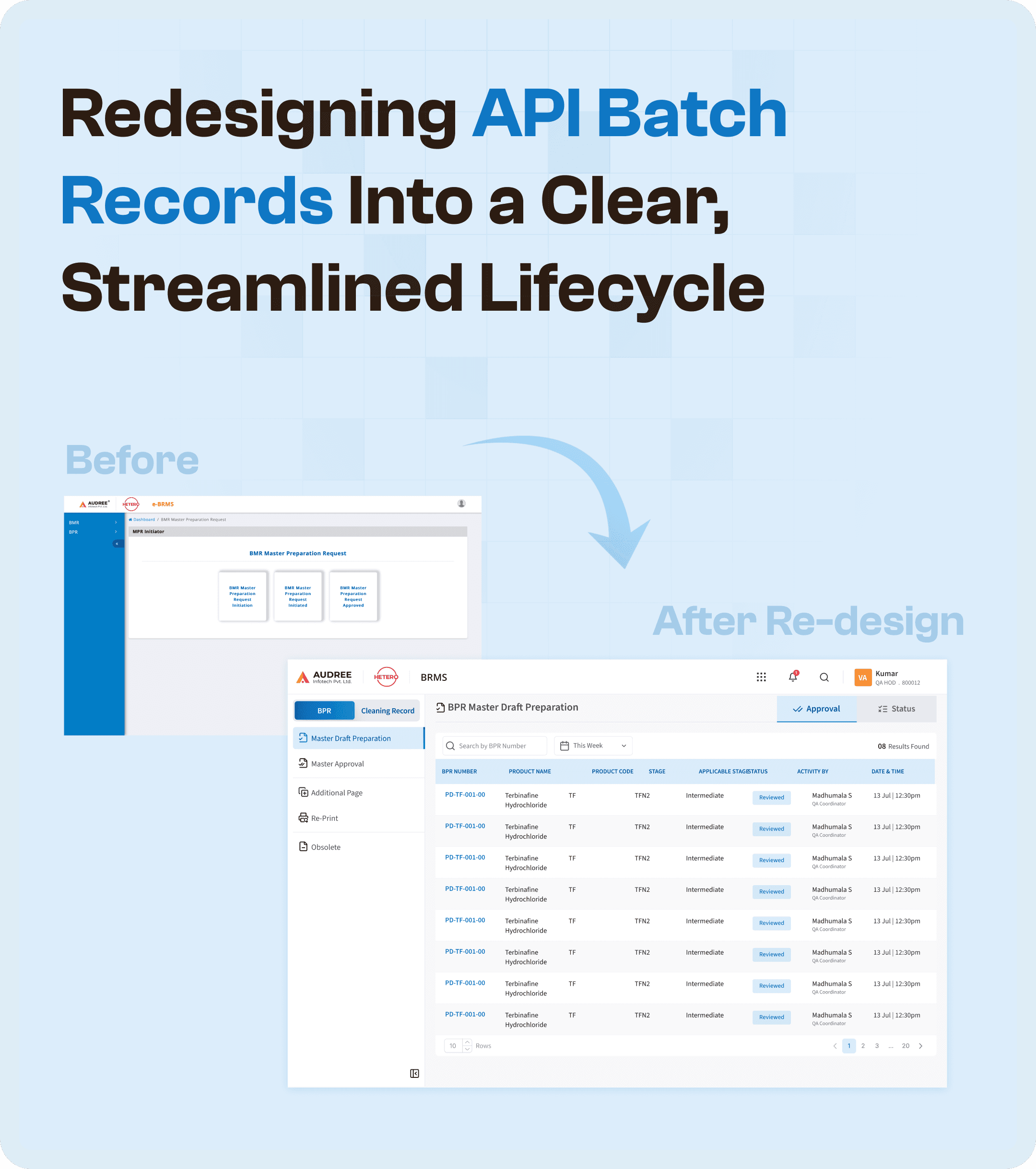
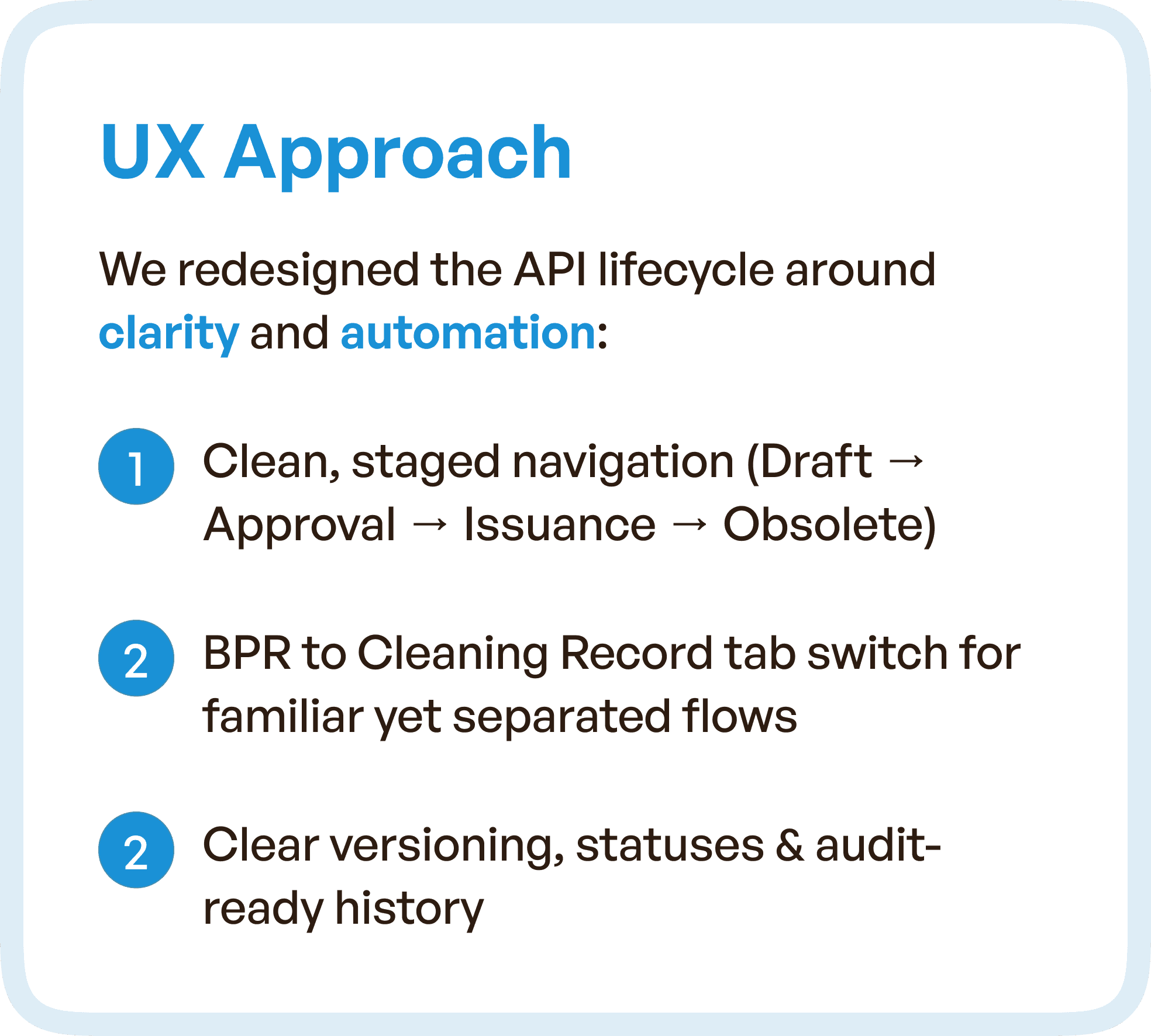
To achieve the goals of clarity and automation, we restructured the entire API lifecycle and redesigned the BRMS-API system around a clean, staged navigation model.
1. Staged Navigation: From Draft to Issuance
We created a staged workflow that guides users from one step to the next in the API documentation process. The stages include:
Draft: Initial input and documentation phase.
Approval: Review and validation of API batch details.
Issuance: Final approval and issue of batch records.
Obsolete: Closure and archival of completed batches.
Each stage was clearly marked and linked to the next, allowing users to follow a straightforward path through the system without unnecessary backtracking or confusion.
2. Structured Tables and Clear Versioning
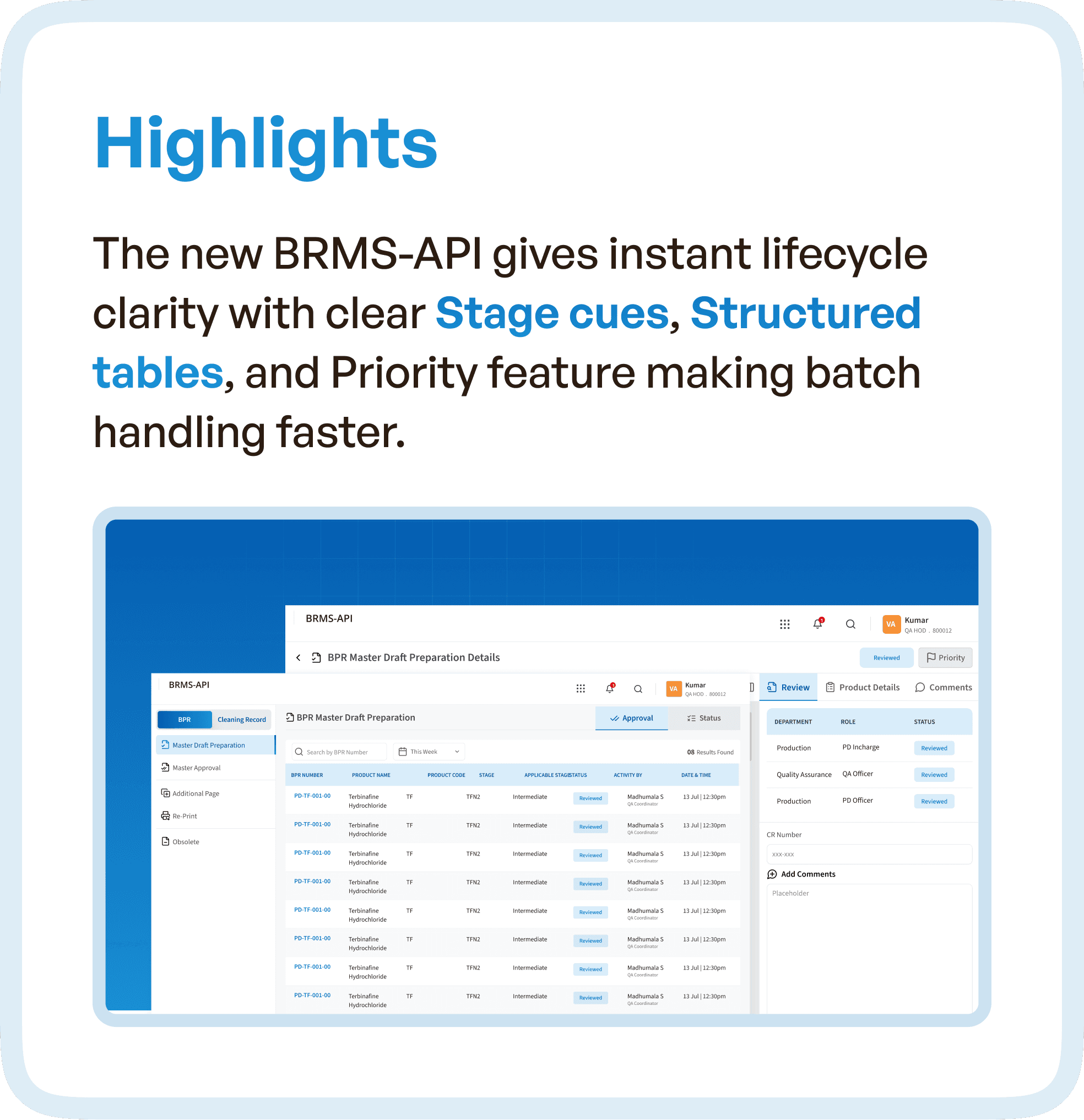
To provide users with clear visibility into the status of their API batch records, we introduced structured tables. These tables provided:
Stage Cues: Each record’s status was clearly visible with easy-to-understand indicators showing where the record was in the process.
Clear Version Cues: Users could see the history of a batch, with version tracking to show updates and changes.
Priority Controls: By giving clear visibility into which batches needed attention, we helped prioritize actions and prevent bottlenecks in the workflow.
3. Reducing Manual Coordination with Automated Features
One of the main pain points for teams working with the BRMS-API system was the heavy reliance on manual coordination. To reduce this, we:
Integrated Smart Features: Automated fields, auto-filled data, and grouped inputs helped reduce repetitive typing and manual entry.
Contextual Visibility Across Modules: We added visibility into each batch’s status across modules, ensuring users had clear, consistent data without needing to switch between disconnected screens.
Design Highlights: A Unified, Transparent Interface
We focused on simplifying the user experience by providing clear visual cues and structured data, reducing the time spent looking for critical information. Notable features included:
Clean Layouts: Each screen was designed to reduce clutter and improve readability, with clear progress indicators showing users where they were in the process.
Smarter Components: We used reusable UI components, including status tags, comment sections, and notifications, to create a cohesive user experience across the system.
Visual Design: The interface was designed to align with the real-world workflow of API batch manufacturing, ensuring that users could quickly grasp each stage and take necessary actions with minimal confusion.
By providing clear context and easy navigation, the redesigned BRMS-API system made the entire process more transparent and efficient.
Why UX Redesign Matters for API Batch Records
For organizations that rely on API documentation in highly regulated industries like pharmaceuticals, a structured and traceable workflow is essential for compliance and operational efficiency. The challenges of scattered screens, manual coordination, and lack of clarity can significantly hinder productivity and increase the risk of errors.
Our work on the BRMS-API system illustrates how a user-centered UX redesign can streamline complex processes, enhance visibility, and reduce manual effort. With a clear, guided workflow, teams can now confidently manage API batch records, ensuring both compliance and operational efficiency.
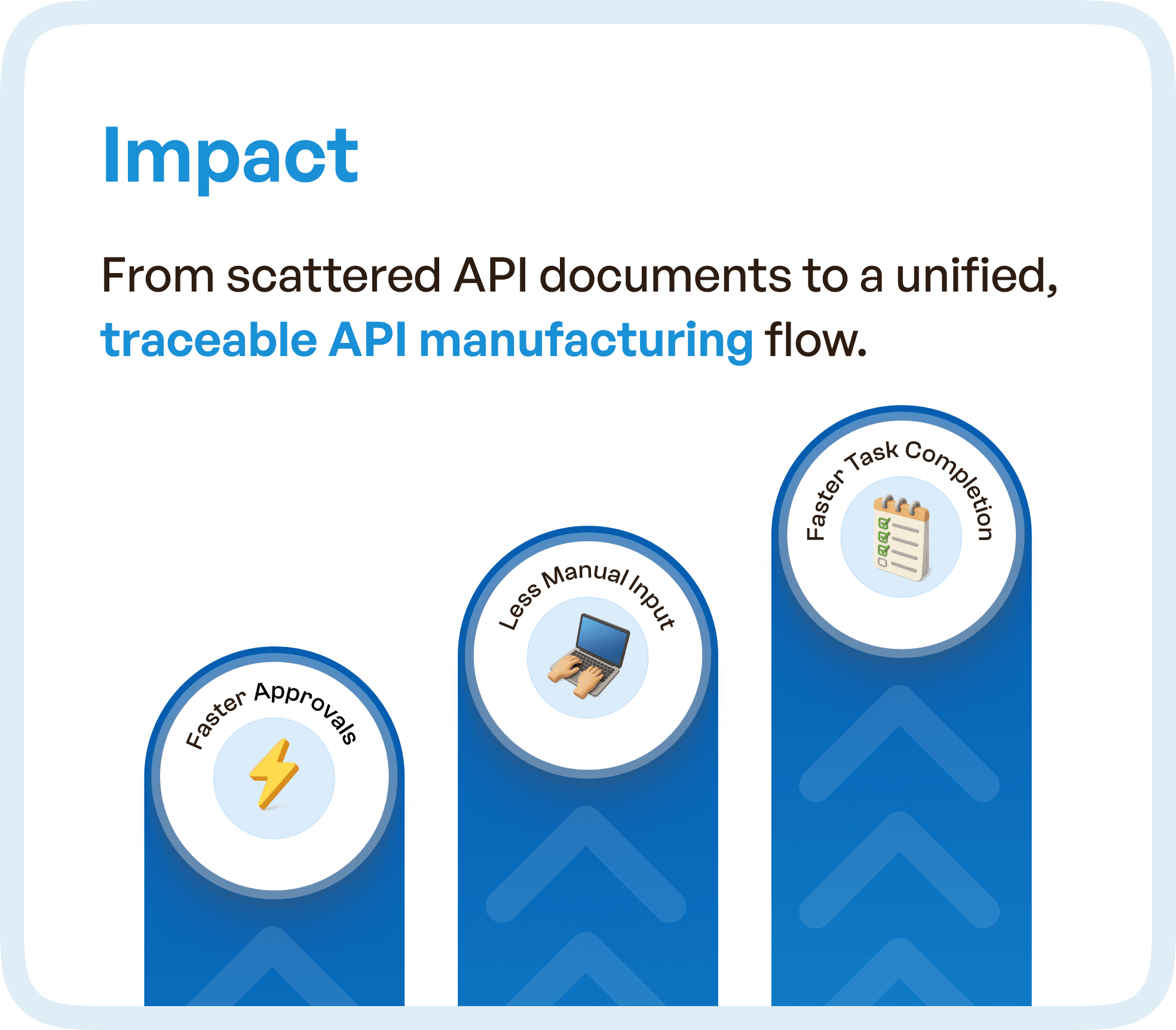
Impact: Faster Approvals and Reduced Manual Effort
The impact of the redesign was substantial. After implementing the new structured workflow, the API batch record process became:
Faster: Clear workflows and fewer bottlenecks helped reduce the overall processing time, leading to faster approvals and fewer delays.
More Transparent: Teams now had full visibility into the status of each batch, making it easier to track progress and identify where issues might arise.
Reduced Manual Effort: By automating data entry and communication, the new system significantly reduced the reliance on manual coordination, saving time and reducing human error.
Key metrics showed:
Faster Approvals: The new system reduced the approval cycle time by 40%.
Less Manual Effort: The elimination of redundant tasks led to a 60% reduction in manual effort.
Faster Task Completion: The new process made batch handling 70% faster across teams.