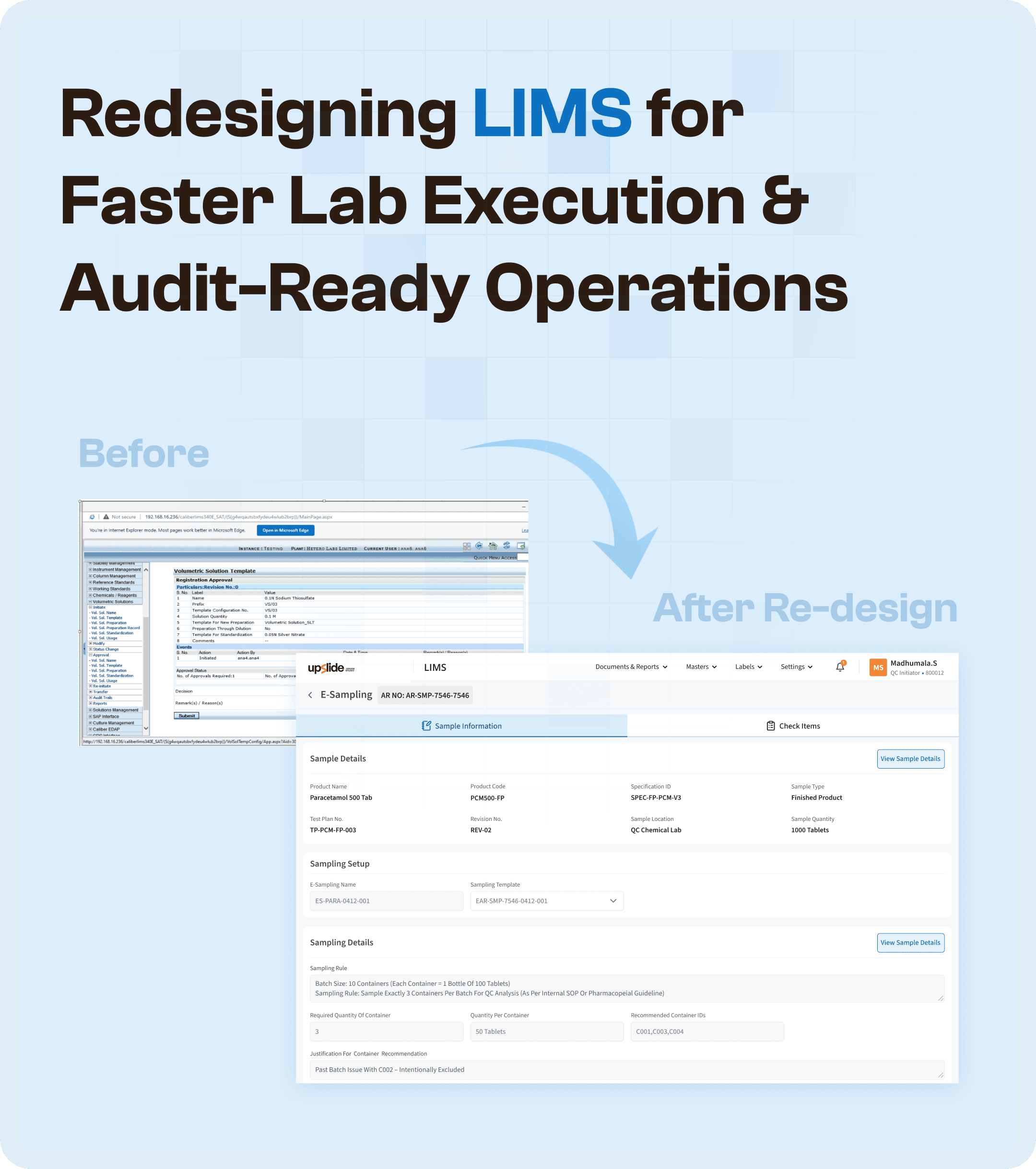

Introduction: Why LIMS UX Design Directly Impacts Lab Performance
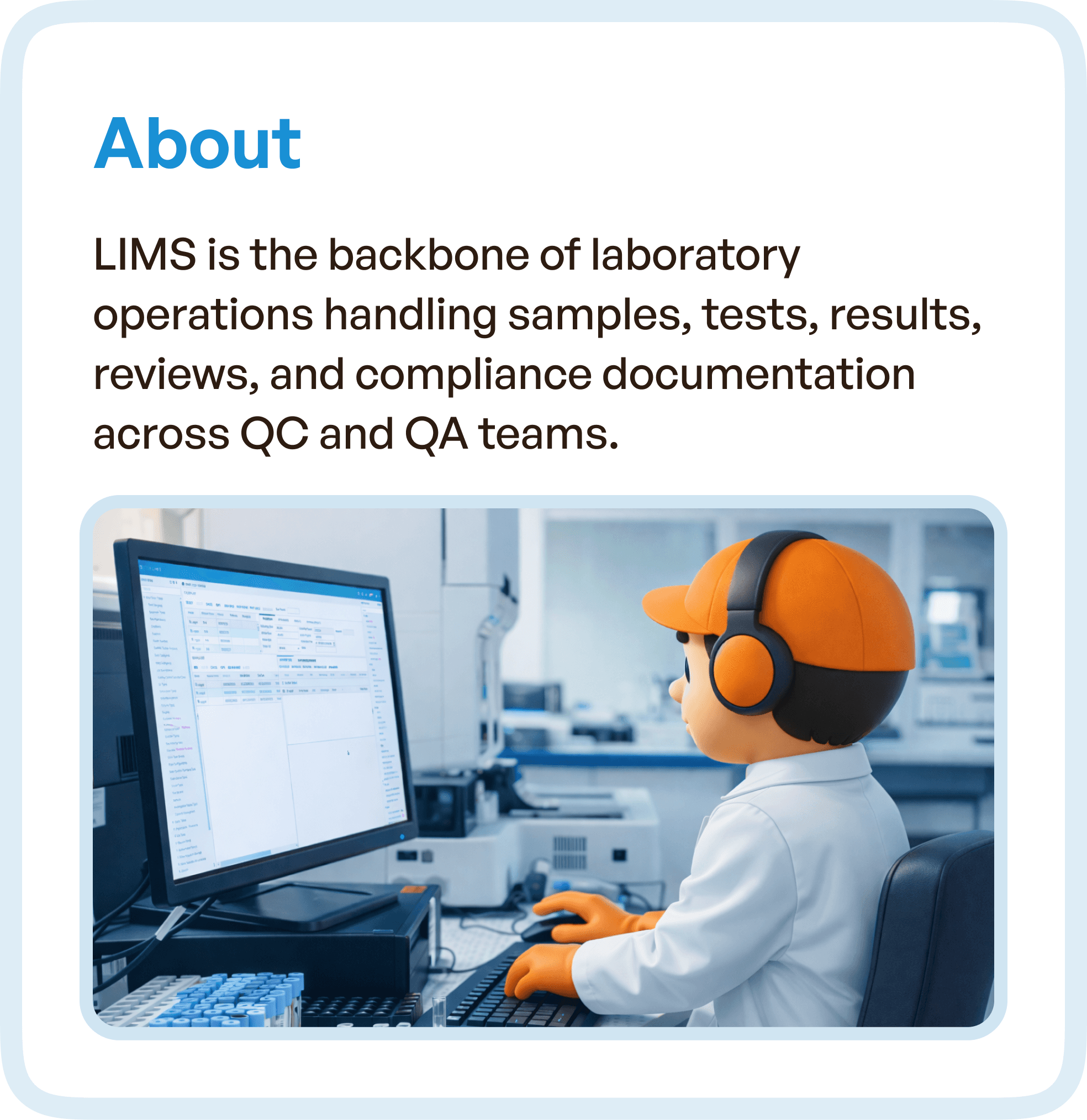
A Laboratory Information Management System (LIMS) is not just a software tool. It is the operational backbone of laboratory environments, managing samples, tests, results, documentation, and compliance workflows across Quality Control (QC) and Quality Assurance (QA) teams.
However, in many organizations, LIMS systems evolve over time without structural redesign. New features are added, modules expand, and workflows become increasingly complex. While functionality increases, usability declines.
This creates a critical gap.
The system is technically capable, but operationally inefficient.
In such cases, improving LIMS UX design is not about visual changes. It is about restructuring how workflows are executed inside the system.
The Problem: Fragmented Workflows Across Multiple LIMS Modules
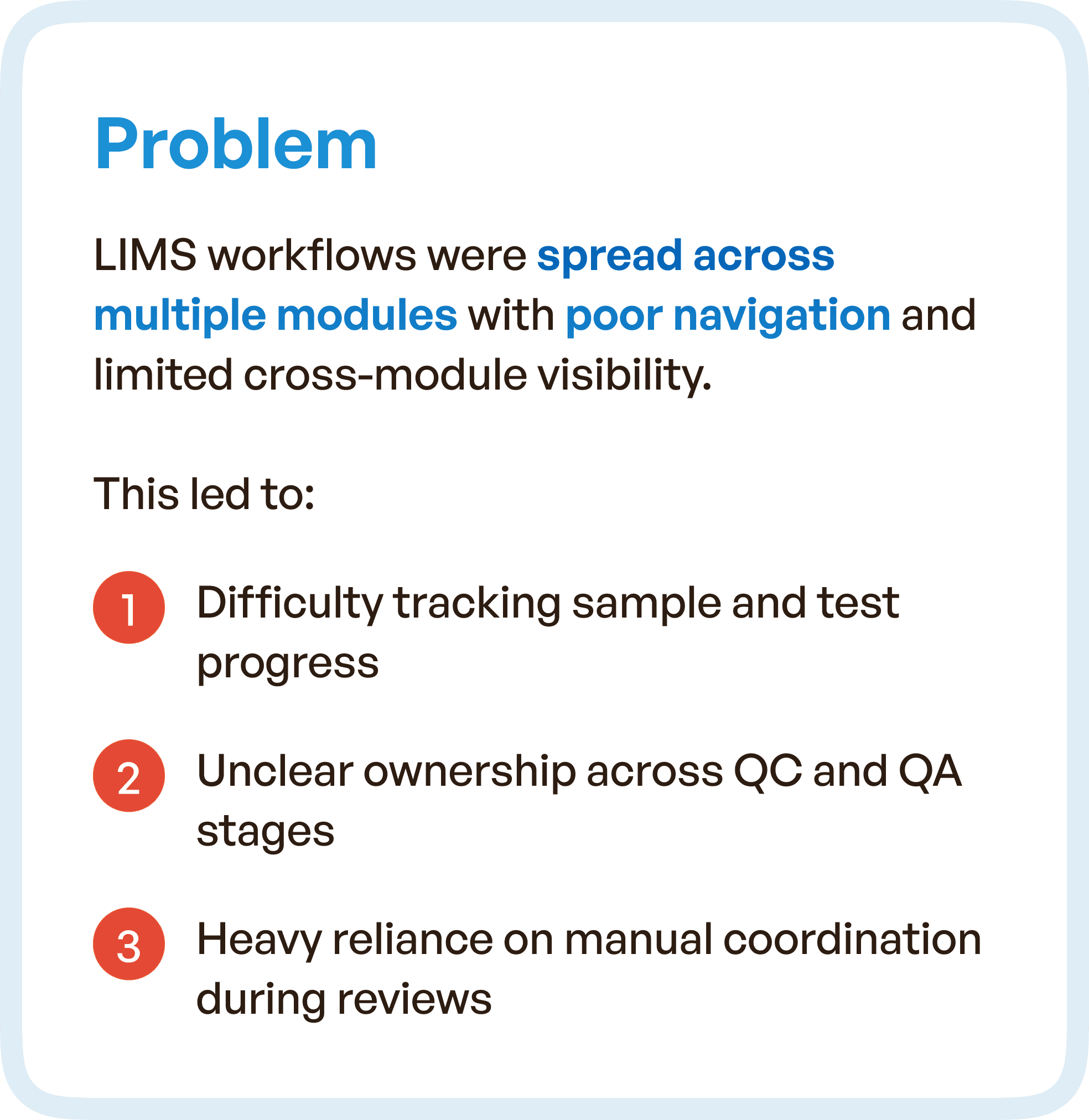
In this project, the LIMS platform was spread across multiple modules, each handling different parts of the laboratory process. While this modular structure was intended to organize functionality, it resulted in poor navigation and limited cross-module visibility.
Users had to move across different sections of the system to complete a single workflow. This caused delays, confusion, and frequent interruptions in task execution.
More importantly, the system did not reflect how laboratory teams actually worked.
The disconnect between system structure and real-world workflow led to several operational challenges.
Tracking sample and test progress became difficult because information was distributed across modules. Ownership across QC and QA stages was unclear, making it hard to determine responsibility at any given point. Review processes depended heavily on manual coordination, with teams relying on communication outside the system to move tasks forward.
These issues are common in legacy LIMS platforms, where architecture is built around modules rather than workflows.
Business Challenges: When UX Slows Down Operations
The impact of poor LIMS UX design extended beyond usability. It directly affected business performance and operational efficiency.
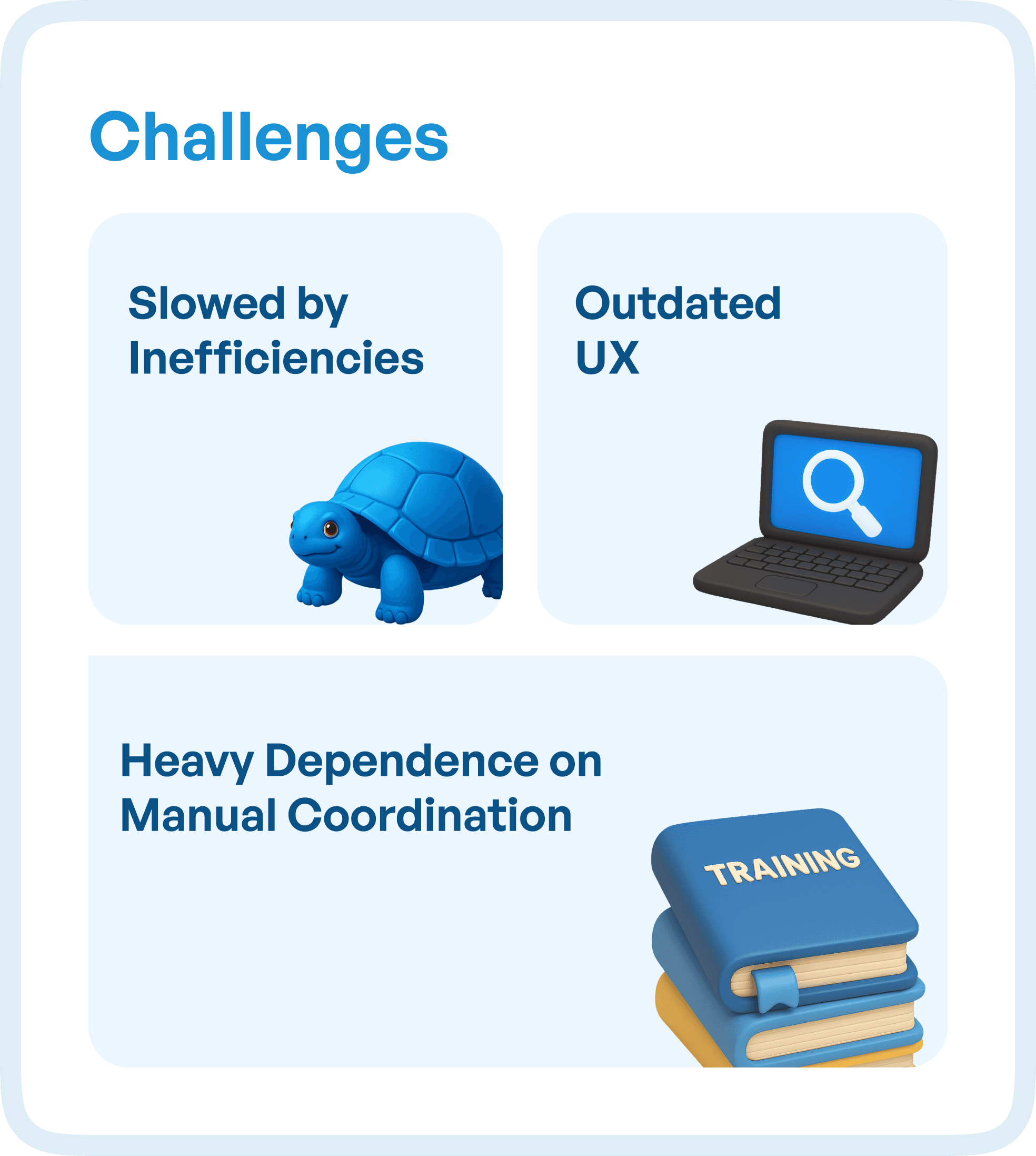
Laboratory execution slowed down because users had to navigate multiple screens and interpret scattered information. The outdated user experience increased dependency on training, making onboarding longer and reducing productivity.
Manual coordination became a critical bottleneck. Instead of the system driving workflows, teams had to manage progress through calls, messages, and external tracking methods.
Over time, this created a system that was:
Slower to operate
Harder to learn
Difficult to scale
In regulated environments, this also increased risk during audits, as traceability and process clarity were not consistently maintained within the system.
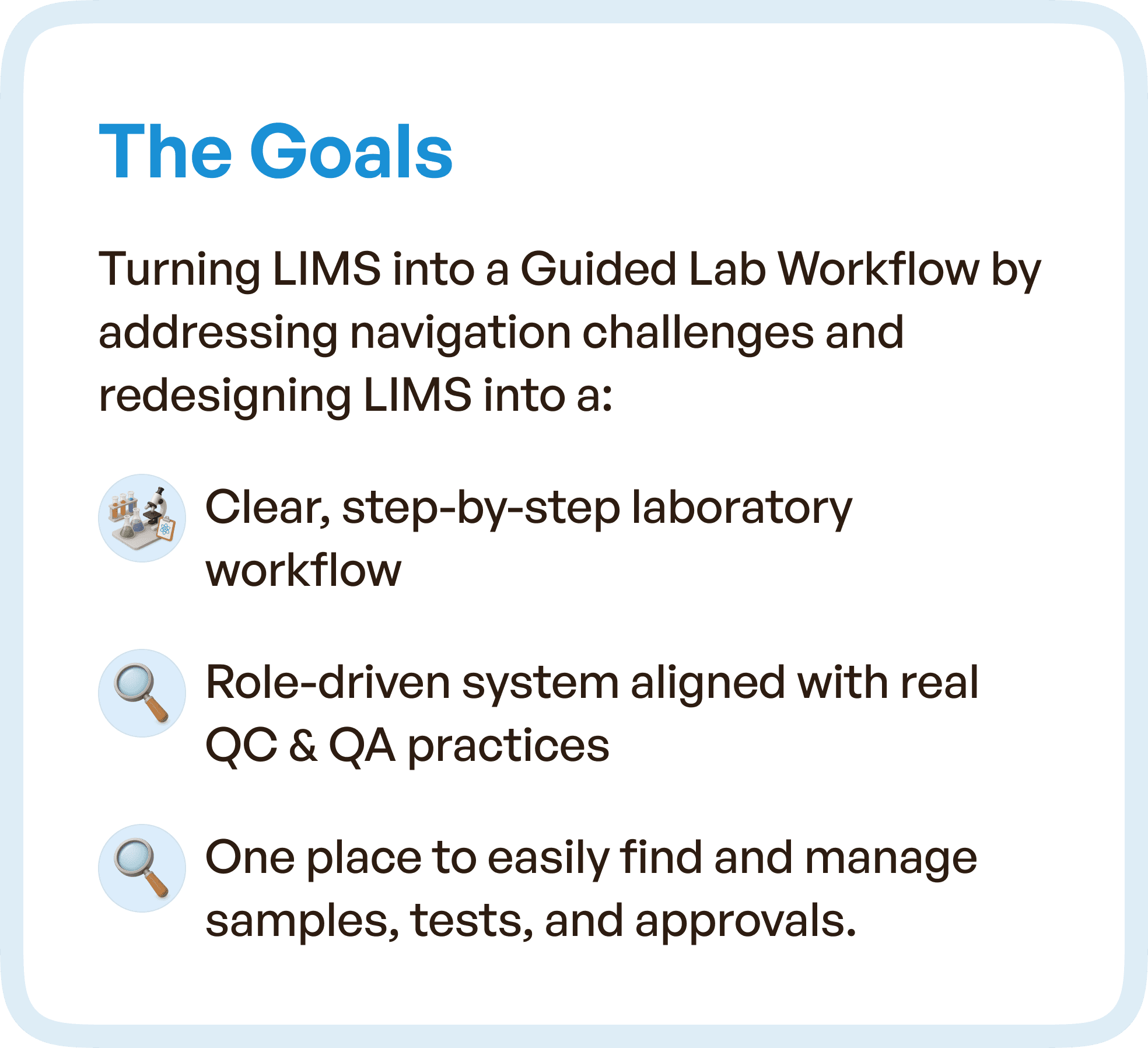
The Goal: Transforming LIMS into a Guided Workflow System
The objective of the redesign was not to rebuild the system visually, but to restructure it into a guided laboratory workflow.
The goal was to create a system where:
Users could follow a clear, step-by-step process
Ownership was defined at every stage
All critical information was accessible in one place
Workflows aligned with real QC and QA practices
This required a shift from module-based navigation to workflow-based design.
Instead of asking users to navigate the system, the system needed to guide users through their tasks.
The UX Approach: Designing Around the LIMS Lifecycle
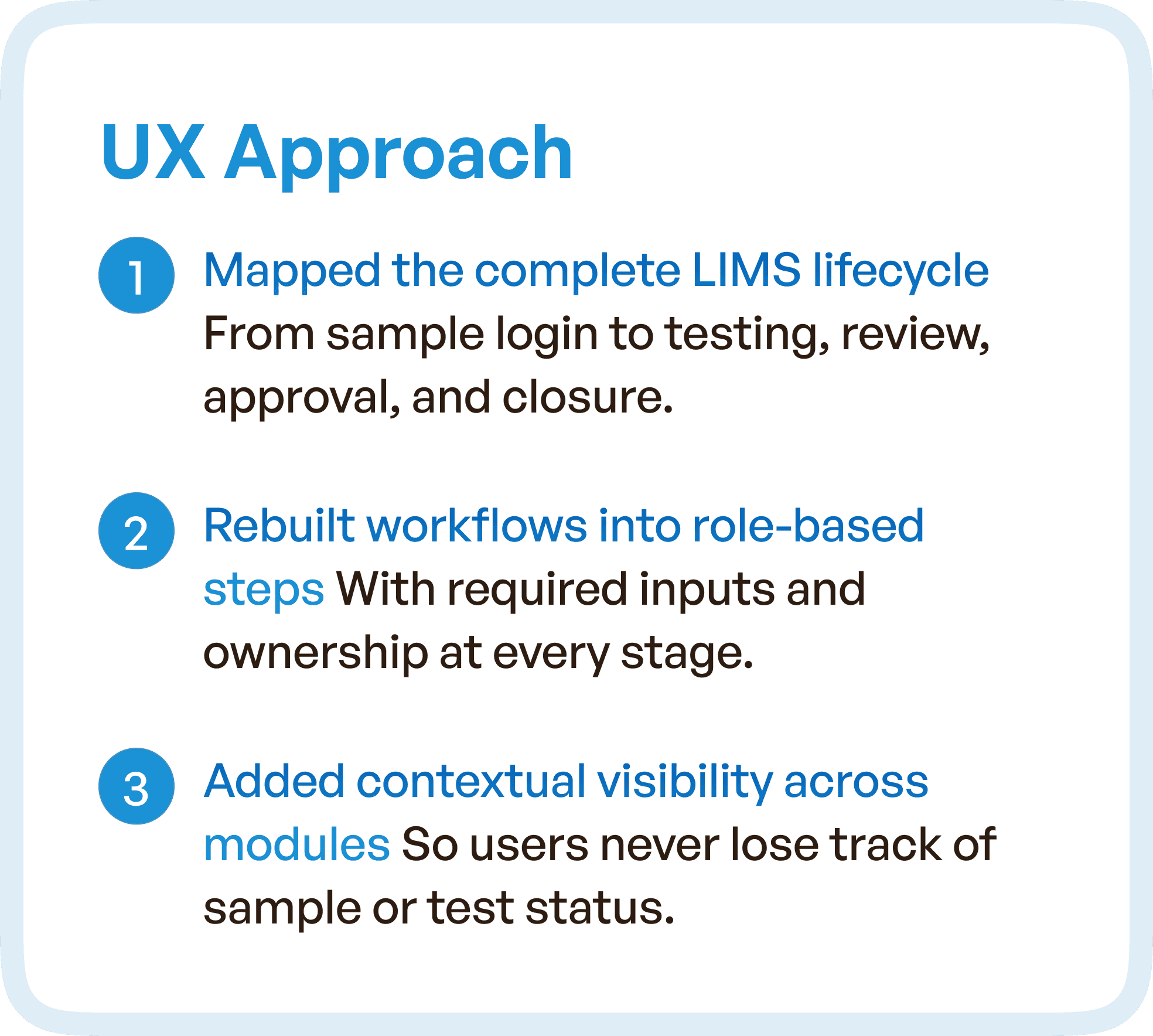
The redesign began by mapping the complete LIMS lifecycle, from sample login to testing, review, approval, and closure.
This step was critical because it ensured that the system was built around real laboratory processes rather than assumed structures.
By understanding how users interacted with the system at each stage, it became possible to identify friction points and redesign workflows accordingly.
The next step involved restructuring workflows into role-based steps. Each stage of the process was aligned with specific responsibilities, ensuring that users clearly understood their tasks and ownership.
Visibility was another key focus area.
One of the biggest issues in the existing system was the lack of contextual visibility across modules. Users often lost track of sample status or test progress because information was not easily accessible.
To address this, the redesigned system introduced contextual visibility across workflows, allowing users to see progress, status, and relevant data without navigating away from their current task.
This significantly improved clarity and reduced cognitive load.
From Disconnected Modules to a Unified LIMS Experience
One of the most important transformations in the redesign was the shift from disconnected modules to a unified experience.
In the previous system, each module operated independently, requiring users to manually connect information and steps.
In the redesigned system, workflows were structured as a continuous sequence.
Each step naturally led to the next, eliminating the need for users to interpret what to do next.
This approach improved navigation significantly.
Instead of searching for information across modules, users could access everything they needed within a guided workflow.
The system began to function as a single, cohesive experience rather than a collection of separate tools.
Design Highlights: Simplifying Complex Laboratory Workflows
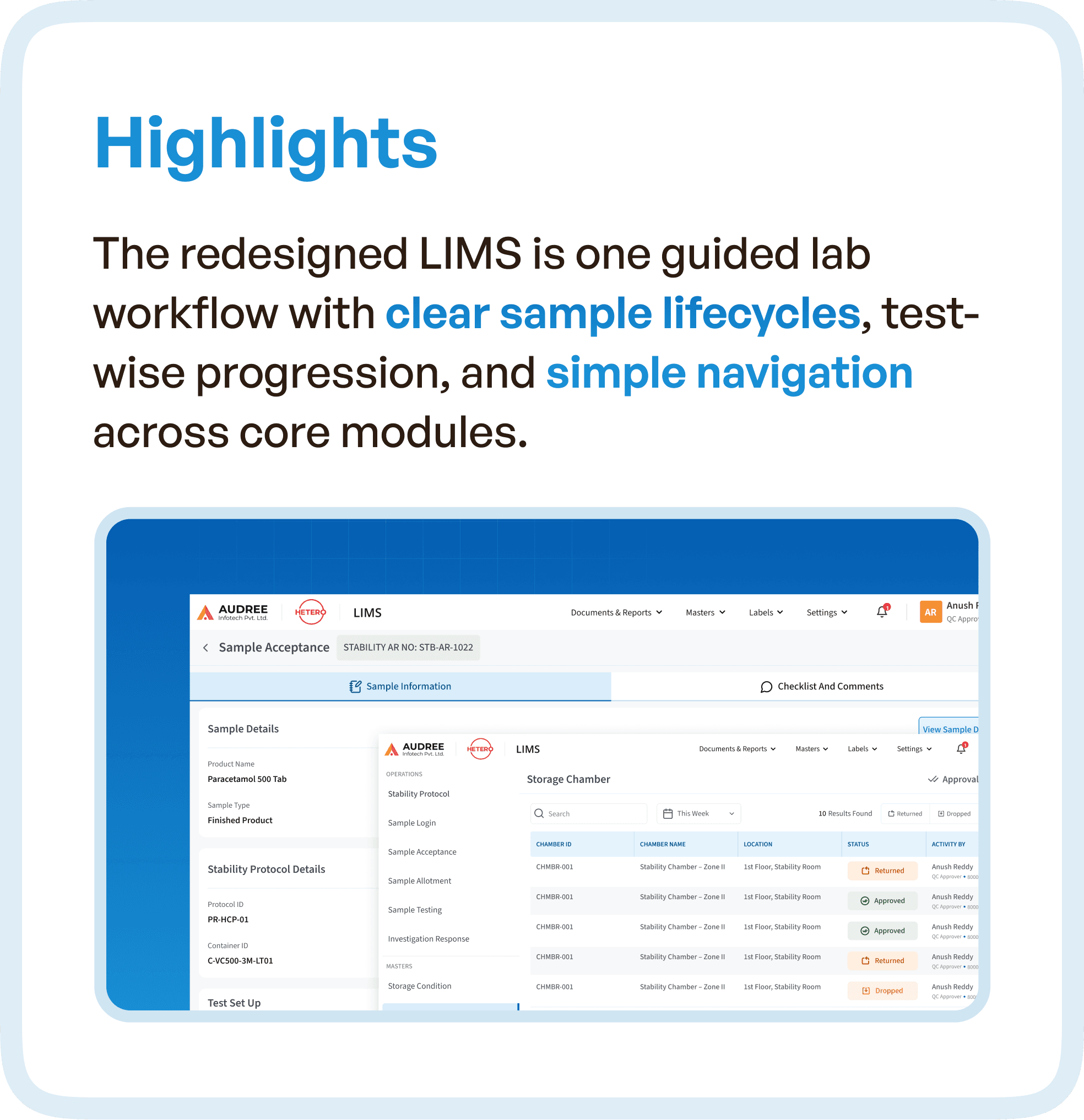
The redesigned LIMS focused on clarity, structure, and predictability.
Sample lifecycles were clearly defined, ensuring that users always knew where they were in the process. Test-wise progression allowed users to move through tasks in a logical sequence without confusion.
Navigation was simplified to reduce unnecessary movement across the system. Instead of exposing all options at once, the interface guided users based on their current stage.
This reduced decision fatigue and improved efficiency.
Another important improvement was the alignment of the system with real-world workflows.
By designing based on actual user behavior, the system became intuitive to use, even for new users.
The Impact: Faster Execution and Audit-Ready Operations
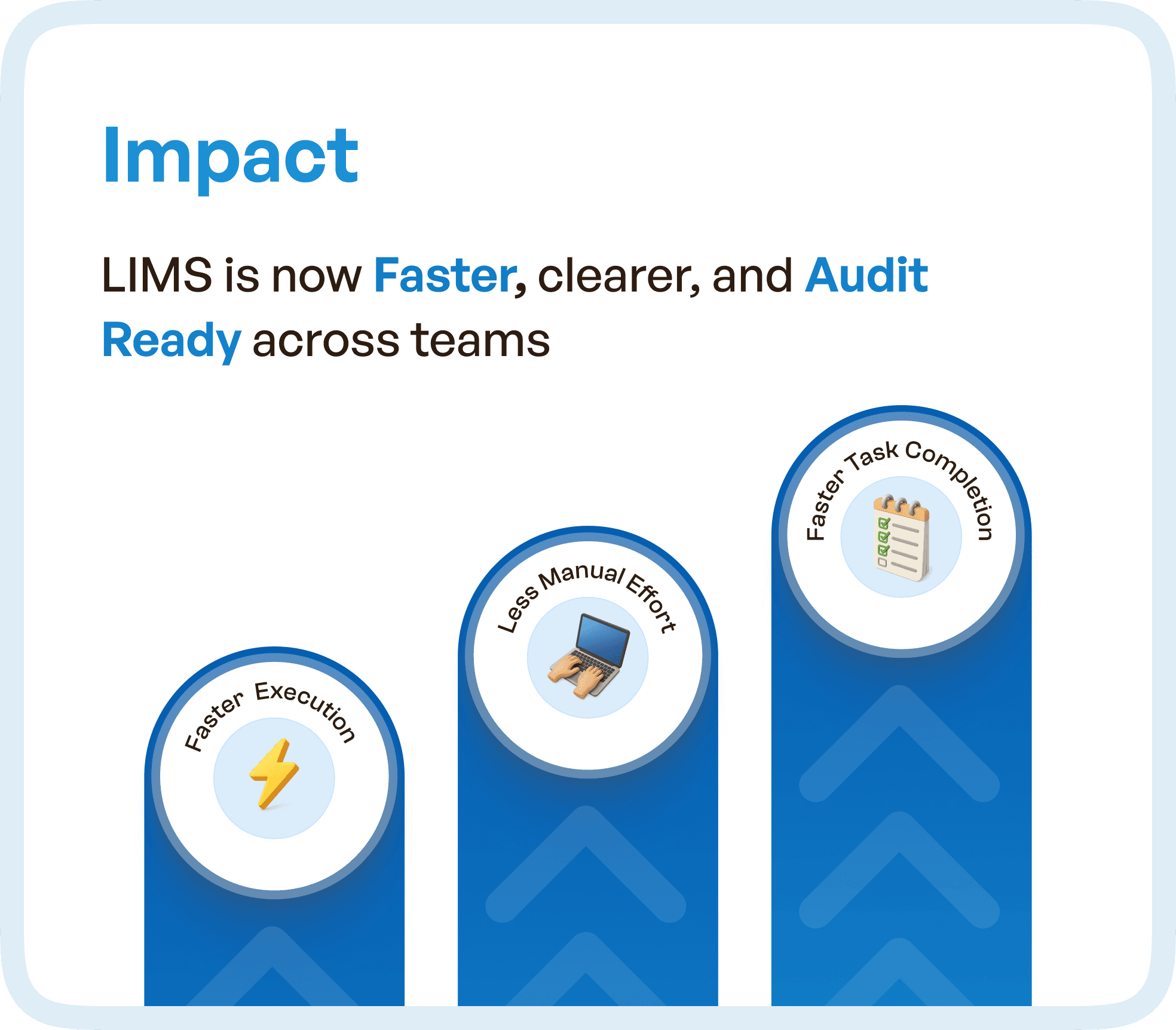
The results of the redesign were significant.
The LIMS system became faster to operate, as users no longer needed to navigate multiple modules to complete tasks. Workflow clarity improved, reducing errors and delays.
Audit readiness was strengthened because processes were clearly structured and traceable within the system. This is critical in pharmaceutical and regulated environments, where compliance depends on system accuracy and visibility.
Manual coordination reduced drastically, as the system itself guided task progression and ownership.
Overall, the redesign transformed the LIMS from a complex tool into an efficient operational system.
Why LIMS UX Design is Critical for Enterprise Systems
This case highlights a broader principle in enterprise UX design.
Systems do not fail because they lack features.
They fail because they lack structure.
In complex environments like laboratories, where workflows involve multiple roles and stages, UX design must focus on:
Workflow clarity
Role alignment
Contextual visibility
System guidance
Without these elements, even the most feature-rich systems will struggle with adoption and efficiency.
How Upslide Design Studio Approaches LIMS UX Optimization
At Upslide Design Studio, we specialize in redesigning complex enterprise systems like LIMS by focusing on how work actually happens.
Our approach involves deeply understanding user workflows, identifying structural gaps, and redesigning systems to align with real-world operations.
We do not just improve interfaces.
We optimize how systems function.
This ensures that software becomes easier to use, faster to operate, and capable of supporting business growth.
Final Thought
If your LIMS system feels slow, confusing, or heavily dependent on manual coordination, the issue is not the users.
It is the workflow design.
Because in enterprise systems, usability is not optional.
It is operational infrastructure.




