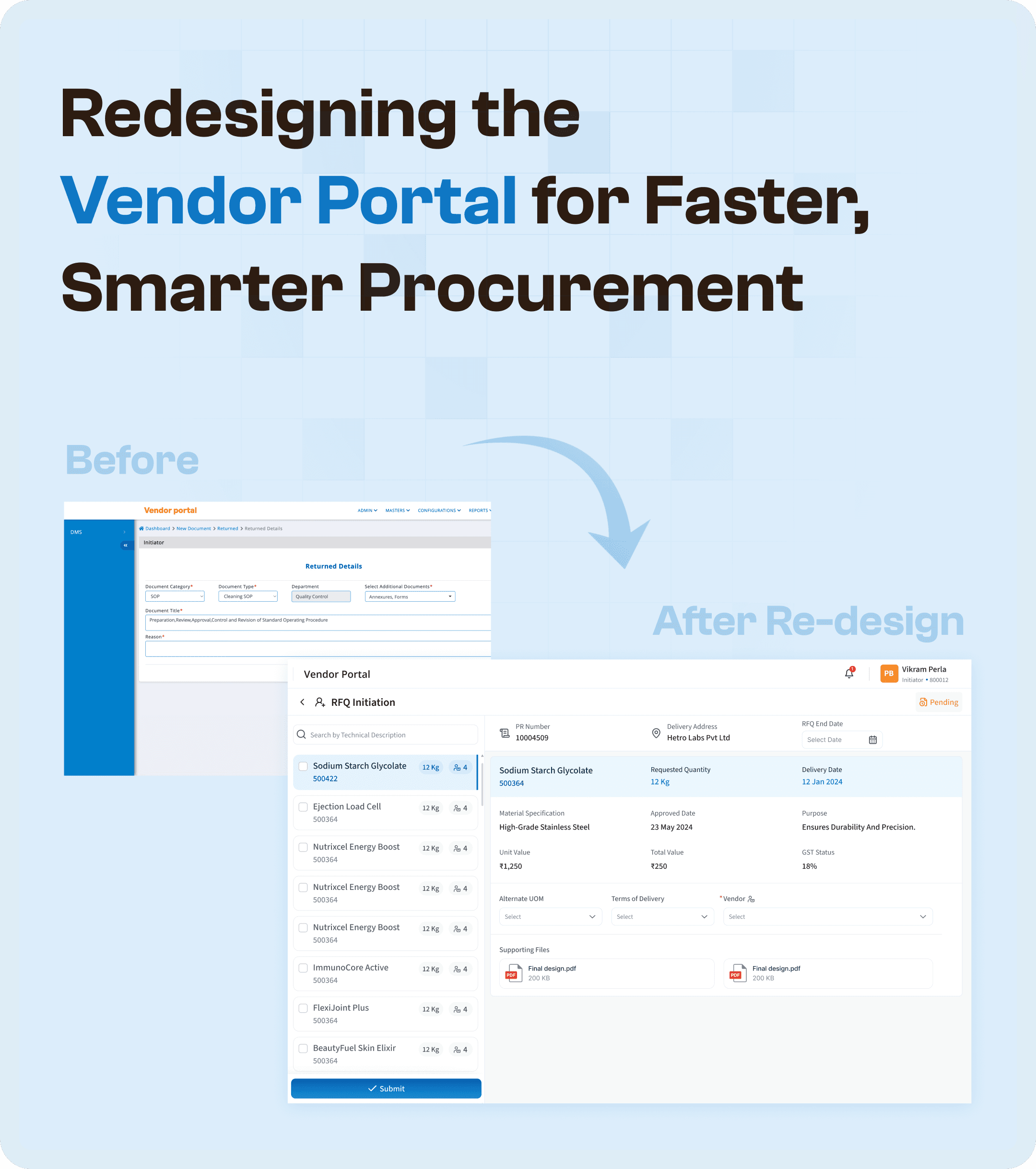

Introduction: The Importance of UX in Vendor Portal Systems
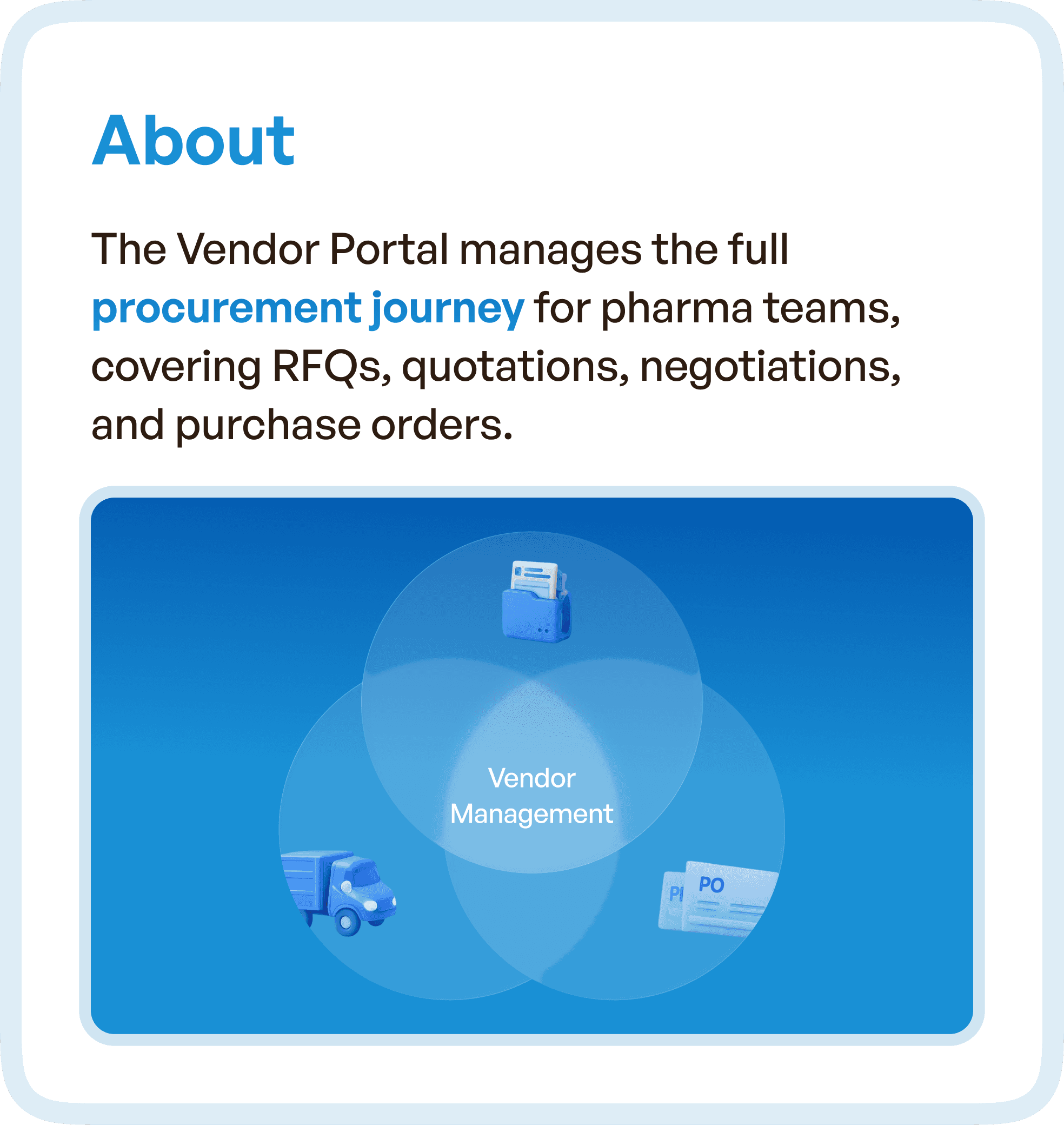
Vendor portals are a crucial component in the procurement processes of many organizations, especially in the pharmaceutical industry. They facilitate essential functions such as vendor management, RFQs, quotations, negotiations, and purchase orders.
However, many vendor portals suffer from outdated UX design, which causes friction and delays in the procurement process.
The Vendor Portal in this case study was struggling with several operational inefficiencies:
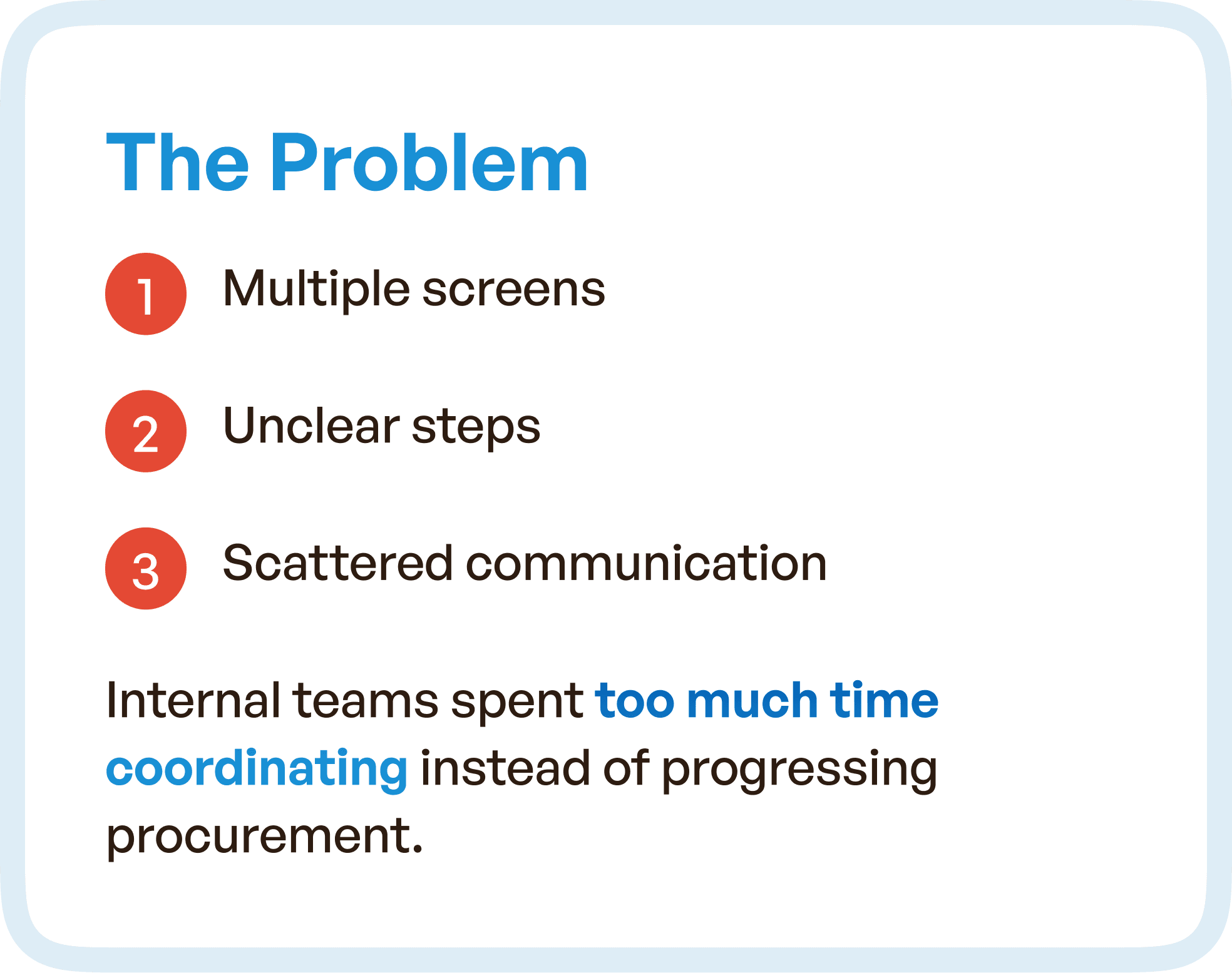
Multiple, fragmented screens
Unclear workflows
Excessive manual coordination between teams
These inefficiencies led to procurement delays, frustration among users, and a reliance on back-and-forth communication.
This is where UX optimization becomes vital for improving system efficiency and user satisfaction.
The Problem: Fragmented Processes and Poor Navigation
The core issue in the existing Vendor Portal was a lack of cohesive design. The procurement process was spread across multiple screens, creating a disconnected experience for users. This fragmentation caused several problems:
Multiple screens for managing different procurement steps, forcing users to switch between tabs or windows.
Unclear steps led to confusion about where users were in the process or what actions were required next.
Scattered communication, where information and updates were not centralized, leading to constant back-and-forth between procurement teams and vendors.
As a result, the internal teams were spending excessive amounts of time coordinating and clarifying steps instead of moving the procurement process forward. There was a heavy reliance on manual communication (via email or calls), which further slowed down the workflow.
Our Goal: Streamlining the Procurement System for Greater Efficiency
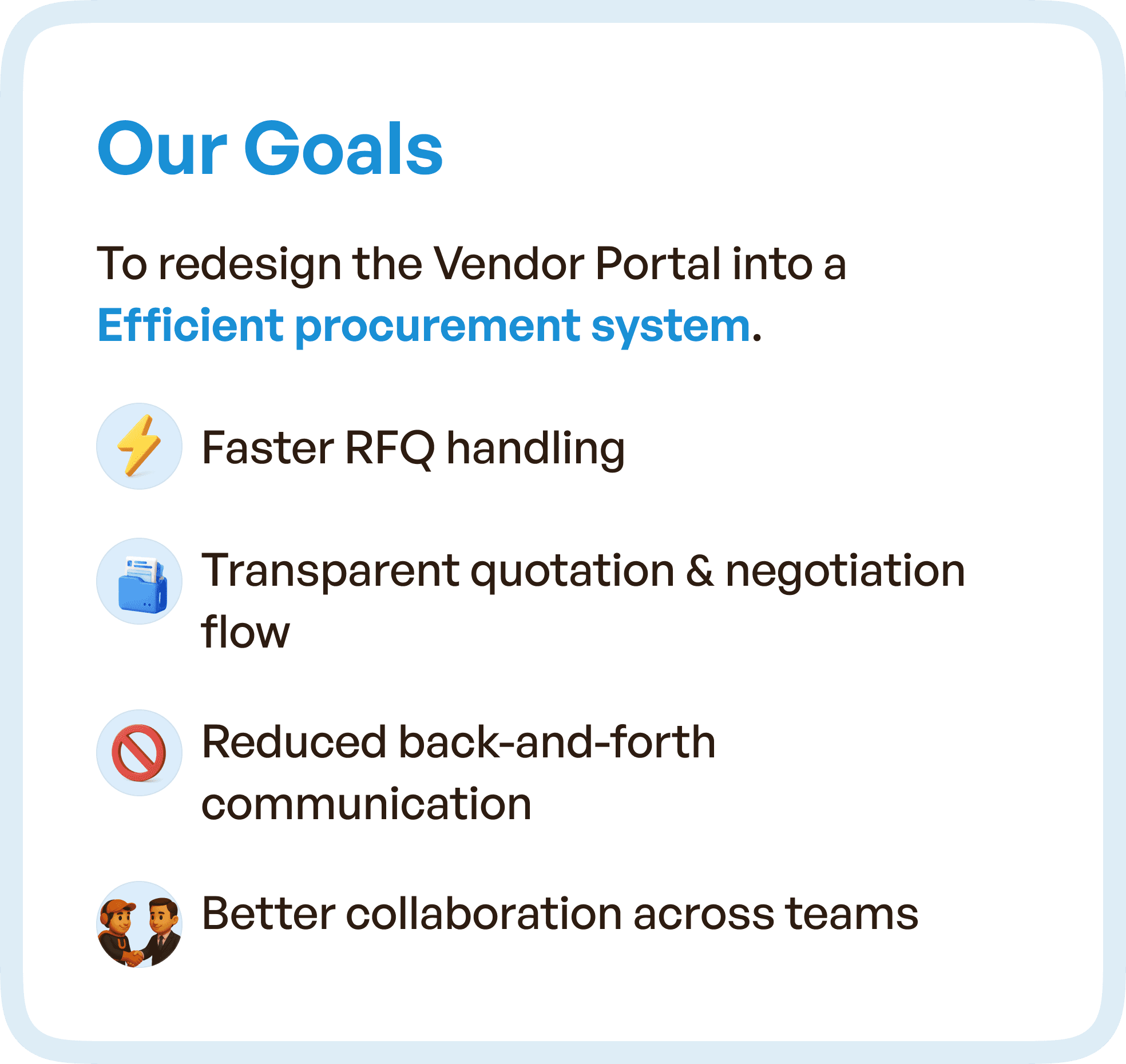
The goal of the redesign was to create a more efficient procurement system that would:
Improve RFQ handling speed
Create a transparent flow for quotations and negotiations
Reduce manual back-and-forth communication
Foster better collaboration across internal teams
By streamlining the procurement journey, the new design aimed to ensure that teams could complete their tasks faster and with more clarity.
The UX Approach: From Disconnected Screens to a Streamlined System
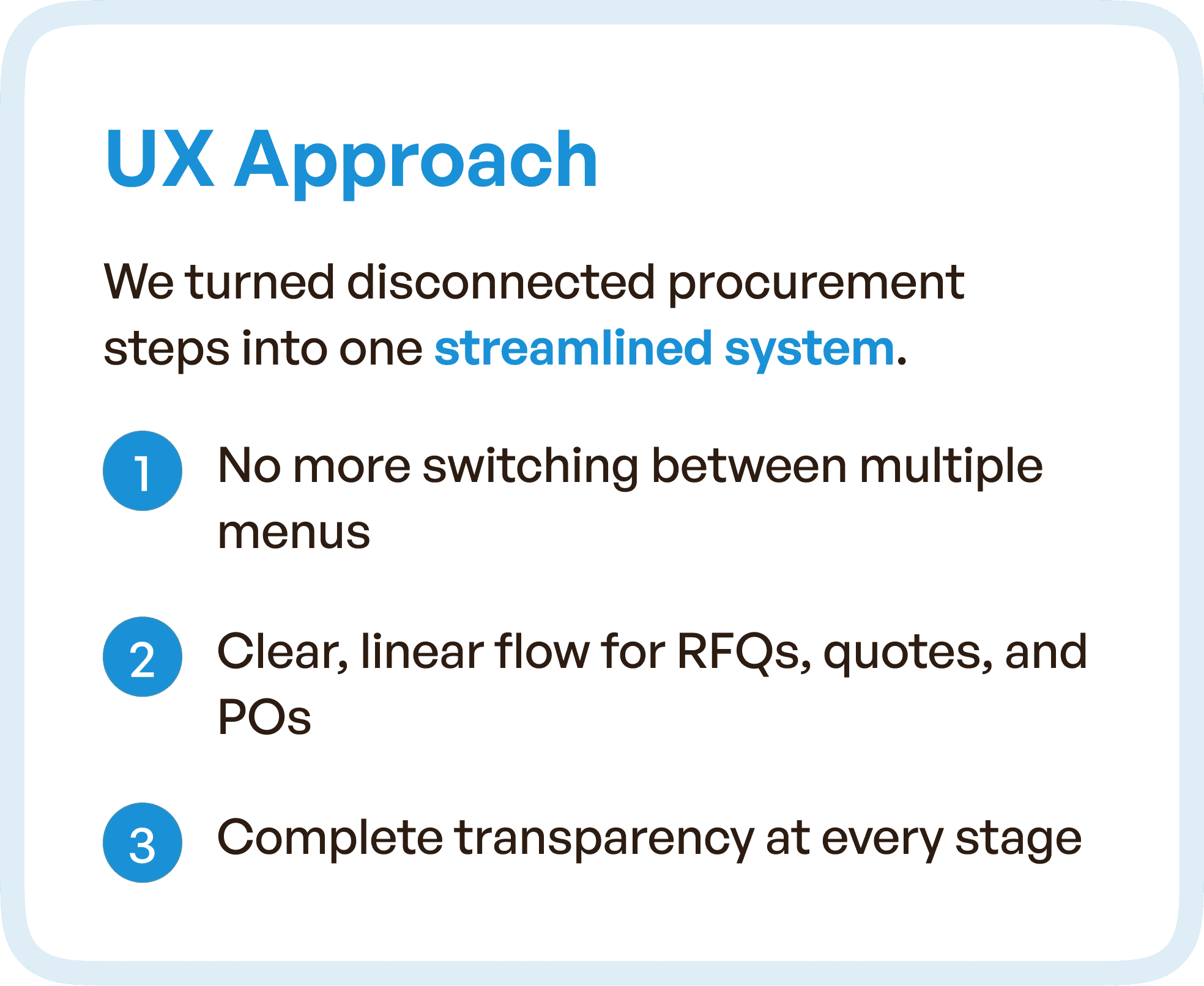
We began the redesign by mapping out the entire procurement process from start to finish. Our approach was to transform the fragmented, multi-screen flow into a unified, step-by-step experience that would guide users through each phase with minimal effort.
Key Changes We Made:
Consolidation of fragmented screens: Instead of multiple screens for different stages of the procurement process, we created a unified interface with clear step indicators.
Linear flow for RFQs, quotes, and purchase orders: We simplified the process by removing unnecessary menus and options, allowing users to focus on what mattered.
Complete transparency at every stage: The new design provided users with immediate visibility into the status of each procurement task, ensuring there was no confusion about progress.
Visual Redesign: Structuring RFQs and Simplifying the Experience
A significant part of the redesign focused on RFQ management. RFQs were previously handled in a disjointed manner, with scattered information and complex forms. We restructured RFQs into a simpler, more organized format.
Key Improvements:
Smarter inputs: We introduced smart fields and auto-filled data to reduce repetitive typing and make RFQs faster to complete.
Grouped inputs: Related fields were grouped together for better organization, reducing cognitive load and making the form easier to navigate.
Cleaner layouts: The RFQ layout was simplified to make it easier to follow, with clear section divisions and intuitive progress indicators.
These changes significantly reduced the time needed to complete RFQs and minimized the risk of errors.
Navigation That Supports Users and Keeps Everything in Context
The existing Vendor Portal lacked clear visual cues to help users navigate through the various stages of procurement. This often led to confusion about where they were in the process or what action needed to be taken.
We solved this by adding clear version cues and stage indicators, ensuring that users always knew where they were in the workflow.
Additionally, we included grouped evidence and comments throughout the process, making it easier for users to stay informed and take action when needed.
These navigation improvements made the entire process smoother and more predictable, which is crucial for large teams working on procurement.
Notifications That Drive Action
Another challenge in the previous system was a lack of effective notifications. Approvers and users were often left wondering whether their actions were needed or if they were up-to-date on the current status of an RFQ or purchase order.
In the redesigned portal, we introduced clear notifications with status updates, comments, changes, and required actions. This allowed approvers to stay informed without having to navigate through multiple screens to find important updates.
These notifications not only saved time but also eliminated the need for follow-ups, as users knew exactly what needed attention.
The Impact: Faster, Smarter Procurement
After the redesign, the Vendor Portal became significantly more efficient. Teams could complete tasks faster with clearer guidance at every step, and the system was much easier to use.
Key Results from the Redesign:
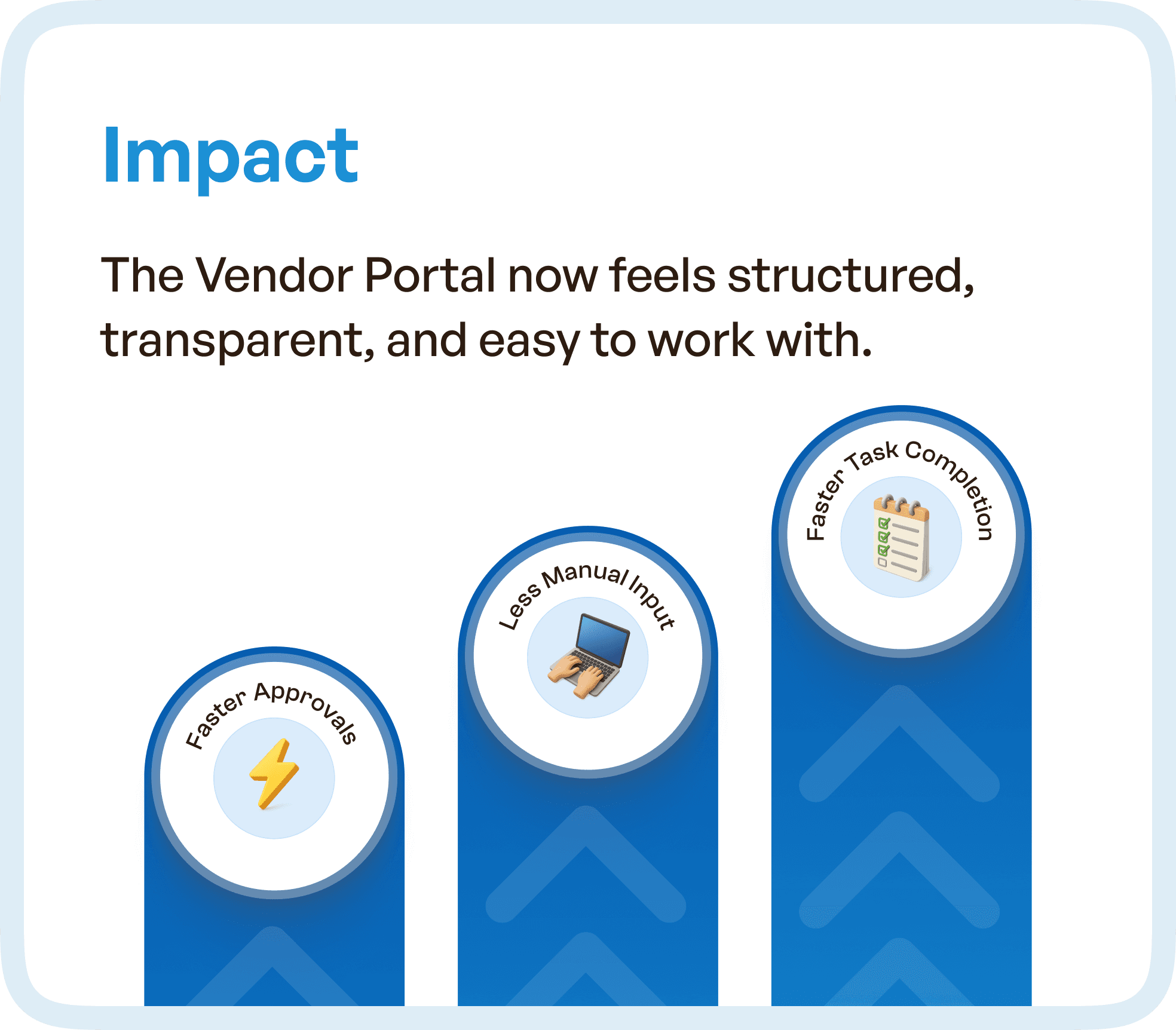
Faster approval cycles: RFQs and purchase orders moved through the system more quickly due to the streamlined process.
Less manual effort: With auto-filled data and reduced back-and-forth communication, procurement tasks required less manual input.
Improved task completion rates: Clearer workflows and better navigation ensured that tasks were completed in a timely manner.
Ultimately, the Vendor Portal now feels structured, transparent, and much easier for procurement teams to work with.
Why UX Redesign Is Crucial for Vendor Portals in Enterprise Software
This case study demonstrates the power of UX optimization in enterprise software. In systems like vendor portals, where multiple stakeholders are involved, clarity, efficiency, and user guidance are key to driving operational success.
Too often, organizations rely on outdated or fragmented systems that create friction for users. But when the system is designed around real workflows and user needs, it can significantly improve efficiency, reduce errors, and increase user satisfaction.
For procurement systems, this means:
Faster task completion
Fewer errors and manual processes
Improved cross-team collaboration
By focusing on the user experience and streamlining workflows, enterprises can unlock the true potential of their procurement systems.
Final Thought: Simplifying Procurement with UX Design
In procurement systems, the devil is in the details. Fragmented workflows, complex forms, and unclear navigation can slow teams down and increase errors. But when you focus on streamlining user experience, you create a system that works for everyone.
At Upslide Design Studio, we believe that UX redesign is the key to making procurement smarter and more efficient. By simplifying workflows, improving navigation, and providing clear guidance at every stage, you empower teams to move faster, collaborate better, and ultimately make more informed decisions.
If your vendor portal or procurement system is outdated and inefficient, it’s time to rethink the design. Let’s unlock the true potential of your system and make procurement smoother than ever before.




