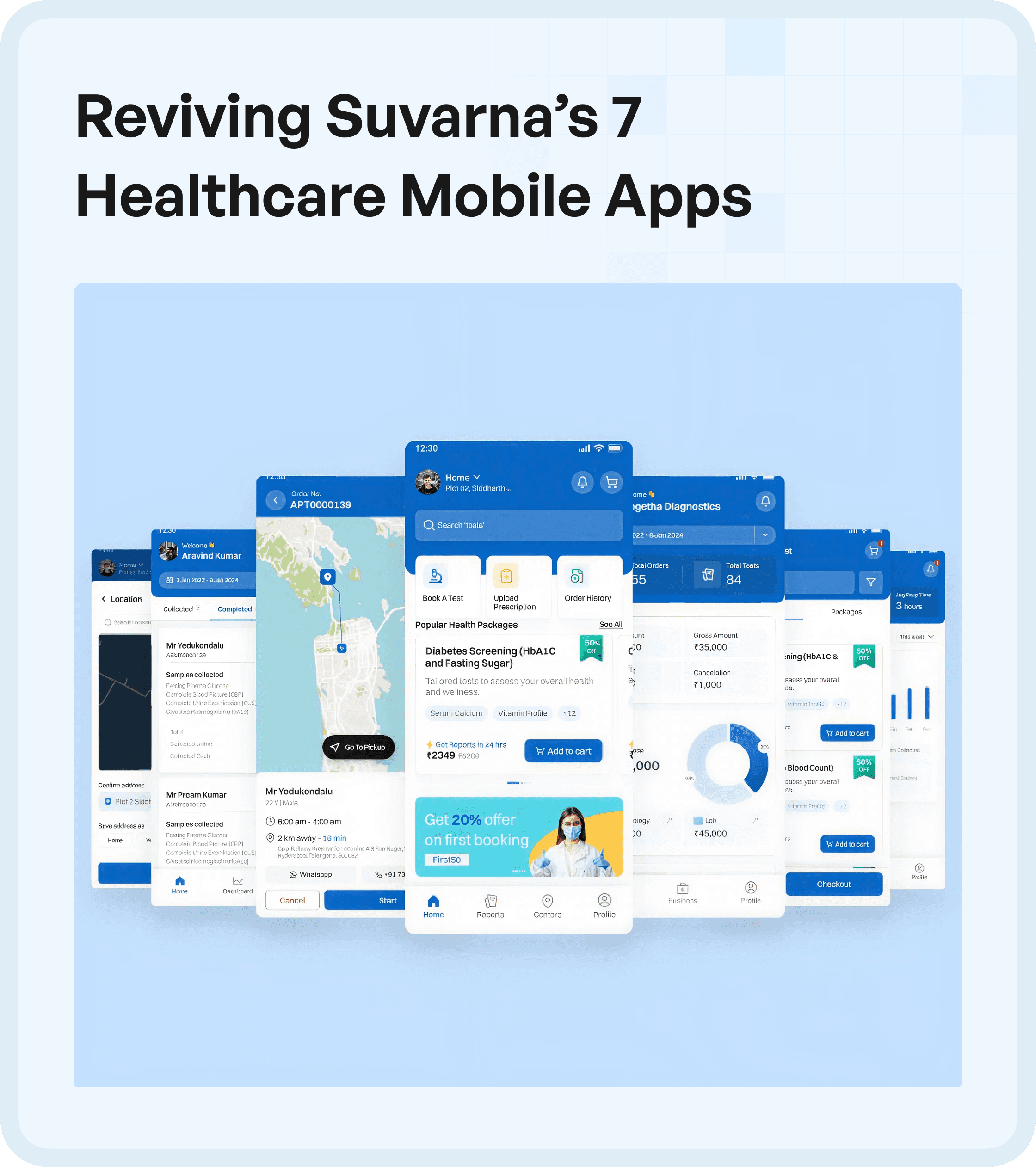

The Challenge: Multiple Apps, Low Adoption
Suvarna had built seven independent mobile applications.
Each app:
Served a different workflow
Targeted different use cases
Operated in isolation
However, despite their purpose, none of them were being used effectively.
Key issues:
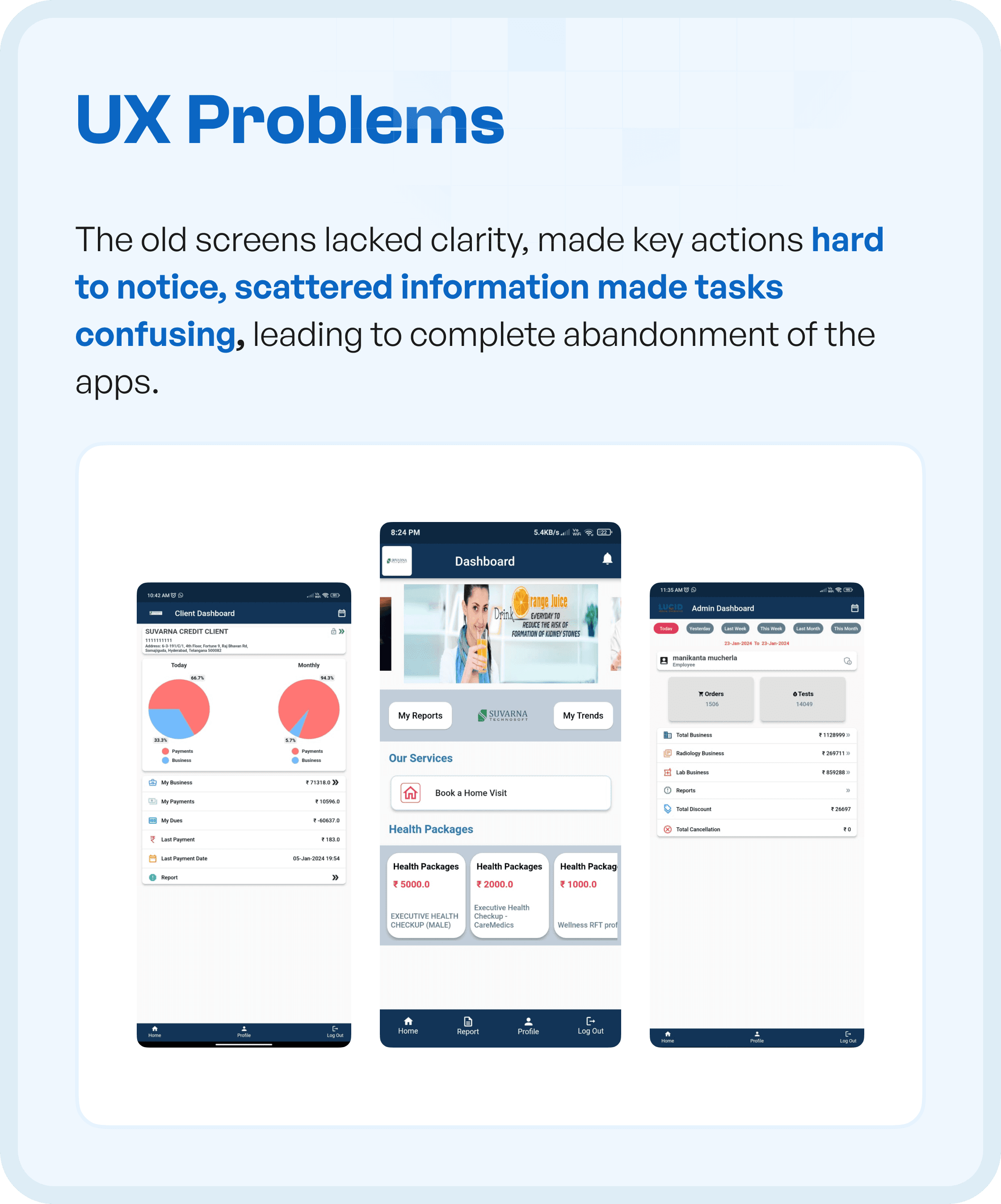
Users struggled to complete basic tasks
Lack of clarity across screens
No consistent experience across apps
The system existed - but users were not engaging with it.
Core UX Problems Identified
Through detailed analysis, we identified critical usability issues.
1. Lack of Clarity
Screens were difficult to understand at a glance.
2. Scattered Information
Content was fragmented across sections, increasing confusion.
3. Poor Visual Hierarchy
Important actions were not easily noticeable.
4. Task Confusion
Users did not know what to do next.
5. High Drop-Off Rates
Users abandoned tasks due to friction.
These issues resulted in low adoption and high dependency on manual support.
Business Challenges
The UX issues translated into larger operational problems:
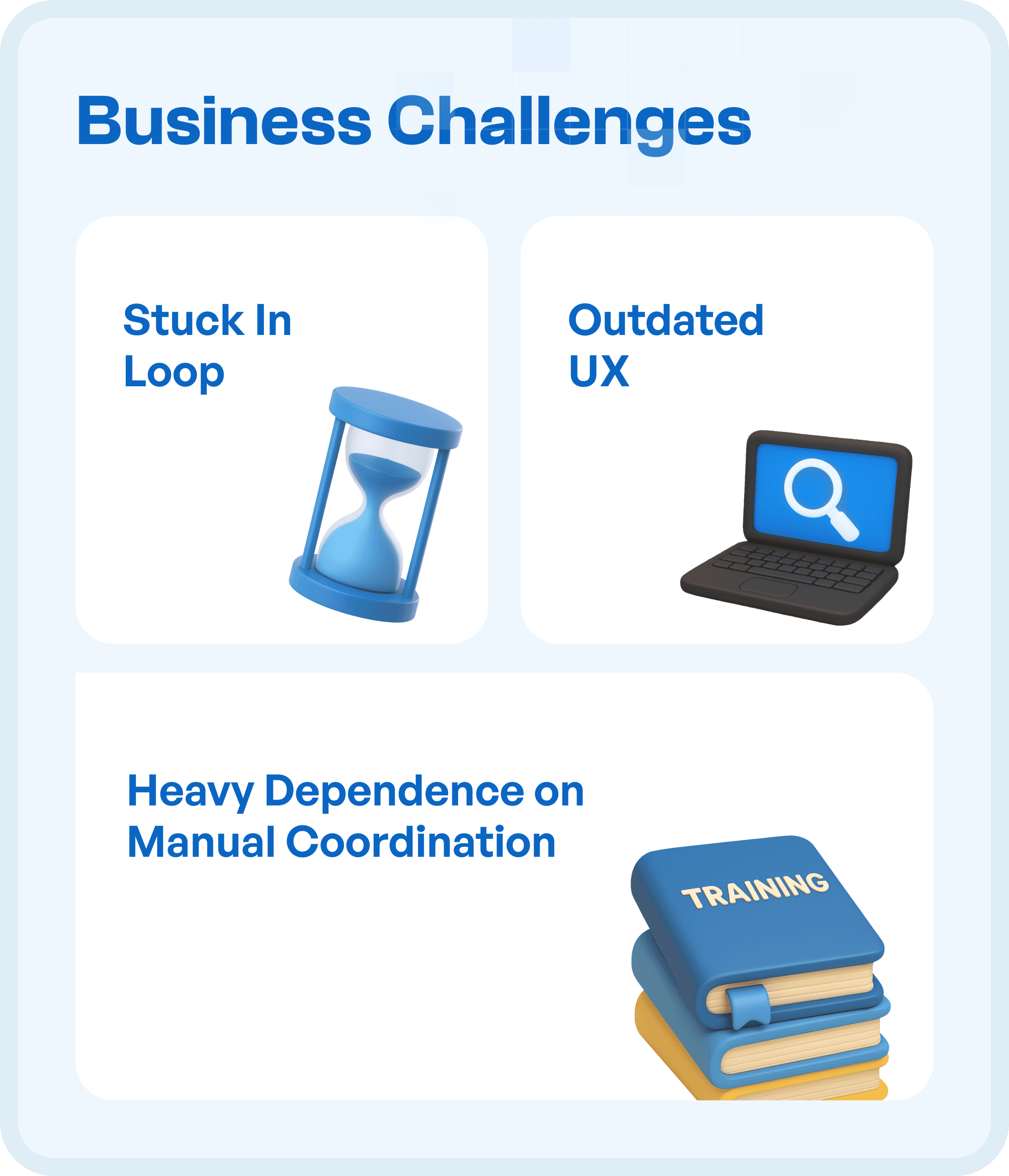
Teams were stuck in inefficient workflows
Outdated UX reduced trust in the system
Heavy dependence on manual coordination and training
The apps required effort to use, instead of simplifying workflows.
UX Goal: Improve Usability and Adoption Across All Apps
The goal was to redesign the apps to:
Simplify user journeys
Improve clarity across screens
Reduce dependency on training
Ensure consistency across all apps
This required a system-level UX transformation, not just visual updates.
UX Approach: Structured and Scalable Redesign
We followed a structured UX process to ensure consistency across all seven apps.
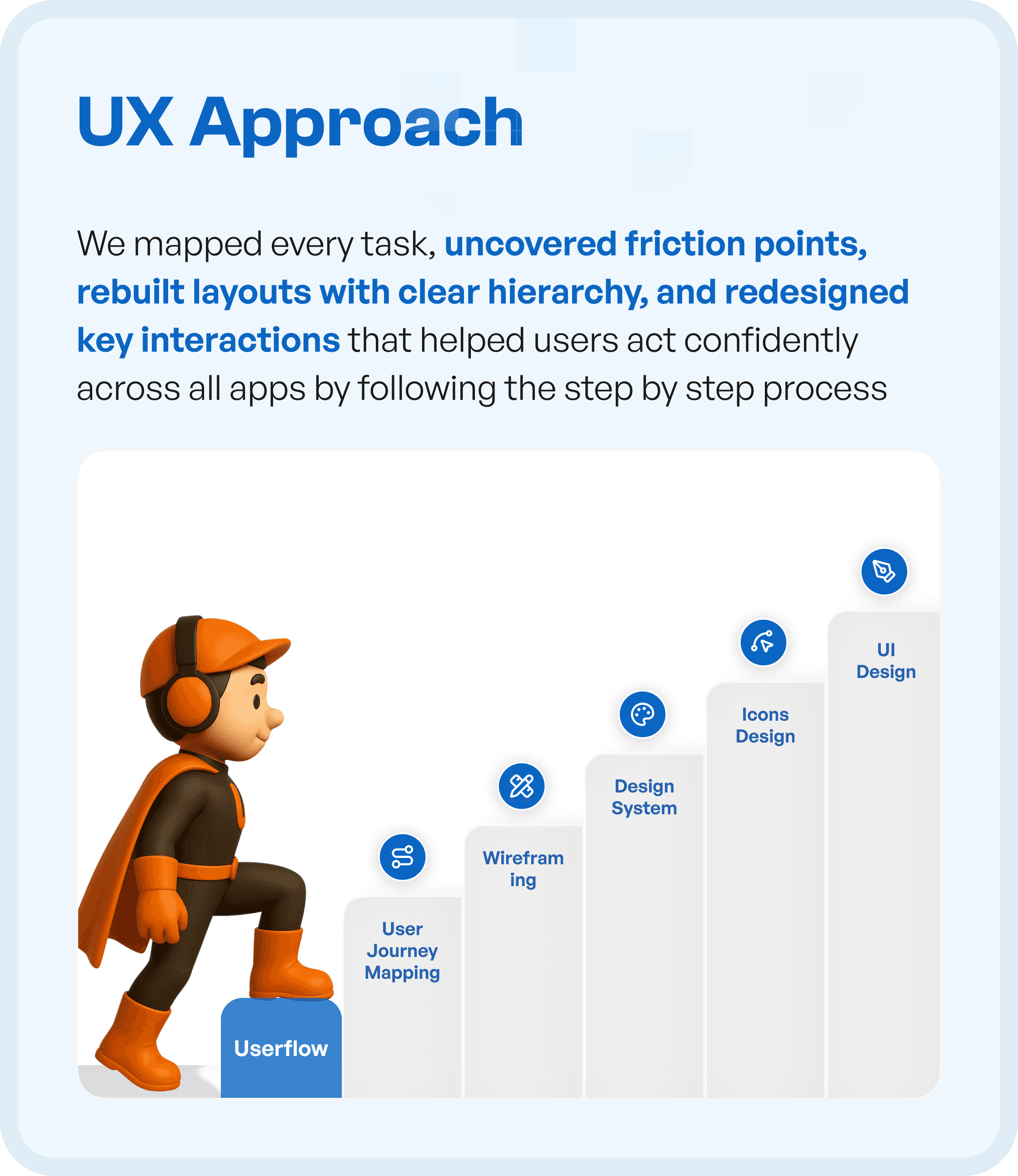
1. Mapping User Tasks and Flows
We analyzed how users interacted with each app:
Mapped user journeys
Identified friction points
Studied task completion paths
This helped us understand where users struggled.
2. Redesigning Layouts with Clear Hierarchy
We rebuilt screens with:
Clear visual hierarchy
Structured content layout
Better prioritization of actions
This made interfaces easier to scan and understand.
3. Introducing Consistency Across Apps
Each app previously had a different design pattern.
We standardized:
Navigation patterns
UI components
Interaction behaviors
This created a unified experience across all apps.
4. Improving Key Interactions
We redesigned core interactions to be:
Intuitive
Predictable
Easy to complete
Users no longer needed guidance for basic tasks.
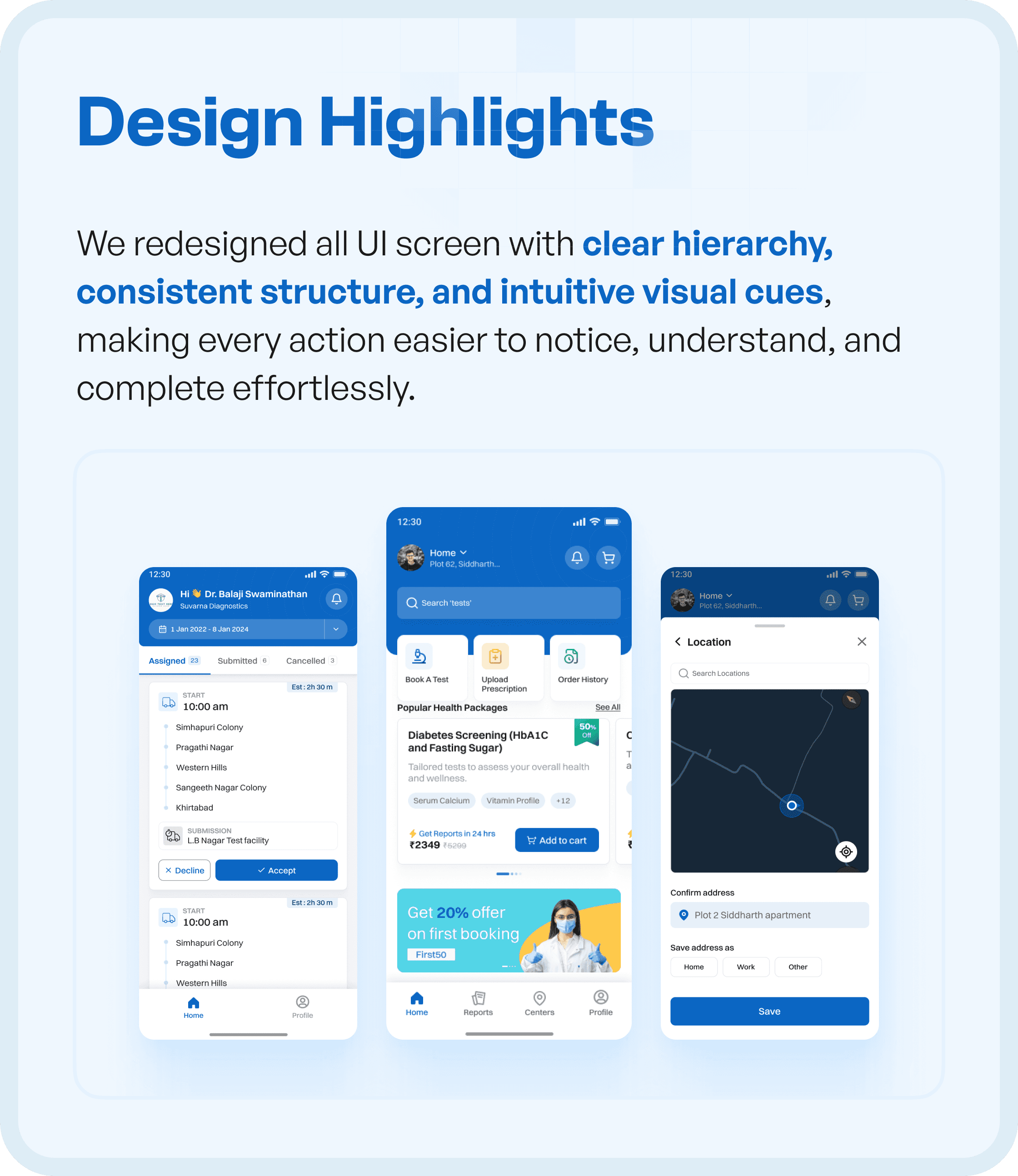
Design Highlights
The redesigned apps focused on clarity and usability.
Key improvements:
Consistent UI structure across all apps
Intuitive visual cues for actions
Improved readability of information
Simplified task flows
This reduced confusion and improved usability.
The Impact: Measurable UX Improvements
The redesign led to significant improvements:
Faster task completion
Reduced training time
Fewer support tickets
Users were able to:
Complete tasks independently
Navigate apps with ease
Understand workflows without assistance
Why UX Design is Critical in Healthcare Mobile Apps
Healthcare apps must be:
Easy to understand
Quick to use
Reliable under pressure
Without strong UX:
Users make errors
Adoption drops
Operational efficiency suffers
With structured UX:
Workflows become intuitive
User confidence increases
Systems become scalable
Key Takeaways for UX in Multi-App Ecosystems
This project highlights important UX principles:
Consistency across products is critical
Clarity reduces training dependency
Structured flows improve adoption
Usability drives business impact
Final Thoughts
Building multiple apps is not enough.
They need to work together as a cohesive experience.
By focusing on clarity, structure, and usability, we transformed a fragmented system into a functional and user-friendly ecosystem.




