
UI vs UX — The Simple Explanation
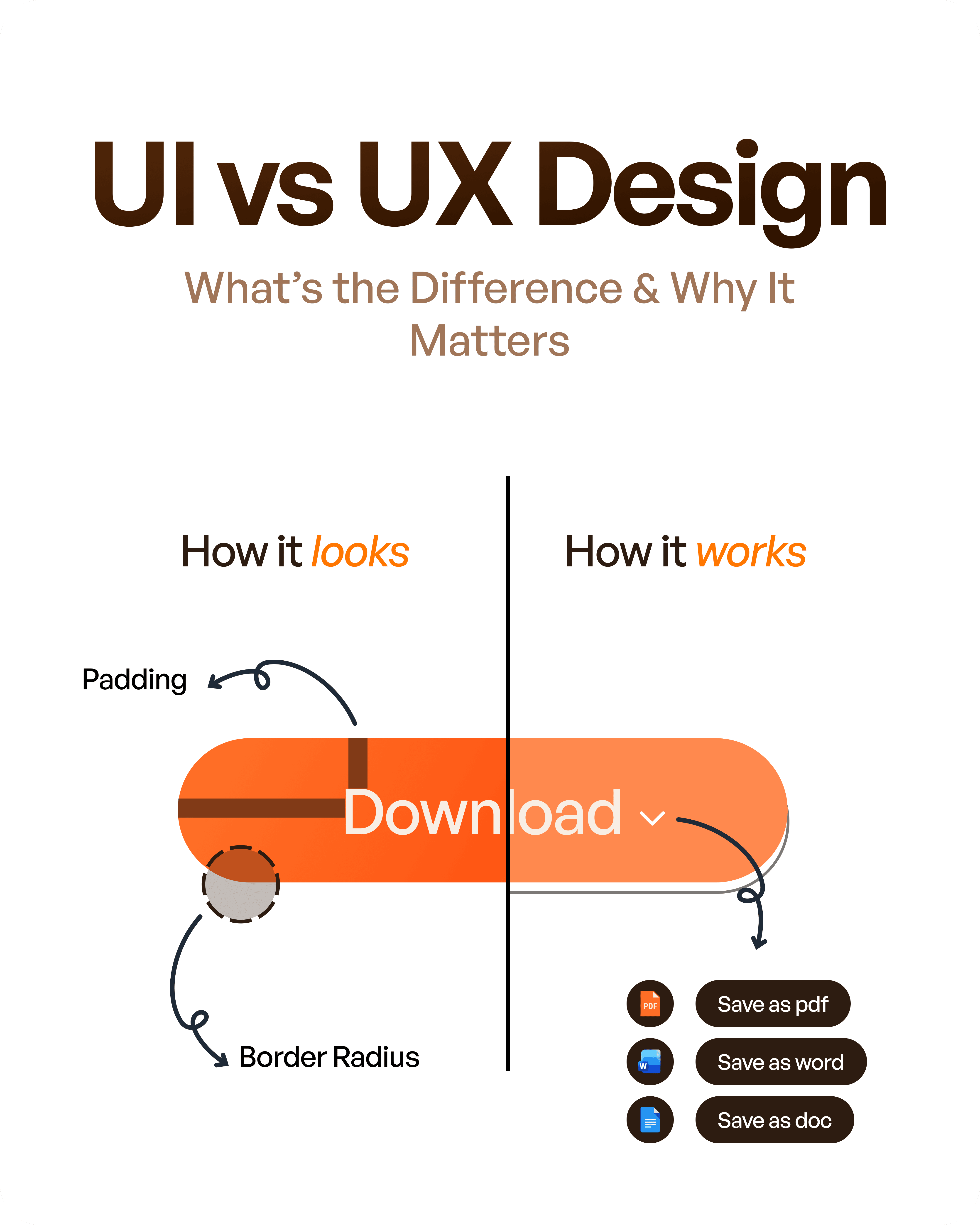
When diving into the world of design, two terms often stand out: UI and UX. While they frequently appear together, they play distinct roles. UI, or User Interface, is the visual aspect of a product. Think of it as the plate your meal is served on at a restaurant. It's all about aesthetics and first impressions.
On the other hand, UX, or User Experience, is the entire journey from the moment you step into the restaurant until you leave. It encompasses everything from the ease of booking a table to the friendliness of the staff. In the digital world, UX involves how a user interacts with and experiences a product, ensuring satisfaction and usability.
To simplify, UI is how things look, while UX is how things work. Together, they create a cohesive and enjoyable product journey, much like dining in a well-orchestrated restaurant.
What is UI Design?
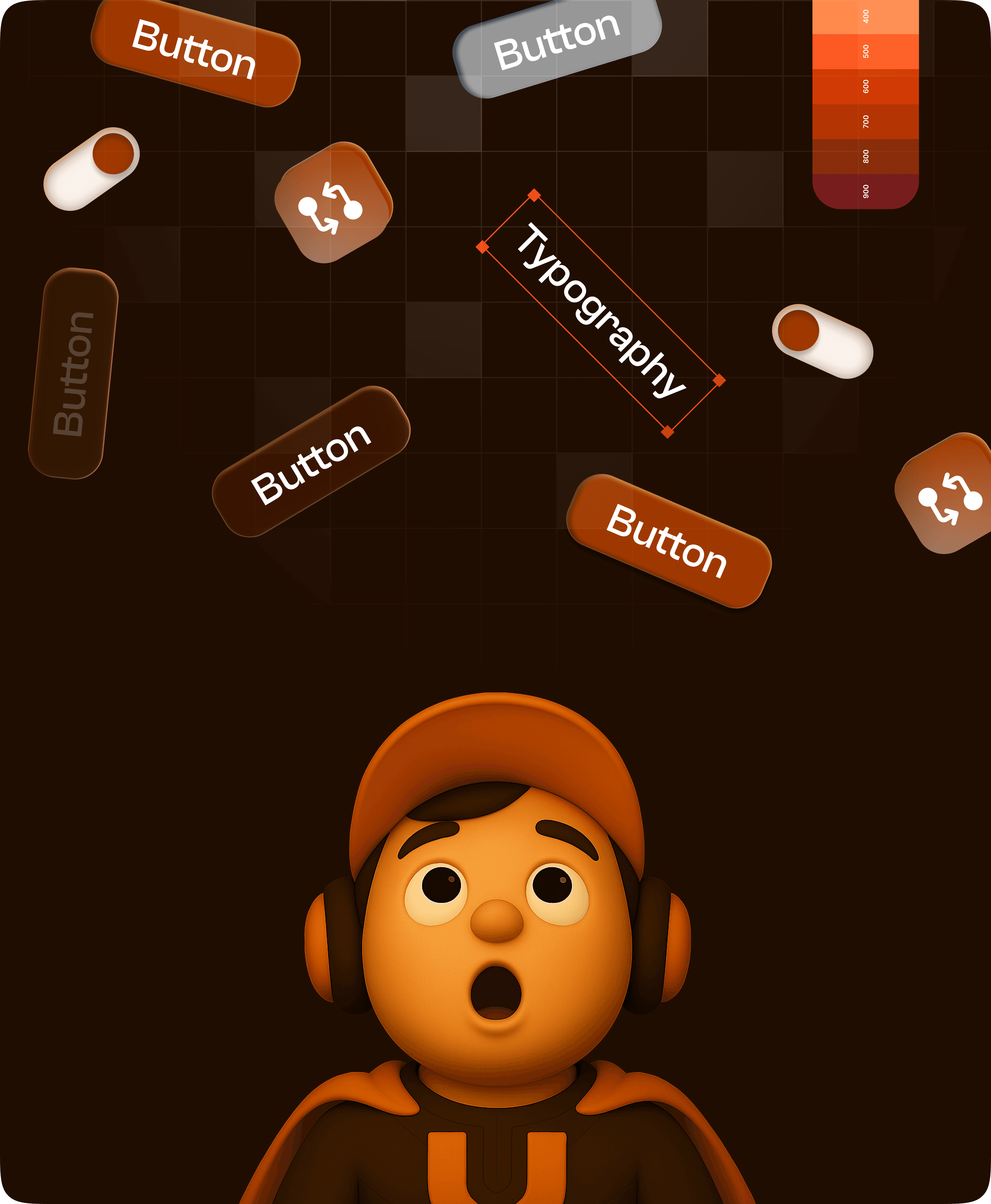
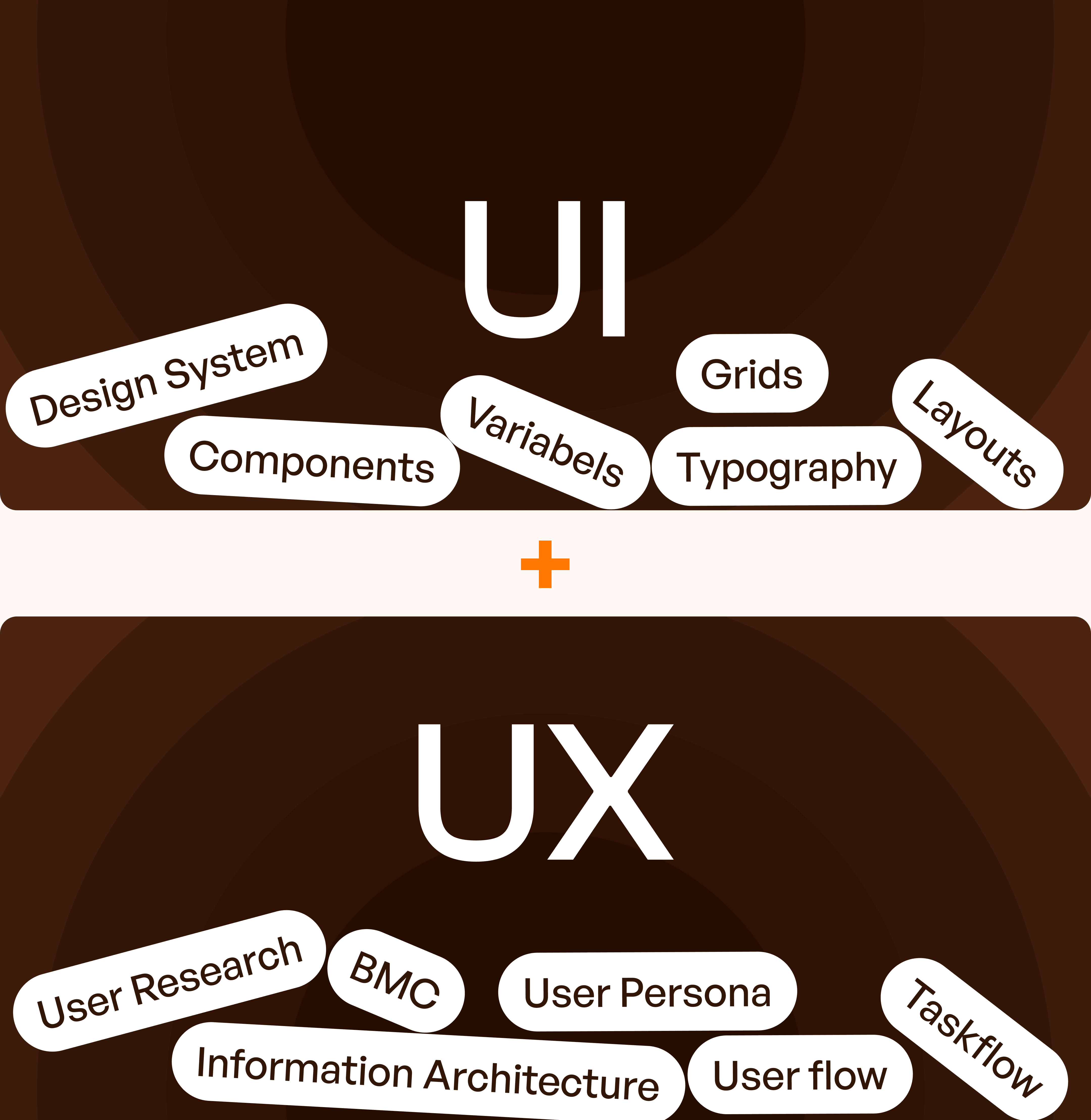
User Interface Design is centered on the visual elements of a product. This includes colors, typography, buttons, and layout. The goal is to create an aesthetically pleasing and intuitive interface that invites users to engage.
UI designers focus on crafting these elements to ensure they align with the brand's identity and resonate with users. A well-designed UI can significantly impact a user's first impression, often determining whether they'll continue exploring or abandon the product.
For example, when you open a food delivery app, the color scheme and layout guide you intuitively from browsing menus to placing an order. A seamless interface can make this process feel effortless and enjoyable, enhancing perceived quality.
What is UX Design?
UX Design delves into the overall experience a user has when interacting with a product. It’s about usability, flow, and problem-solving. The aim is to make the user's journey as smooth and satisfying as possible.
UX designers often begin with research to understand user needs and pain points. They create wireframes to map out the user flow and conduct testing to refine the experience. This iterative process ensures the final product is intuitive and user-friendly.
Consider an e-commerce website. A good UX design ensures that finding products, adding them to the cart, and completing a purchase is seamless. This focus on ease of use not only satisfies users but can also drive conversions and retention rates.
UI vs UX — Key Differences
While UI and UX are interconnected, they have distinct focuses and goals. The following table provides a clear comparison:
Aspect | UI Design | UX Design |
Focus | Visual aesthetics and interaction | Overall user experience and satisfaction |
Goal | Attract users with appealing design | Ensure a smooth and intuitive user journey |
Process | Designing visual elements | Research, wireframing, testing |
Deliverables | Colors, typography, buttons, layout | User flow, wireframes, test results |
Stage in Product Development | Post-research, during the design phase | Ongoing, from research to final product |
UI vs UX in Real Life
Let's explore some real-world examples to illustrate the difference between UI and UX. Consider a food delivery app. A good UI might present a visually appealing menu layout with vibrant images and easy navigation. However, if the app is slow to load or crashes frequently, the UX suffers, leading to user frustration.
In contrast, an e-commerce website with excellent UX offers a smooth checkout process and helpful customer service, even if its UI is only average. Users prioritize functionality and ease of navigation over flashy design elements.
Similarly, a SaaS dashboard might have a minimalist design (average UI), but if it provides comprehensive analytics and intuitive data visualization (excellent UX), it will still be highly valued. Upslide, a UI/UX design agency, adeptly executes these principles by ensuring both visual appeal and seamless functionality in their projects.
How UI and UX Work Together
UI and UX are not standalone entities; they work in tandem to create an exceptional product. UX design typically comes first, laying the groundwork for a user-friendly experience. UI then builds upon this foundation, enhancing it with engaging visuals.
The dependency between the two is clear: a great UX ensures that the product is usable and meets user needs, while a well-crafted UI makes it visually appealing and engaging. This synergy is evident in the work of Upslide, where thoughtful UX is complemented by striking UI, ensuring a holistic design approach.
In essence, UI and UX are two sides of the same coin, each enhancing the other to create a product that's both functional and attractive.

UI vs UX Roles
The roles of UI and UX designers are distinct yet interconnected. UI designers focus on the visual and interactive aspects of a product. They design elements such as buttons, icons, and color schemes that define the look and feel of the interface.
UX designers, on the other hand, delve into research, user flow, and usability. They study user behavior to create intuitive pathways and solve potential issues before they arise. Their role is crucial in ensuring that the product is not only used but loved by its audience.
Together, these roles collaborate to deliver a product that is both visually appealing and user-friendly, catering to both aesthetic and functional needs.
UI vs UX — Which is More Important?
Debates often arise over which is more important: UI or UX. The truth is, both are essential. UX design lays the foundation for conversions and retention by ensuring a product meets user needs and is easy to navigate.
UI design, however, is critical for engagement and perception. A visually appealing interface can captivate users and encourage interaction. Without a good UI, even the best UX can go unnoticed.
In practice, both UI and UX must work together to create a successful product. While UX may take the lead in ensuring functionality, UI enhances it by adding a layer of engagement and visual appeal. Upslide's expertise in real-world execution highlights the seamless integration of both elements, ensuring neither is compromised.
Final Thought
In the realm of design, UI and UX are inseparable. UI is about how a product looks, while UX concerns how it works. Both must collaborate harmoniously to deliver a product that users love.
A well-designed UX ensures that the user journey is smooth and satisfying, while an appealing UI attracts and retains attention. Together, they form the backbone of a product's success, driving user satisfaction and business outcomes.
Ultimately, UI and UX must work hand in hand, each enhancing the other, to create a product that is not only functional but also delightful to use.