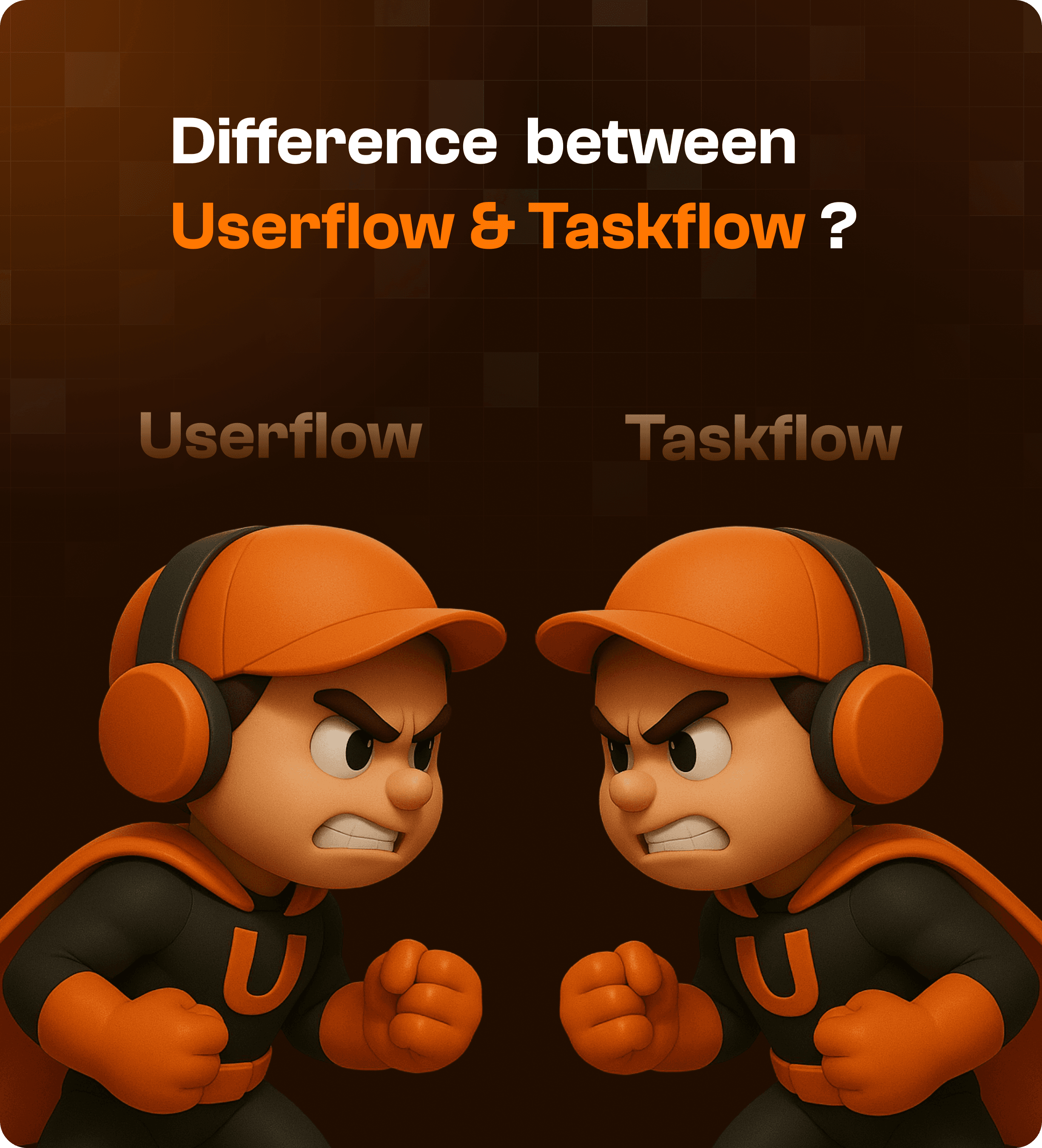

What is a User Flow in UX Design?
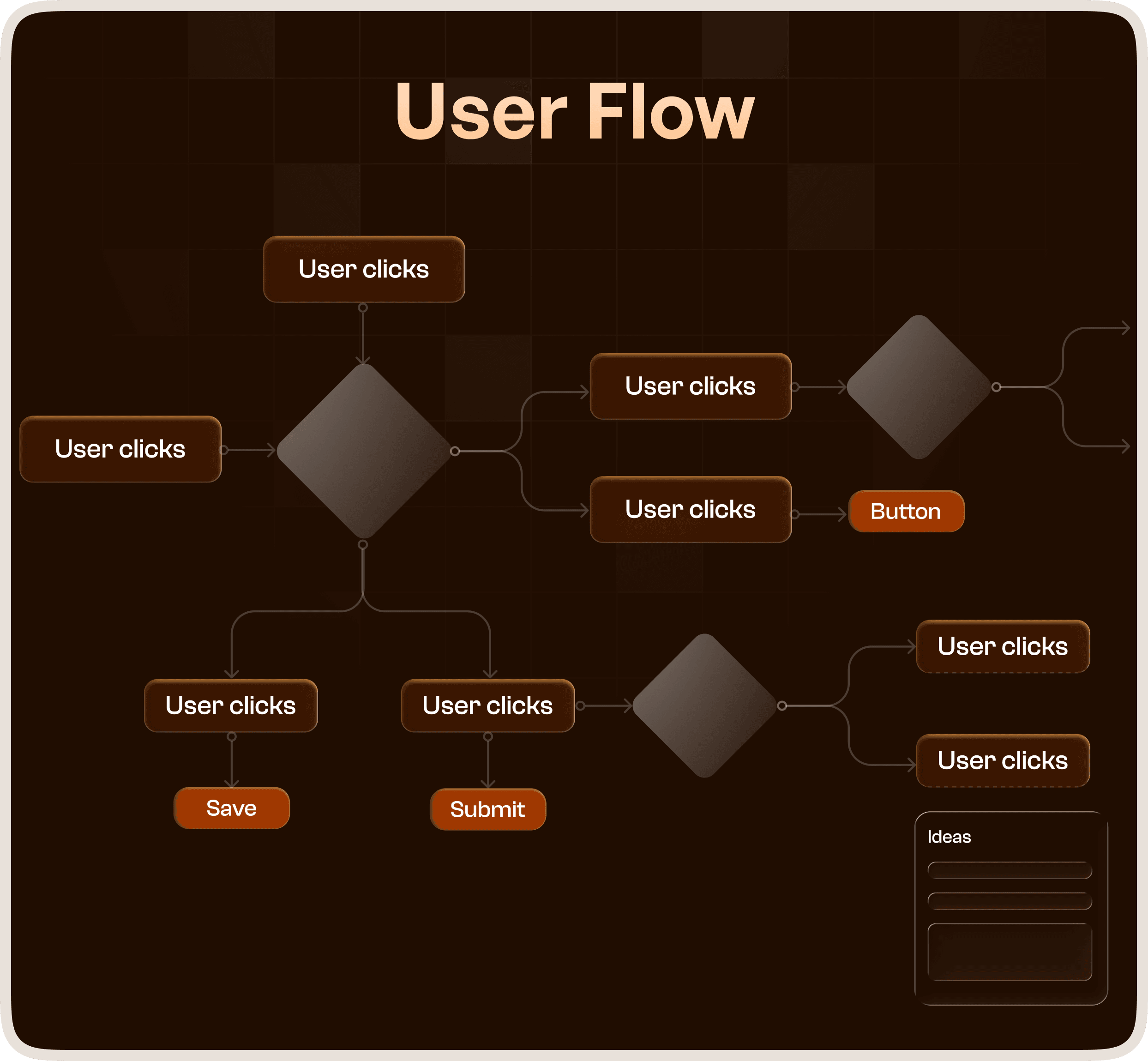
A user flow represents the complete journey a user takes to achieve a goal within a product.
It maps:
Entry points
Navigation paths
Decisions
Interactions
Final outcomes
In simple terms, a user flow shows the big picture of how a user moves through your system.
Example of a User Flow
In an enterprise SaaS platform:
User logs in
Navigates to dashboard
Selects a module
Reviews data
Performs an action
Completes a goal
This entire journey, including all decisions and steps, forms the user flow.
What is a Task Flow in UX Design?
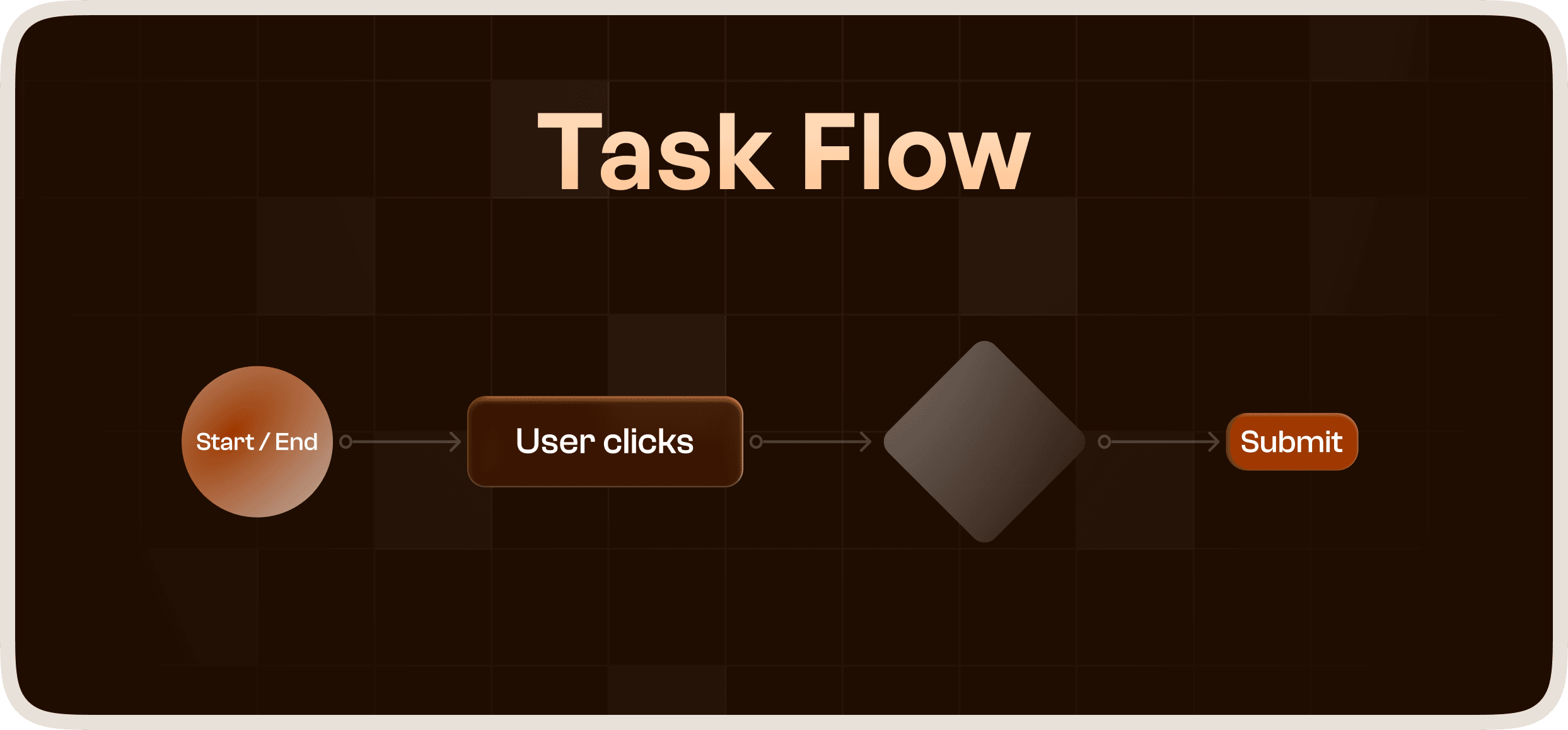
A task flow focuses on a single, specific path a user takes to complete one defined task.
It removes complexity and shows:
The most efficient path
Minimal steps
No alternative routes
Task flows are about execution efficiency, not exploration.
Example of a Task Flow
For the same SaaS platform:
Open dashboard
Click “Create Report”
Enter details
Submit
This is a focused, step-by-step path to complete one task.
Why the Difference Matters in Enterprise UX
Enterprise systems are inherently complex.
They involve:
Multiple roles
Layered workflows
Interconnected processes
If teams rely only on user flows:
They may miss inefficiencies in execution
If teams rely only on task flows:
They may lose the overall system context
Both are required to design scalable and usable enterprise products.
When to Use User Flows
Use user flows when you want to:
Understand the complete user journey
Design navigation structures
Map decision points
Identify friction across the system
User flows are essential during:
Product planning
UX strategy
Information architecture design
When to Use Task Flows
Use task flows when you want to:
Optimize specific actions
Reduce steps
Improve efficiency
Simplify workflows
Task flows are critical during:
Feature design
Interaction design
Usability improvements
How User Flow and Task Flow Work Together
User flow answers:
“How does the user move through the system?”
Task flow answers:
“What is the fastest way to complete this task?”
Together, they ensure:
Clarity in structure
Efficiency in execution
This combination is essential for enterprise UX redesign.
Applying This in Real Products
At Upslide Design Studio, we use both flows to design complex systems.
User Flows Help Us:
Map entire product journeys
Identify friction points
Structure navigation
Task Flows Help Us:
Optimize key actions
Reduce user effort
Improve speed and clarity
This approach ensures that enterprise platforms are:
Structured
Efficient
Scalable
Impact on Product Outcomes
Using both user flows and task flows leads to:
Better feature discoverability
Faster task completion
Reduced training requirements
Improved product adoption
In enterprise systems, this directly impacts business performance and user efficiency.
Final Thoughts
User flow and Task flow are not interchangeable.
They are complementary tools that solve different layers of UX problems.
Understanding when and how to use each is essential for designing high-performing digital products.




