

What is a User Flow in UX?
A user flow is a step-by-step map of how a user moves through your product to achieve a goal.
It defines:
Actions
Decisions
Transitions
Outcomes
User flows focus on logic and journey, not visuals.
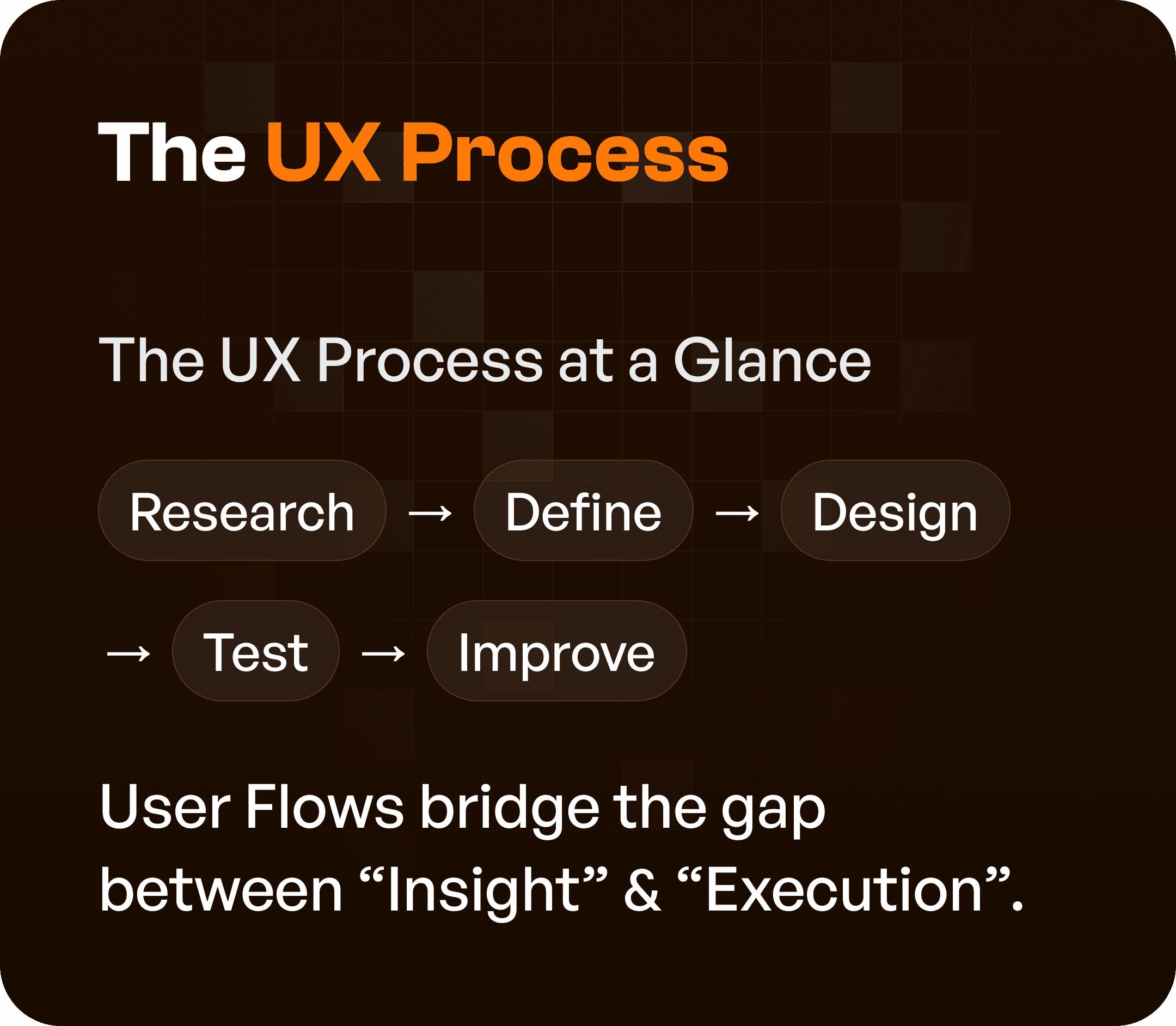
The UX Process at a Glance
A typical UX process follows:
Research
Define
Design
Test
Improve
User flows sit at a critical point in this process.
They act as a bridge between Insight (research) & Execution (design)
Step 1: Research (No Flows Yet)
At this stage, the goal is to understand:
Users
Goals
Behaviors
Pain points
You are gathering insights.
Not structuring flows.
Key focus:
User interviews
Analytics
Observations
At this stage, creating flows is premature.
Step 2: Define (Where User Flows Begin)
This is where user flows become essential.
Once you understand user needs, you map:
How users will achieve their goals
What steps they will take
What decisions they will make
User flows bring clarity to:
Product requirements
Feature structure
Task logic
This is the most critical stage for user flows.
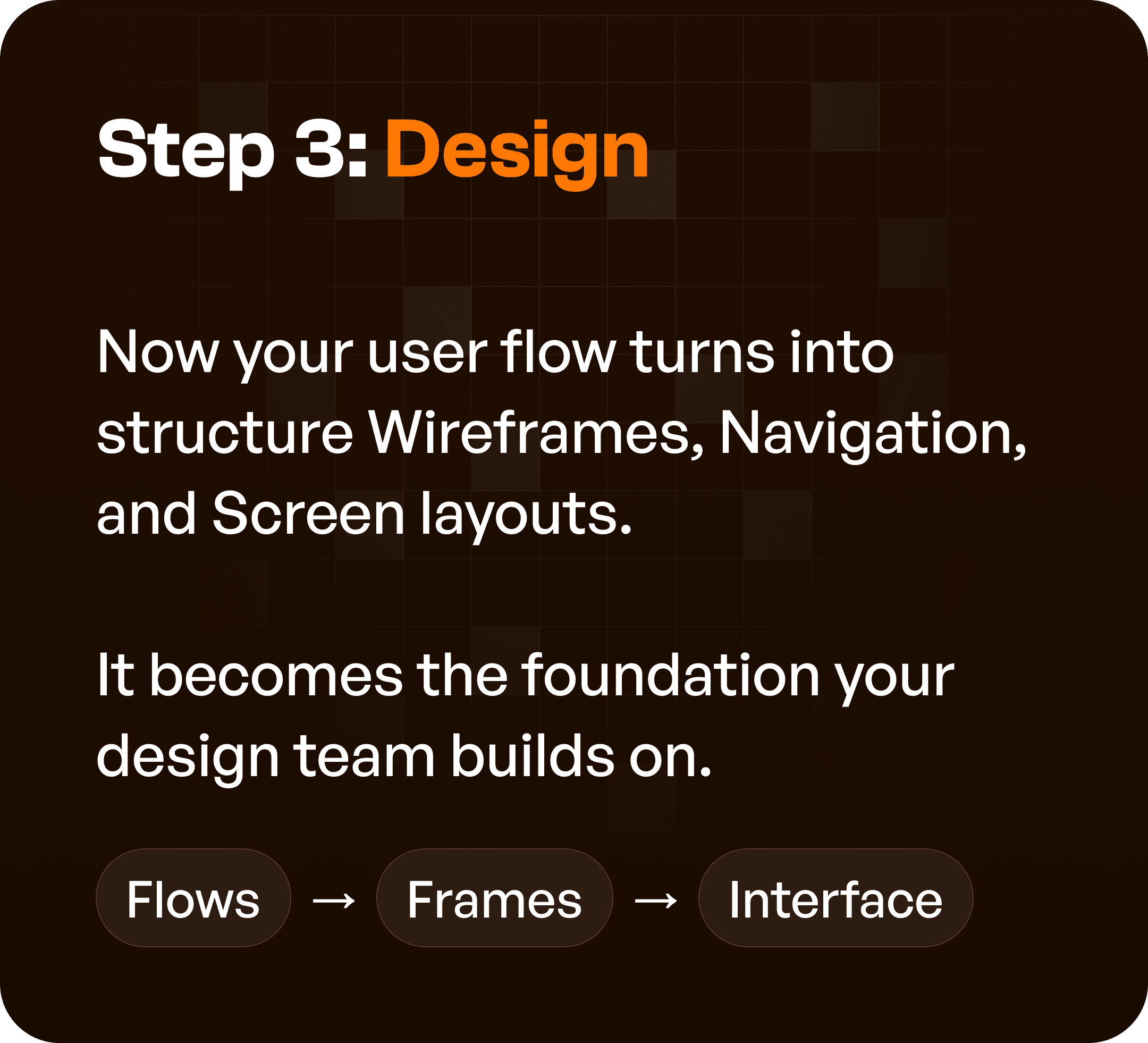
Step 3: Design (Flows Become Interfaces)
In the design stage, user flows transform into:
Wireframes
Navigation systems
Screen layouts
Think of it as:
Flows → Screens → Interface
If flows are unclear, design becomes inconsistent.
If flows are strong, design becomes structured.
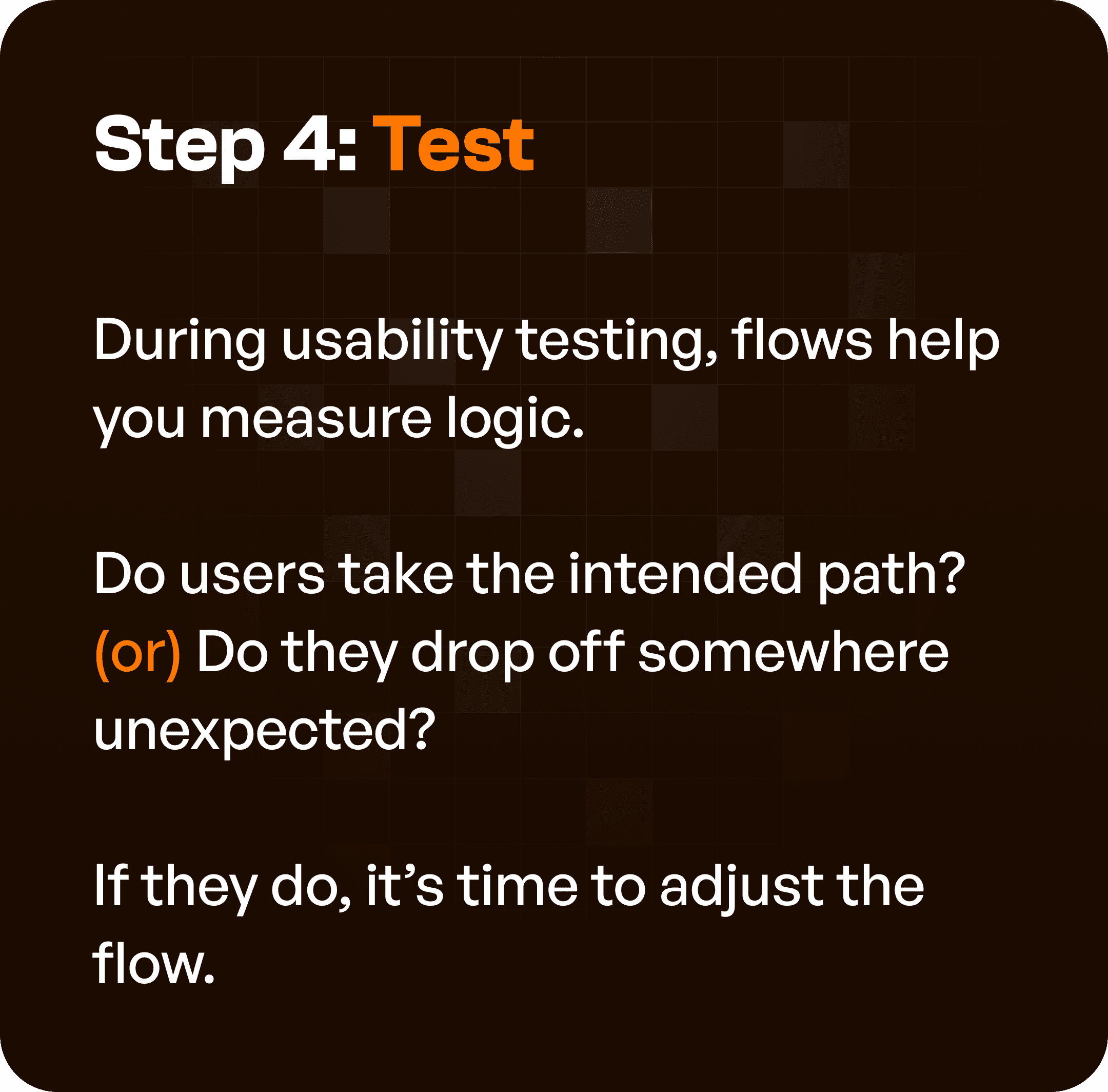
Step 4: Testing (Validating User Flows)
User flows are tested during usability testing.
Key questions:
Are users following the intended path?
Where do users drop off?
Are there unnecessary steps?
This helps identify:
Friction points
Confusion areas
Broken logic
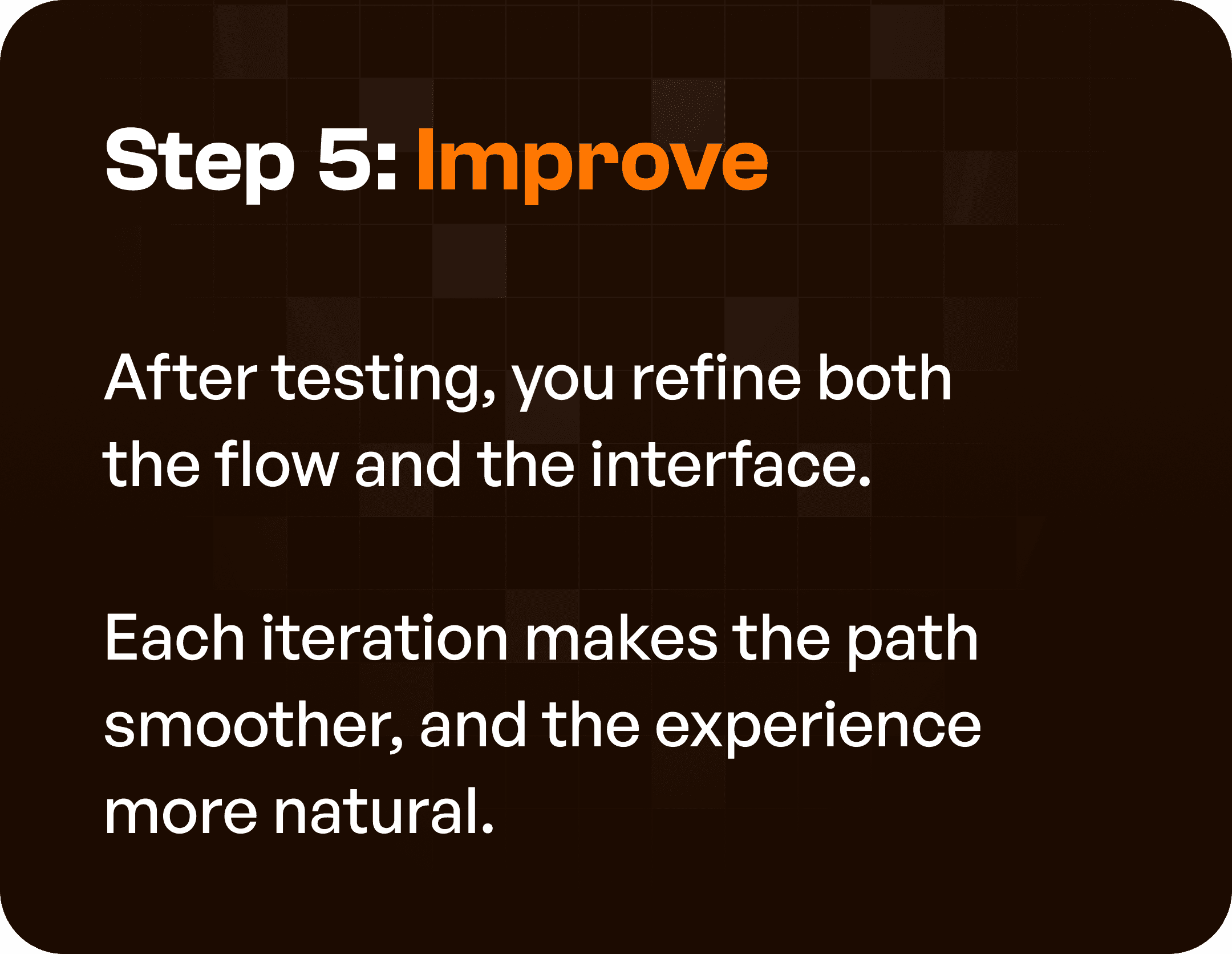
Step 5: Improve (Refining the Flow)
After testing, flows are refined.
This includes:
Removing unnecessary steps
Simplifying navigation
Improving transitions
Each iteration makes the experience:
Smoother
Faster
More intuitive
Why User Flows Are Critical in UX Design
Without user flows:
Design becomes guesswork
Teams build disconnected screens
Users get confused
With user flows:
Structure becomes clear
Journeys become predictable
Experiences become seamless
Common Mistakes Teams Make with User Flows
Even experienced teams misuse user flows.
Common mistakes:
Creating flows too early (before research)
Skipping flows and jumping to UI
Treating flows as documentation, not decision tools
Not updating flows after testing
User flows should be:
Dynamic
Iterative
Integrated into the process
How Upslide Design Studio Uses User Flows
At Upslide Design Studio, user flows are a core part of our UX methodology.
We use them to:
Map complex enterprise workflows
Identify inefficiencies
Structure product logic
Guide design decisions
This ensures that systems are:
Usable
Scalable
Efficient
Why This Matters for SaaS and Enterprise Products
In complex systems:
Workflows are multi-step
Users have different roles
Processes are interconnected
Without user flows:
Systems become fragmented
Users rely on training
Adoption drops
With user flows:
Workflows become intuitive
Systems guide users
Efficiency improves
Final Thoughts
User flows are not just a UX deliverable.
They are the foundation of how your product works.
If you get flows right:
Design becomes easier
Development becomes smoother
User experience becomes stronger
If you skip them:
Problems multiply later




