
Why Designers Should Play Design Games
Design is not just about creating beautiful screens.
It's about developing your eye.
The ability to notice:
Alignment issues
Color inconsistencies
Typography mistakes
Visual hierarchy problems
Spacing irregularities
These skills improve through repetition.
Design games create an engaging environment where designers can practice these skills without working on client projects.
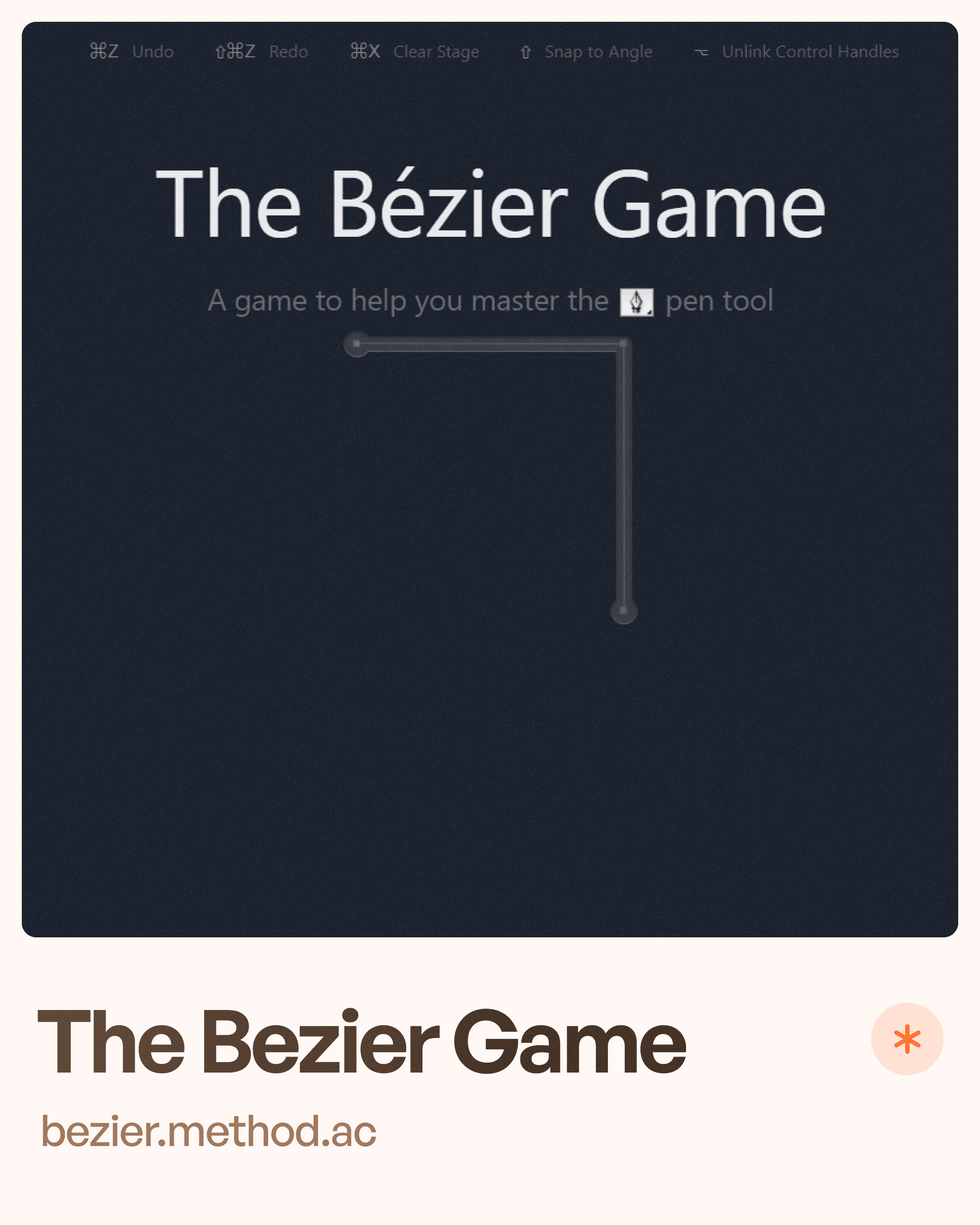
The Bézier Game
What Is It?
The Bézier Game is an interactive game designed to help users master the Pen Tool.
It teaches designers how Bézier curves work by challenging them to recreate shapes accurately.
Why It Matters
The Pen Tool is one of the most important skills for:
Icon design
Logo design
Illustration
Vector graphics
Yet it's one of the most intimidating tools for beginners.
Skills You'll Improve
Pen Tool mastery
Vector design
Anchor point control
Curve creation
Shape construction
Who Should Play It?
UI designers
Graphic designers
Logo designers
Icon designers
Illustrator users
Key Lesson
Better vector control leads to cleaner and more professional design work.
Color
What Is It?
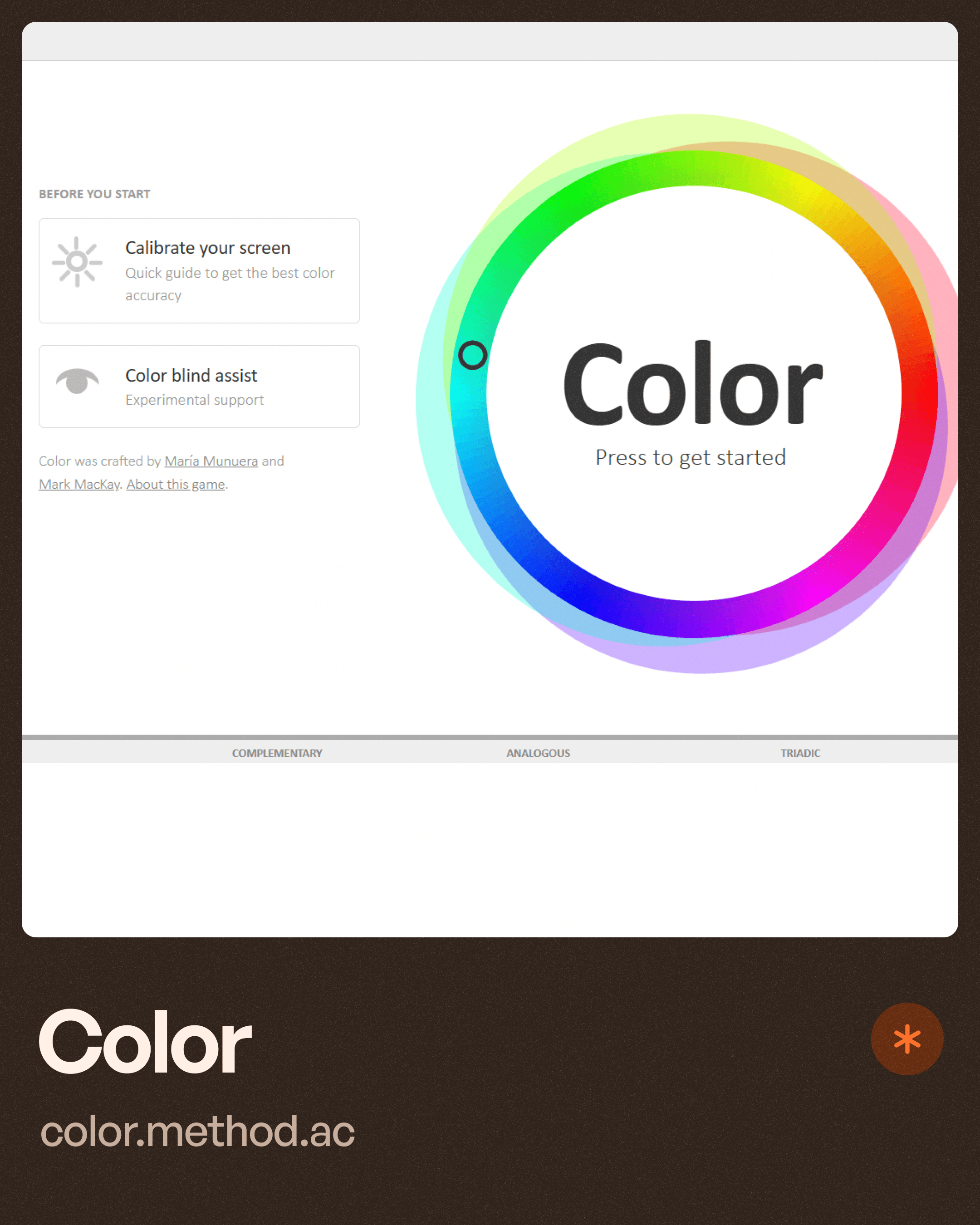
Color is an interactive game that teaches players how colors relate to one another.
Players learn to identify:
Hue differences
Color relationships
Color perception
Visual distinctions
Why It Matters
Color is one of the most powerful tools in design.
Yet many designers struggle with:
Building palettes
Creating contrast
Establishing hierarchy
Maintaining accessibility
Skills You'll Improve
Color theory
Color recognition
Palette creation
Visual perception
Accessibility awareness
Real-World Benefits
Understanding color helps designers:
Improve usability
Create stronger visual hierarchy
Build better brands
Design more accessible interfaces
Key Lesson
Good color choices are rarely random.
They are intentional design decisions.
Kern Type
What Is It?
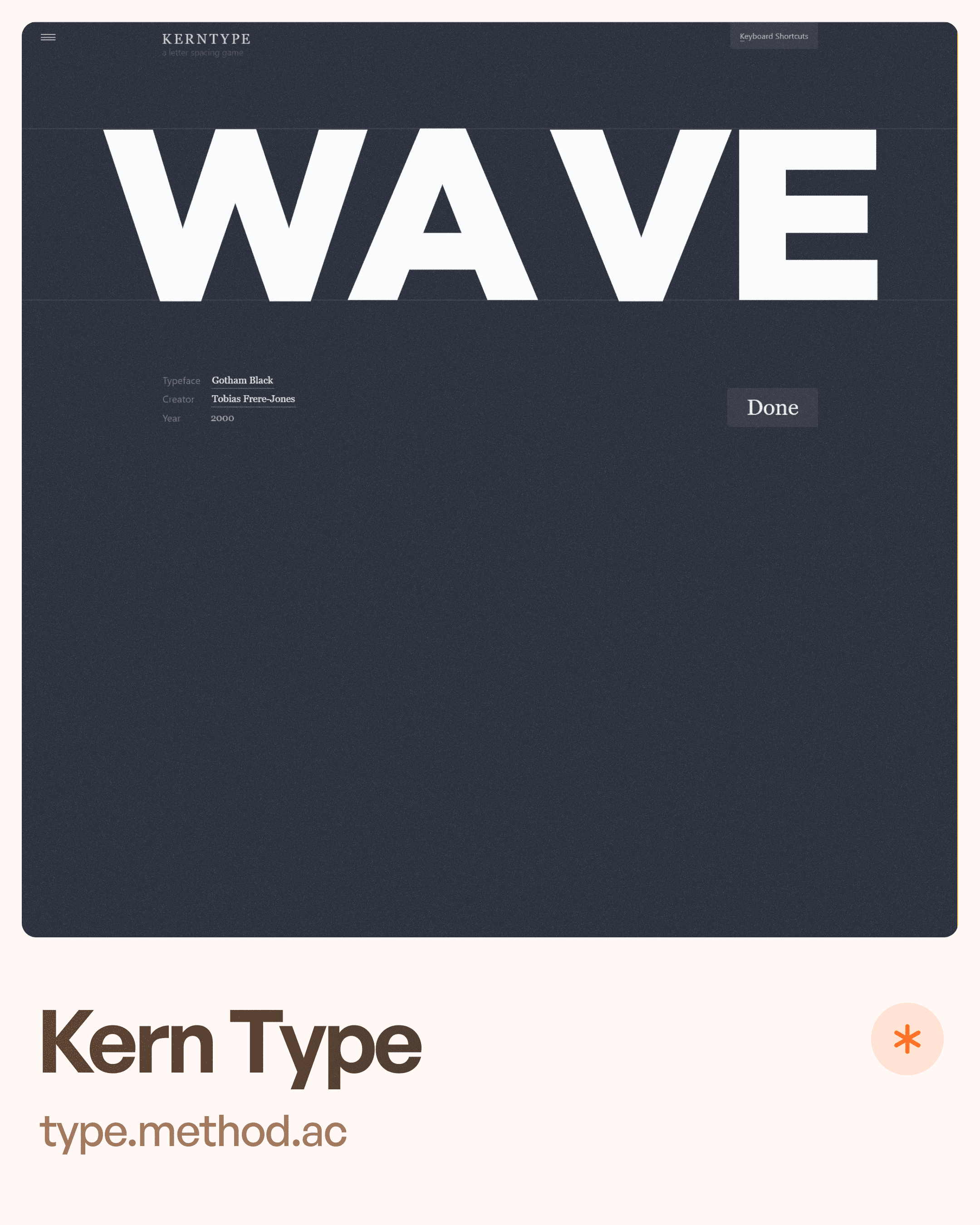
Kern Type is a typography game focused on one specific skill:
Kerning.
Players adjust spacing between letters to create visually balanced typography.
Why It Matters
Typography is more than selecting a font.
Poor letter spacing can make even beautiful typefaces look unprofessional.
Skills You'll Improve
Kerning
Typography fundamentals
Visual balance
Readability
Attention to detail
Who Should Play It?
Anyone working with:
UI design
Branding
Marketing websites
Design systems
Product interfaces
Common Discovery
Most designers realize that typography is far more visual than mathematical.
Perfect spacing often comes from optical balance rather than equal measurements.
Key Lesson
Typography is one of the fastest ways to elevate the quality of a design.
Hues and Cues
What Is It?
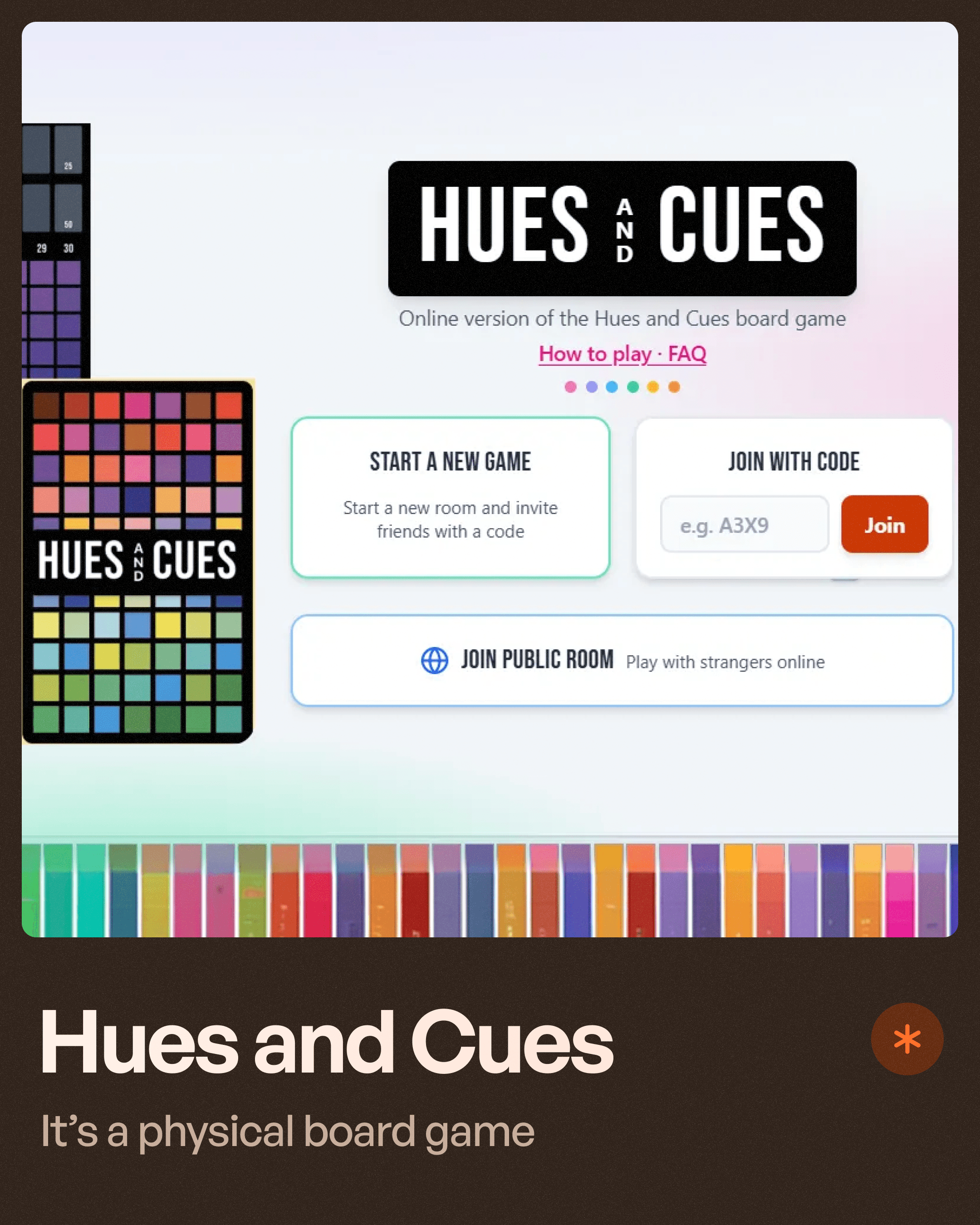
Unlike the previous games, Hues and Cues is a physical board game.
Players describe colors using words while others attempt to identify the exact color being referenced.
Why It Matters
Designers often struggle to communicate color decisions.
This game develops the ability to:
Describe colors accurately
Understand color perception
Improve visual communication
Skills You'll Improve
Color communication
Visual language
Color identification
Collaboration skills
Real-World Application
Designers frequently need to explain color choices to:
Clients
Stakeholders
Developers
Marketing teams
The ability to communicate visual decisions clearly is a valuable professional skill.
Key Lesson
Design isn't only about seeing color.
It's about communicating it effectively.
What These Games Teach Beyond Design
While each game focuses on a different skill, they all improve something deeper:
Visual judgment.
The best designers are not necessarily the fastest.
They're the ones who can notice subtle details others miss.
These games help train:
Observation
Pattern recognition
Precision
Critical thinking
Visual sensitivity
The exact abilities that separate good designers from great designers.
How Design Games Improve UX Design Skills
Many UX principles depend on visual awareness.
For example:
Better Typography
Improves readability and comprehension.
Better Color Choices
Improve accessibility and hierarchy.
Better Icon Design
Improves recognition and usability.
Better Visual Balance
Creates interfaces that feel intuitive.
Every small improvement compounds into a better user experience.
Learning Design Doesn't Always Need Another Course
Many designers fall into the trap of endlessly consuming content.
Watching:
YouTube videos
Tutorials
Courses
Webinars
Without actually practicing.
Games create active learning.
Instead of watching someone explain a concept, you're applying it immediately.
This leads to faster skill development and better retention.
Recommended Learning Path for Designers
If you're new to UI/UX design:
Start With
Color
Kern Type
These build foundational visual skills.
Then Move To
The Bézier Game
Once you're comfortable with basic design principles.
Finally
Hues and Cues
To strengthen communication and color perception.
Together, these games cover many of the visual fundamentals used daily in professional design work.
Final Thoughts
The best designers never stop sharpening their eye.
Design games offer a unique way to improve essential skills while staying engaged and having fun.
Whether you're learning:
Typography through Kern Type
Color theory through Color
Vector design through The Bézier Game
Color communication through Hues and Cues
Each game helps strengthen skills that directly impact the quality of your work.
Because becoming a better designer isn't just about learning more.
It's about training yourself to see what others miss.


