
What Is a Grid in UX/UI Design?
A grid is a framework of intersecting lines used to organize content within a layout.
Think of it as the invisible structure that guides the placement of:
Text
Images
Buttons
Cards
Navigation
Forms
Grids help designers create layouts that feel organized and easy to understand.
Without a grid, interfaces often feel inconsistent, cluttered, and difficult to scan.
Why Grids Matter in UX Design
Humans naturally seek patterns and structure.
When elements align consistently, users can process information faster.
Good grid systems help:
Improve readability
Create visual consistency
Speed up design decisions
Support responsive layouts
Improve usability
This is why nearly every modern digital product relies on some form of grid system.
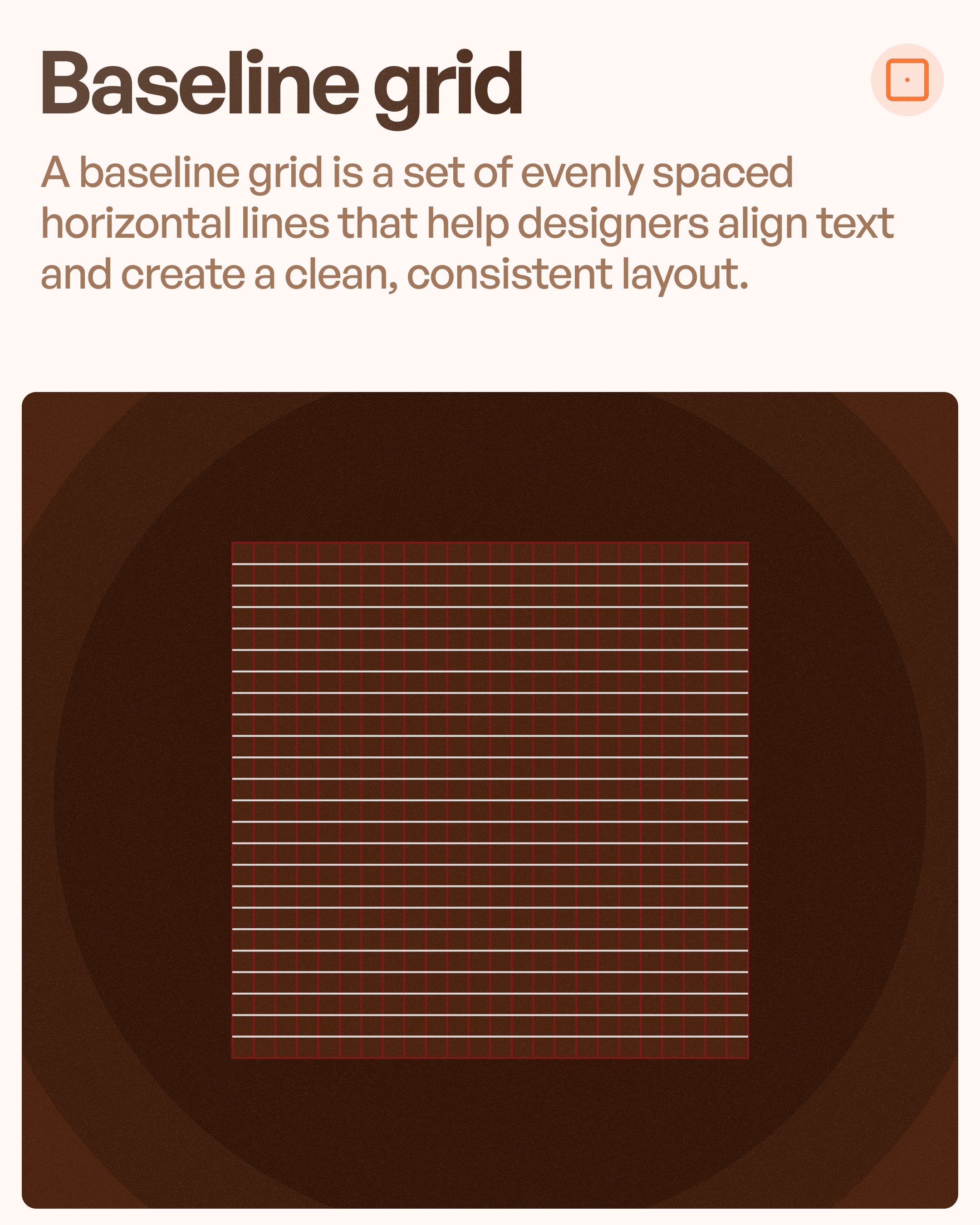
Baseline Grid
The Baseline Grid is made up of evenly spaced horizontal lines.
Its primary purpose is to align text consistently across a layout.
What It Controls
Line spacing
Text alignment
Vertical rhythm
Typography consistency
Why Designers Use It
Without a baseline grid, text blocks often feel disconnected.
Different sections may appear visually misaligned even when spacing values are technically correct.
A baseline grid creates rhythm and predictability.
Common Use Cases
Blogs
Documentation platforms
News websites
Enterprise applications
Content-heavy interfaces
Example
Medium, Notion, and documentation portals often rely heavily on baseline grids to maintain readability.
Column Grid
The Column Grid is the most commonly used grid system in UI design.
It divides a layout into vertical columns of equal width.
Most responsive websites and applications are built using column grids.
How It Works
Content is organized within columns.
Designers can:
Span content across multiple columns
Create balanced layouts
Maintain alignment across screens
Common Column Structures
Desktop: 12 columns
Tablet: 8 columns
Mobile: 4 columns
Benefits
Flexible layouts
Responsive design support
Consistent spacing
Easier content organization
Common Use Cases
SaaS dashboards
E-commerce websites
Landing pages
Mobile applications
Column grids are often considered the foundation of modern UI design.
Modular Grid
A Modular Grid combines rows and columns to create smaller rectangular modules.
Think of it as a more advanced version of a column grid.
Why Designers Use It
When content becomes complex, vertical columns alone may not be enough.
Modular grids allow designers to organize multiple types of content with greater precision.
Benefits
Better information hierarchy
Improved content organization
Flexible layouts
Easier scalability
Common Use Cases
Analytics dashboards
Magazine layouts
Data-heavy applications
Design systems
Example
Many enterprise dashboards use modular grids to align charts, tables, KPIs, and widgets consistently.
Manuscript Grid
The Manuscript Grid is one of the simplest grid systems.
It typically consists of a single large content area surrounded by margins.
Purpose
The focus is entirely on reading.
Instead of dividing the page into multiple columns, designers create one primary content container.
Benefits
Maximum readability
Minimal distractions
Simple layouts
Clear focus
Common Use Cases
Articles
E-books
Reports
Documentation
Long-form content
Example
Most blog pages use manuscript grids because they prioritize content consumption over complex layouts.
Hierarchical Grid
The Hierarchical Grid is the most flexible grid type.
Instead of using equal columns or rows, content is arranged based on importance.
How It Works
Elements are sized and positioned according to:
Priority
User attention
Business goals
Content significance
Benefits
Strong visual hierarchy
Flexible layouts
Greater creative freedom
Better emphasis on important content
Common Use Cases
Landing pages
Portfolio websites
News portals
Media websites
Marketing pages
Example
A hero section might occupy most of the screen while secondary content occupies smaller areas.
The layout isn't symmetrical—but it effectively guides attention.
Choosing the Right Grid System
Different projects require different grid structures.
Use Baseline Grid When:
Typography is critical
Readability is a priority
Designing content-heavy experiences
Use Column Grid When:
Creating websites
Designing SaaS products
Building responsive layouts
Use Modular Grid When:
Working with dashboards
Managing complex content
Organizing multiple data types
Use Manuscript Grid When:
Designing blogs
Creating documentation
Building reading experiences
Use Hierarchical Grid When:
Designing marketing pages
Creating portfolios
Prioritizing storytelling
Common Grid Mistakes Designers Make
Ignoring the Grid
Many beginners create layouts visually without any underlying structure.
This often leads to inconsistent spacing and alignment issues.
Using Too Many Grid Systems
Switching between different grids within the same screen creates inconsistency.
Stick to a system whenever possible.
Designing Without Responsiveness
A grid should adapt across devices.
Desktop layouts rarely work directly on mobile screens.
Breaking Alignment Rules
Small alignment inconsistencies quickly make interfaces feel unprofessional.
Even users who can't identify the problem will feel something is off.
How Grid Systems Improve User Experience
Grid systems aren't just about aesthetics.
They directly impact usability.
Faster Scanning
Aligned content is easier to process.
Reduced Cognitive Load
Users spend less effort understanding layouts.
Better Accessibility
Structured content improves readability.
Consistent Experiences
Users can predict where information will appear.
Final Thoughts
Grid systems are one of the most important foundations of UX/UI design.
The best interfaces rarely feel random.
They're built on structure.
Understanding the difference between:
Baseline Grids
Column Grids
Modular Grids
Manuscript Grids
Hierarchical Grids
will help you design cleaner layouts, improve usability, and create more professional digital products.
Because great UI design isn't about placing elements wherever they fit.
It's about creating a system where everything belongs.




