
Turn a content inventory into useful groups
The published project describes search-to-detail journeys and groups such as overview, usage, dosage forms, safety advice and references: DrugDetail case study
Reader task | Content group / label | Context to retain |
|---|---|---|
Identify a record | Overview and distinguishing identity. | Make similarly named items distinguishable. |
Understand the structure of the information | Clearly labeled sections on the detail page. | Keep the current record identity visible while moving between sections. |
Locate a specific topic | A meaningful section label and a stable local route. | Do not make the reader open every category to infer its meaning. |
Check origin and currency | References and available source/update information. | Do not imply an absent date or reference has been verified. |
Compare navigation with search
A reader who knows a section may navigate directly from the record overview. A reader with a specific term may begin with search and enter the detail page deeper in the structure. Both routes should preserve identity and offer a clear route back to the record context.
For an illustrative tree test, provide only the proposed labels and ask participants where they would look for a source reference. Record first destination, backtracking and the explanation of the label. A card sort can explore grouping expectations earlier, but it does not by itself prove the final navigation works.
Inventory real content before naming categories.
Separate a label preference from success finding the requested item.
Include similar terminology and long labels in review.
Validate findability with representative information users, while clinical review remains a separate responsibility.
An understandable category is one that helps a reader find the intended information.
In healthcare and pharmaceutical platforms, access to accurate information is critical.
However, many systems fail not because they lack data, but because users struggle to find and interpret it efficiently.
This leads to:
low feature adoption
high user drop-off
dependency on external support
delayed decision-making
This is where UX design for medical information platforms plays a crucial role.
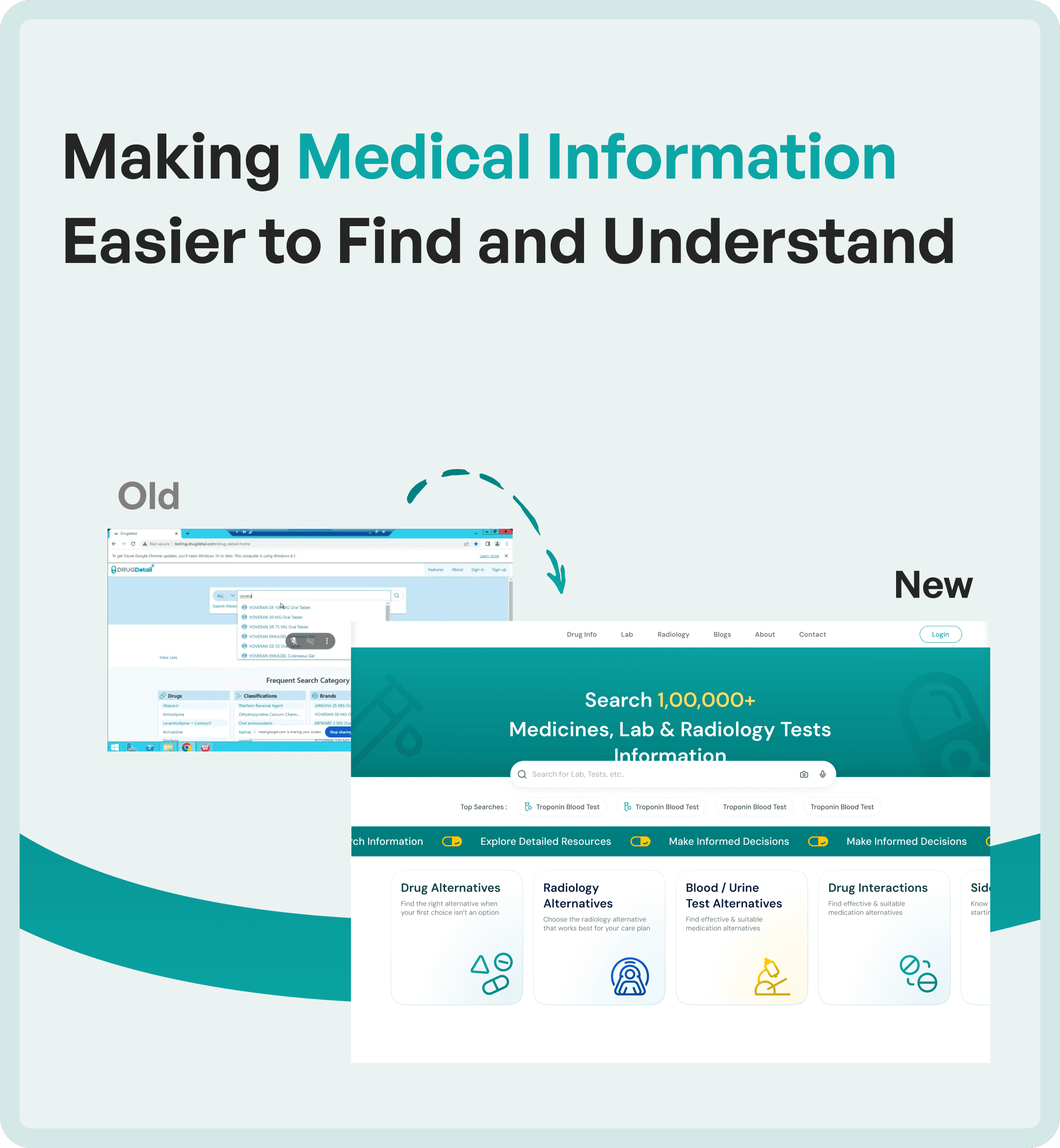
At Upslide Design Studio, we redesigned a pharmaceutical information platform to transform scattered data into a structured, accessible, and user-friendly experience.
For an example spanning discovery, booking and status, see diagnostic app UX.
For text hierarchy and readability, use the typography guide.
The Problem with Traditional Medical Information Systems
Most medical and pharmaceutical platforms are built with a strong focus on data storage, not data usability.
As systems evolve:
Information becomes fragmented
Navigation becomes complex
Search becomes inefficient
Interfaces become outdated
Users are forced to:
Spend more time searching
Cross-reference multiple sources
Rely on prior knowledge or training
The result is a system that contains valuable information but fails to deliver it effectively.
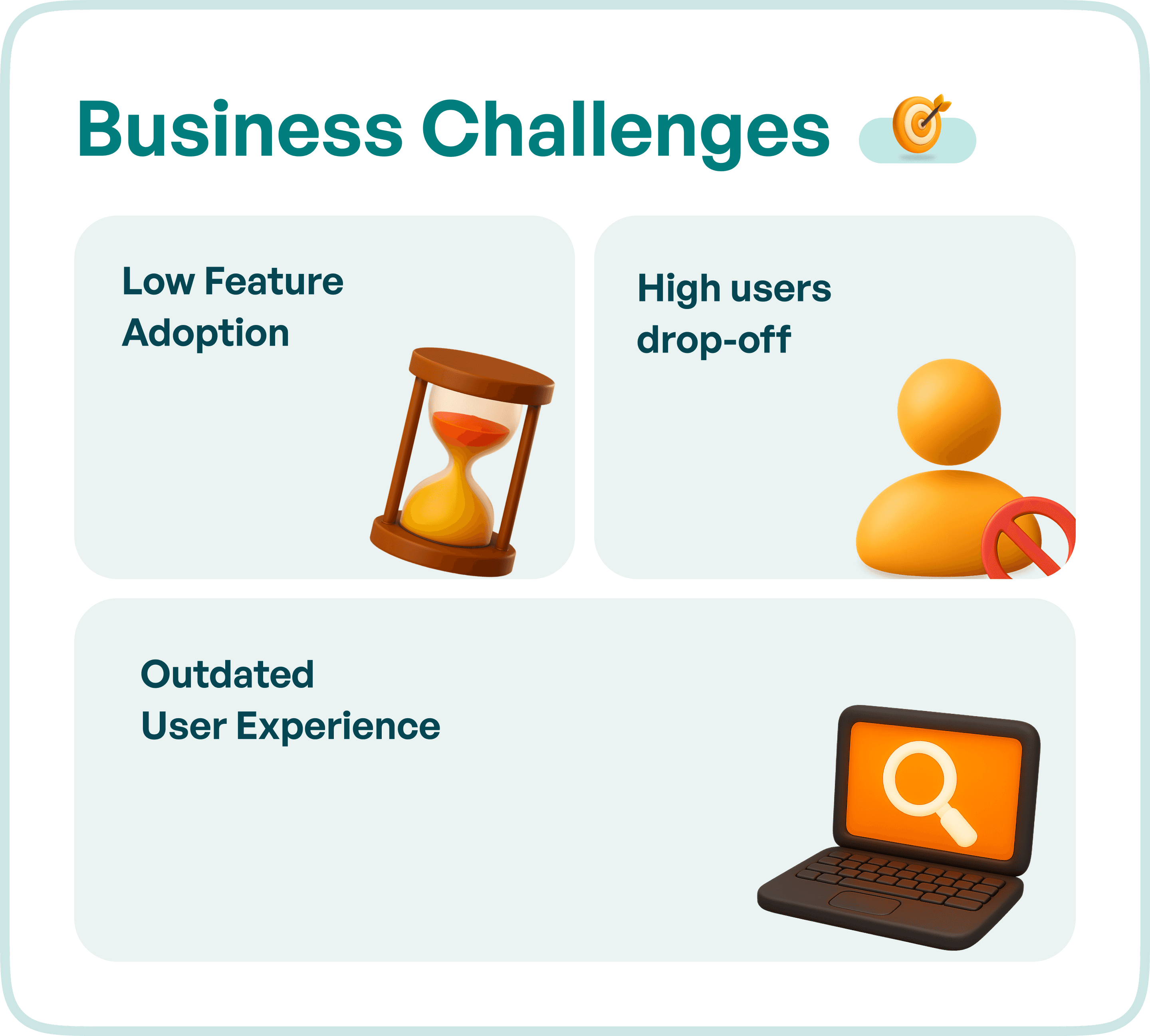
Business Challenges in Medical Information Platforms
1. Low Feature Adoption
Even when platforms include powerful capabilities such as lab insights, drug comparisons, or radiology data, users often fail to discover or use them.
This is usually due to poor information architecture and discoverability issues.
2. High User Drop-Off
When users cannot quickly find relevant information, they abandon the platform.
In healthcare systems, this directly impacts:
Decision-making speed
User trust
Product engagement
3. Outdated User Experience
Legacy systems often have:
Cluttered layouts
Inconsistent navigation
Lack of visual hierarchy
This makes it difficult for users to scan and interpret critical information quickly.
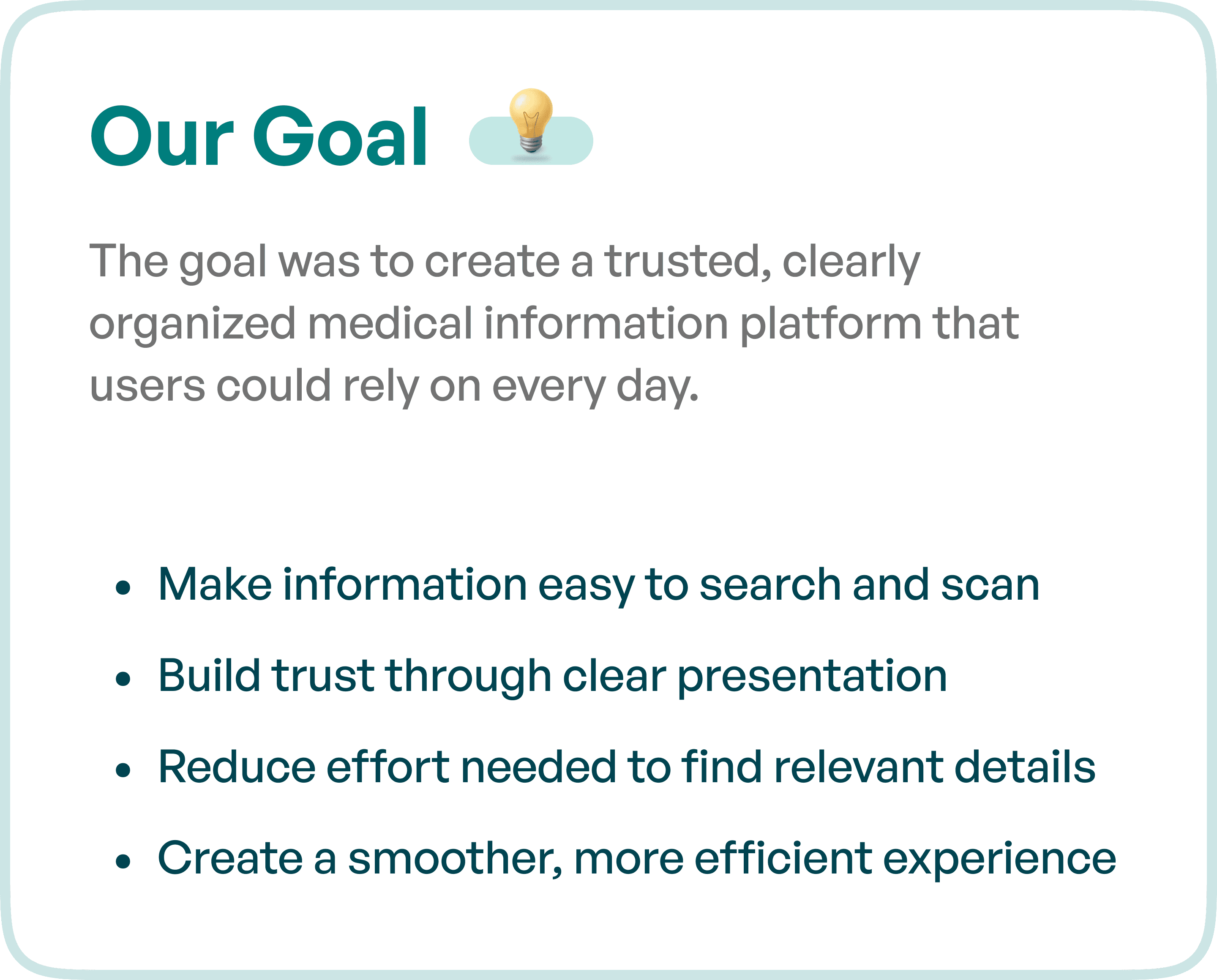
Our Goal: A Structured and Trusted Information Experience
The redesign objective was clear:
To create a trusted, easy-to-navigate medical information platform where users can quickly find and understand relevant data.
The system needed to:
Make information easy to search and scan
Build trust through clear presentation
Reduce effort required to find details
Create a smooth and efficient user experience
Upslide’s UX Approach to Medical Information Design
Rather than focusing only on visual improvements, the redesign addressed the core structure of information delivery.
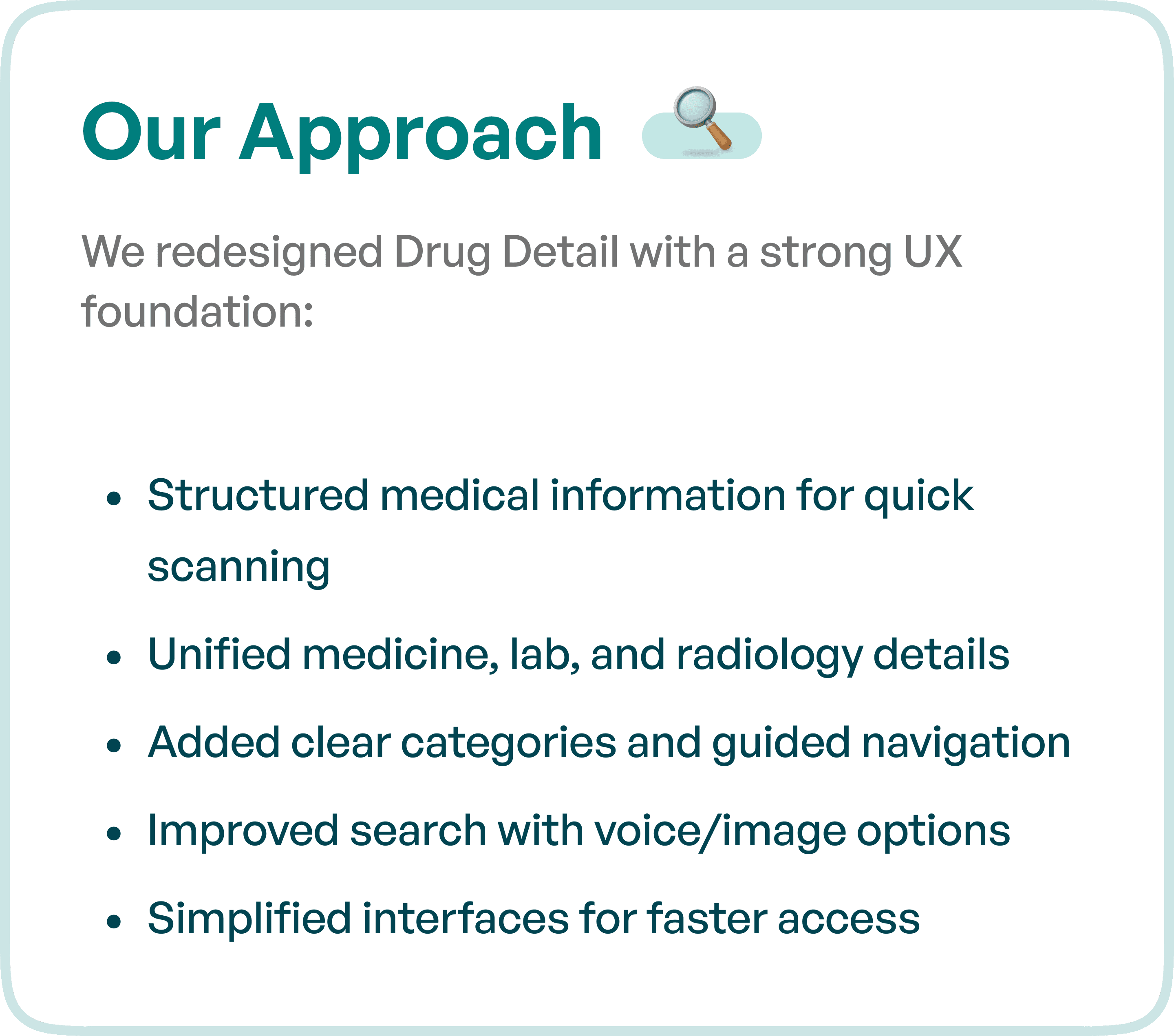
1. Structuring Medical Information for Quick Scanning
Information was reorganized into clearly defined sections.
This included:
Logical grouping of data
Consistent layout patterns
Prioritization of critical information
Users can now scan and understand information without cognitive overload.
2. Unifying Medicine, Lab, and Radiology Data
Previously, users had to navigate across multiple sections to gather related information.
The redesigned system brings:
Medicine details
Lab test data
Radiology insights
into a unified and connected experience.
This reduces friction and improves decision-making speed.
3. Introducing Clear Categories and Guided Navigation
Navigation was redesigned to reflect how users actually search for information.
Key improvements:
Intuitive categorization
Guided navigation flows
Reduced dependency on memory
This ensures users can move through the platform with clarity.
4. Enhancing Search with Voice and Image Inputs
Search is a critical component in information-heavy systems.
The redesigned platform includes:
Advanced search capabilities
Voice-based search
Image-based search
This allows users to find information faster, especially in time-sensitive scenarios.
5. Simplifying Interfaces for Faster Access
The interface was simplified to:
Remove unnecessary elements
Improve visual hierarchy
Highlight key actions
This makes the platform more accessible and reduces effort for users.
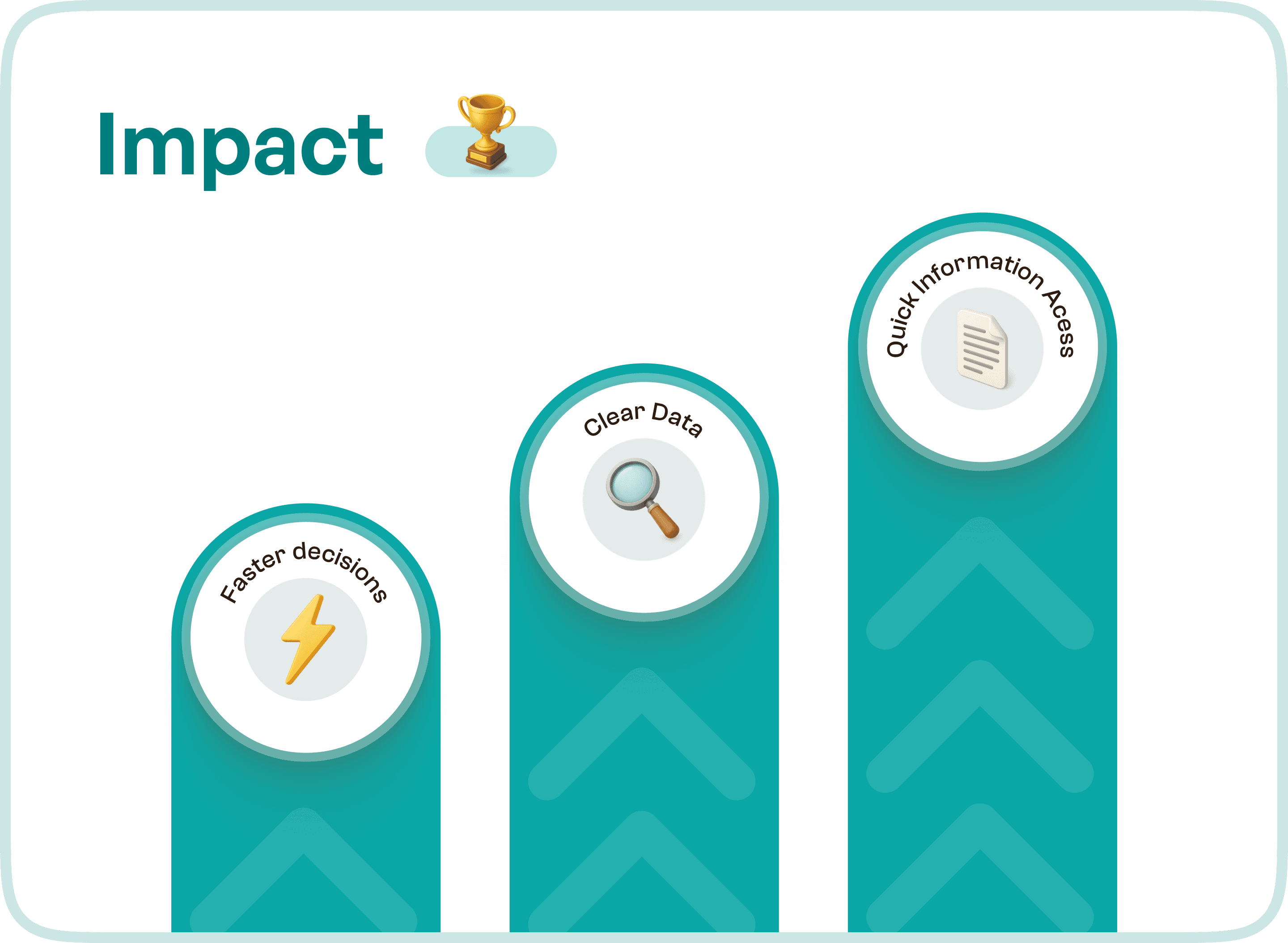
Impact of the UX Redesign
By restructuring the information experience, the platform shifted from a data-heavy system to a user-focused tool.
The redesign resulted in:
Faster access to medical information
Improved clarity of data
Better decision-making efficiency
Increased user trust
Users can now:
Find relevant information quickly
Understand it without confusion
Take action with confidence
Final Thoughts
The challenge in medical platforms is not the lack of data.
It is the lack of clarity in how that data is presented and accessed.
By focusing on structure, navigation, and usability, organizations can transform their platforms into tools that truly support users.
Frequently asked questions
How can medical-information interfaces show source and update context?
Place the source, version or update context beside the information where users evaluate it. Distinguish authoritative content from interface guidance, and make source access straightforward. Good presentation helps users assess information; it does not validate the underlying medical content.
How can dense drug information be made easier to scan?
Use consistent headings and grouping so related information appears in predictable locations. Keep warnings and qualifiers attached to the relevant content, and test search and scanning with realistic tasks rather than simplifying away context that affects interpretation.

