

The Real Problem: SaaS Products Are Built for Features, Not Users
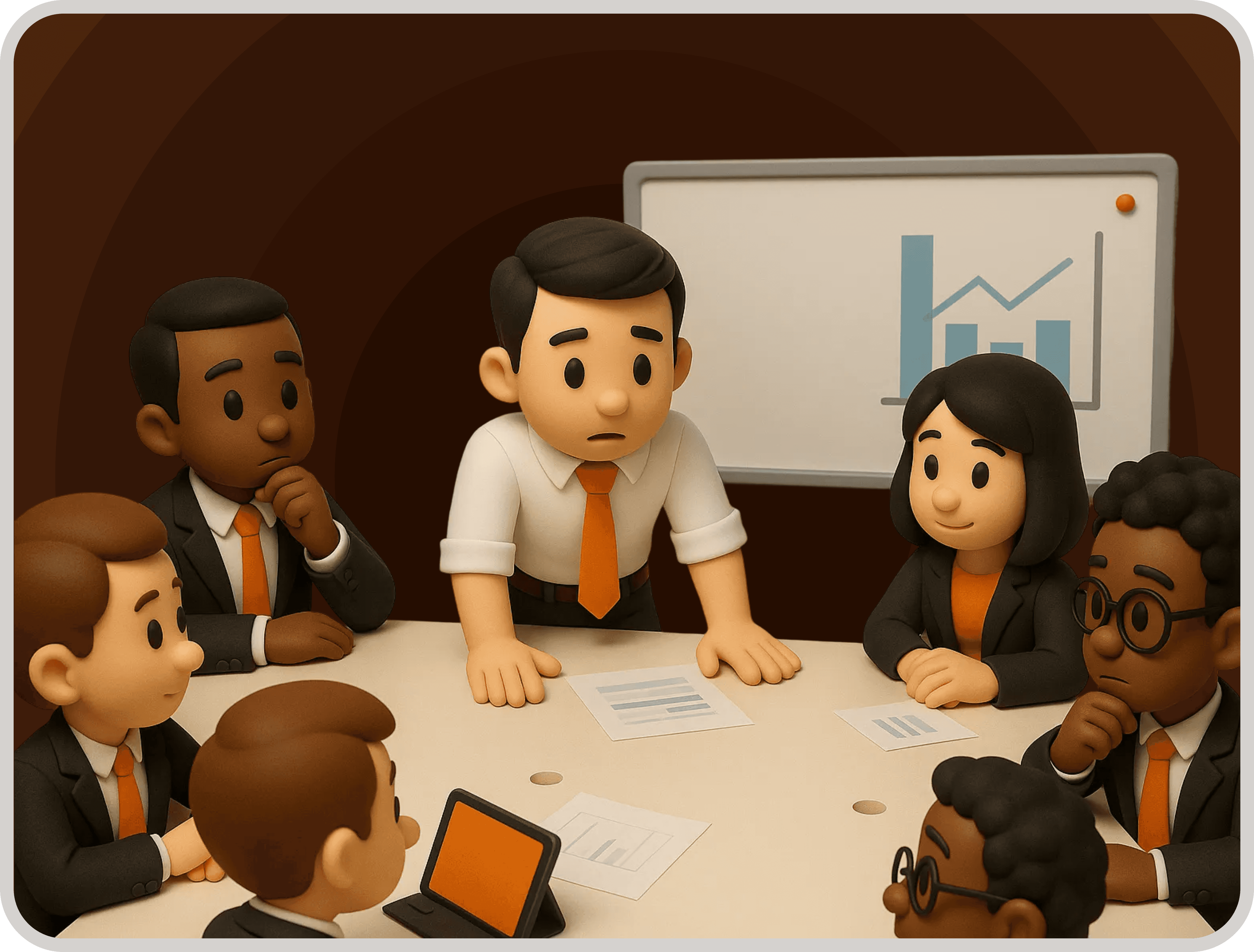
In the fast-paced world of Software as a Service (SaaS), the race to innovate often results in products that are feature-heavy but not user-friendly. Teams are driven by output, measuring success by the number of features rather than the usability of the product.
This leads to a common industry pitfall: the real users' needs are overshadowed by internal metrics and deadlines. Most user experience (UX) issues are invisible to the teams creating the software but glaringly obvious to users who attempt to navigate complex interfaces.
The crux of the problem is that UI/UX is often seen as a design problem when it is, in reality, a product thinking problem. Teams focus on adding more features rather than enhancing the end-to-end user experience.
By reframing UI/UX as a core strategic element of product development, companies can shift from a feature-first mindset to one that prioritizes the actual needs and behaviors of their users.
What UI/UX Design Actually Is (System-Level View)
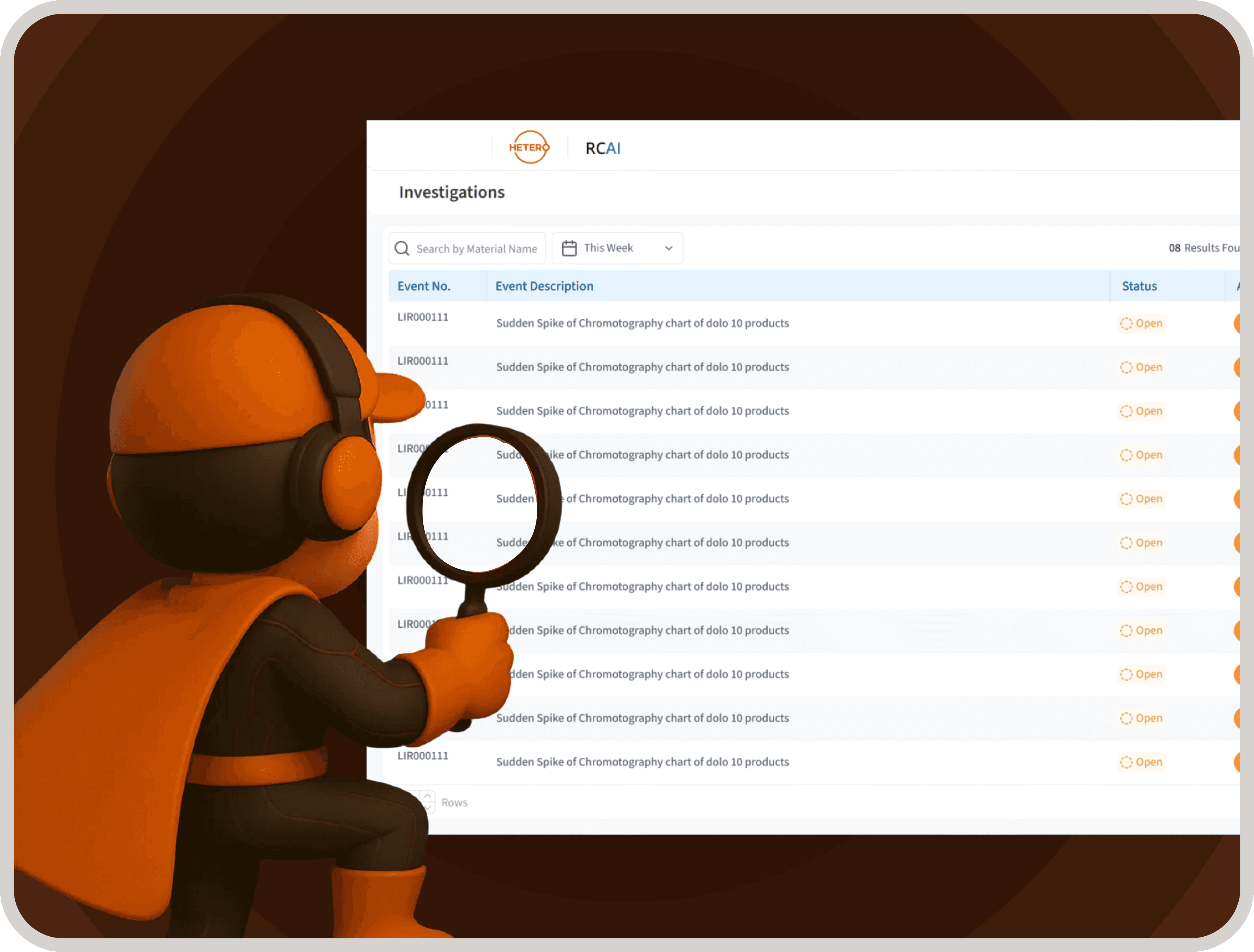
Understanding UI/UX design starts with recognizing the difference between the user interface (UI) and user experience (UX). The UI is the surface layer it encompasses what users see, such as screens and visual elements. In contrast, UX delves deeper into the system layer, focusing on how things work end-to-end. It includes the overall experience of using the product, from initial interaction to task completion.
Consider a deep table to explore this further:
Level | UI (Surface Layer) | UX (System Layer) | Strategic Impact |
Scope | Screens, components | End-to-end workflows | Product usability |
Ownership | Designers | Product + design + business | Alignment |
Failure Type | Visual confusion | Task failure | Revenue loss |
Fix Complexity | Quick fixes possible | Requires system redesign | Strategic investment |
This table illustrates that UI is about interfaces, but UX is about system logic, highlighting the broader strategic impact of effective UX design.
The Core Industry Mistake: Solving UX Problems with UI Fixes
A common pattern in the industry is to address low adoption rates or user confusion with superficial UI fixes. For instance, when facing low usage, companies might opt for a UI redesign or add tooltips to address user confusion. However, these fixes rarely address the underlying UX problems, such as workflow mismatches or broken onboarding processes.
Consider the following diagnostic table:
Symptom Seen | Typical Fix | Root UX Problem Ignored | Result |
Low usage | UI redesign | Workflow mismatch | No improvement |
High drop-off | UI tweaks | Broken onboarding logic | Same churn |
User confusion | Help text added | Poor structure | More friction |

Why UI/UX Design Directly Impacts Revenue
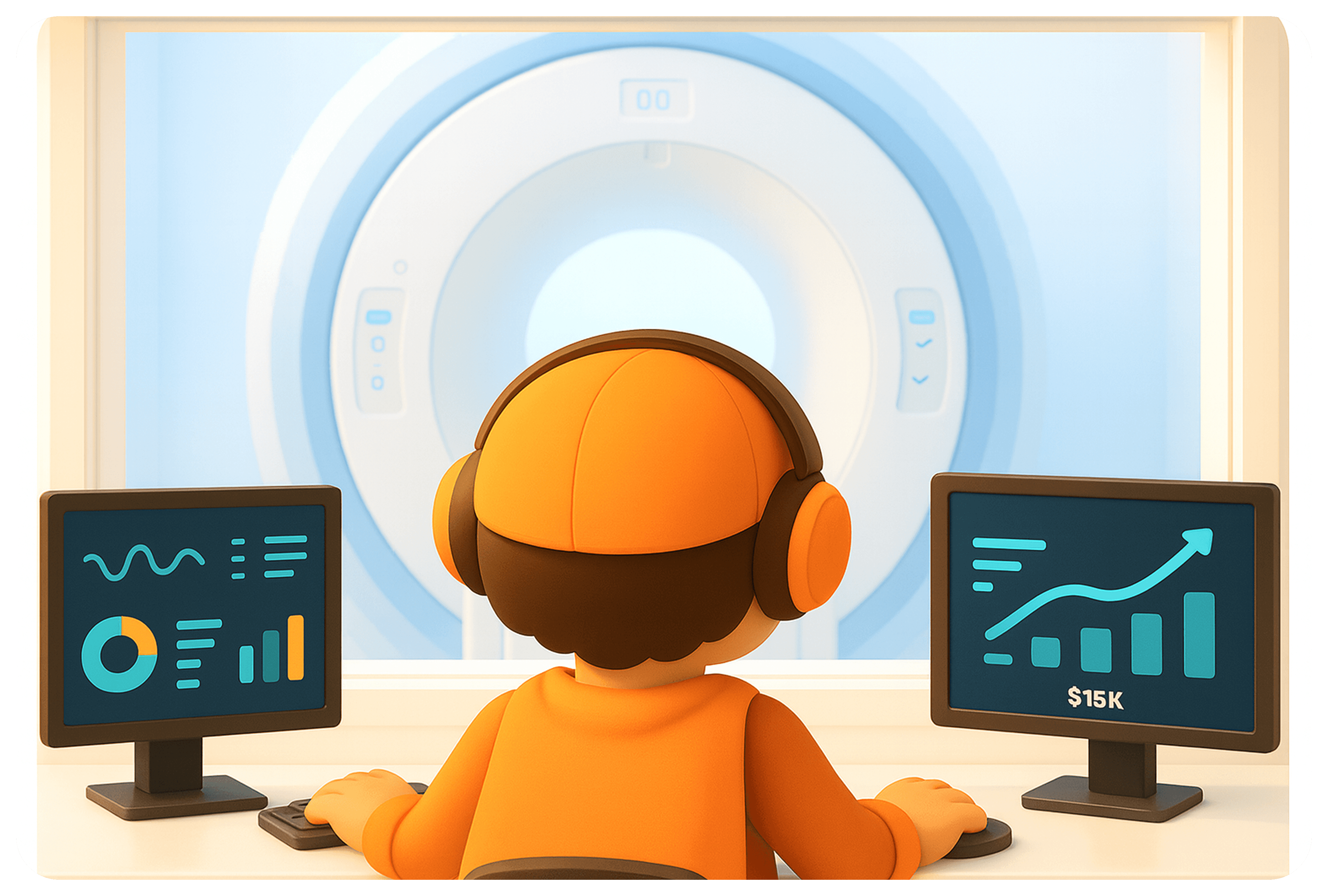
Neglecting UI/UX design can have a direct and significant impact on a company's revenue. From acquisition to retention, poor UX can waste resources and erode margins. For example, onboarding friction can prevent users from activating, leading to wasted Customer Acquisition Cost (CAC). Similarly, workflow inefficiencies result in productivity loss and customer frustration.
To illustrate this impact, consider the revenue impact table:
UX Breakdown Point | Product Behavior | Financial Impact | Scale Effect |
Onboarding friction | Users fail to activate | CAC wasted | Growth slows |
Workflow inefficiency | Tasks take longer | Productivity loss | Customer frustration |
Poor usability | Users need support | Support cost increase | Margin erosion |
Feature misfit | Features unused | Dev cost wasted | Slower innovation |
The insight here is that poor UX compounds costs across the entire customer funnel, ultimately affecting the bottom line.
What UI/UX Design Includes (System Breakdown)
Effective UI/UX design encompasses several layers, each critical to creating a cohesive and usable product. The process begins with research to understand user behavior, followed by information architecture to structure the product logically. Interaction design then defines workflows, while UI design communicates these actions visually. Finally, testing validates usability before launch.
Layer | Purpose | Failure When Ignored | Impact |
Research | Understand users | Assumptions | Wrong product decisions |
Architecture | Structure information | Clutter | Navigation issues |
Interaction Design | Define workflows | Inefficiency | Time loss |
UI Design | Communicate clearly | Confusion | Errors |
Testing | Validate usability | Late issues | Expensive fixes |
The key takeaway is that UI/UX is not just a set of screens or interfaces it's a comprehensive system that ensures the product aligns with user needs and business goals.
Why B2B SaaS UX is Fundamentally Broken (Industry Reality)
The B2B SaaS industry often falls into the trap of feature-driven roadmaps, where the pressure to outpace competition leads to cluttered experiences. Stakeholder bias further skews design decisions, resulting in misaligned products that don't resonate with user needs. Furthermore, the lack of UX ownership within fragmented teams leads to inconsistent experiences, while patchwork redesigns prioritize speed over strategic improvements.
Industry Behavior | Why It Happens | UX Consequence | Long-Term Effect |
Feature-first builds | Competition pressure | Cluttered UX | Low adoption |
Stakeholder decisions | Internal bias | Misaligned design | Poor usability |
No UX ownership | Team fragmentation | Inconsistency | Inefficiency |
Patch fixes | Speed over strategy | Broken systems | Scaling issues |
The insight here is that most SaaS UX is not designed it’s accumulated, leading to systemic inefficiencies and user dissatisfaction.
The Upslide Approach
At Upslide, we believe in fixing the system, not just the screens. Our approach emphasizes redesigning workflows and building scalable UX systems that support long-term business goals. Unlike typical methods that focus on UI redesigns or feature-first strategies, our workflow-first philosophy ensures higher user adoption and real usability.
Typical Approach | Upslide Approach | Business Outcome |
UI redesign | UX restructuring | Real usability |
Feature-first | Workflow-first | Higher adoption |
One-time fixes | Scalable systems | Long-term efficiency |
Visual focus | Performance focus | Revenue impact |
With over 50 enterprise redesigns under our belt, including projects for governments, enterprises, and startups, we know that design isn’t about looking better it's about running businesses better. Our philosophy ensures that every design decision contributes to a more efficient and effective product.

Final Insight
UI/UX design is not just about aesthetics; it is a fundamental business function. If your users struggle to navigate your product, the product itself is broken. A complex product doesn't just frustrate users it directly impacts your business's ability to generate revenue.
Our final insight: UI/UX is not design. It’s how your product makes money.
If you're ready to address complexity and drive performance, Upslide is your partner in transforming how your SaaS product operates. Let’s fix the system together.
Further reading:
Micro-interactions — Discuss the impact of small UX changes
User experience (UX) issues are invisible — Guide to identifying UX problems
User personas — Explore the role of user personas


