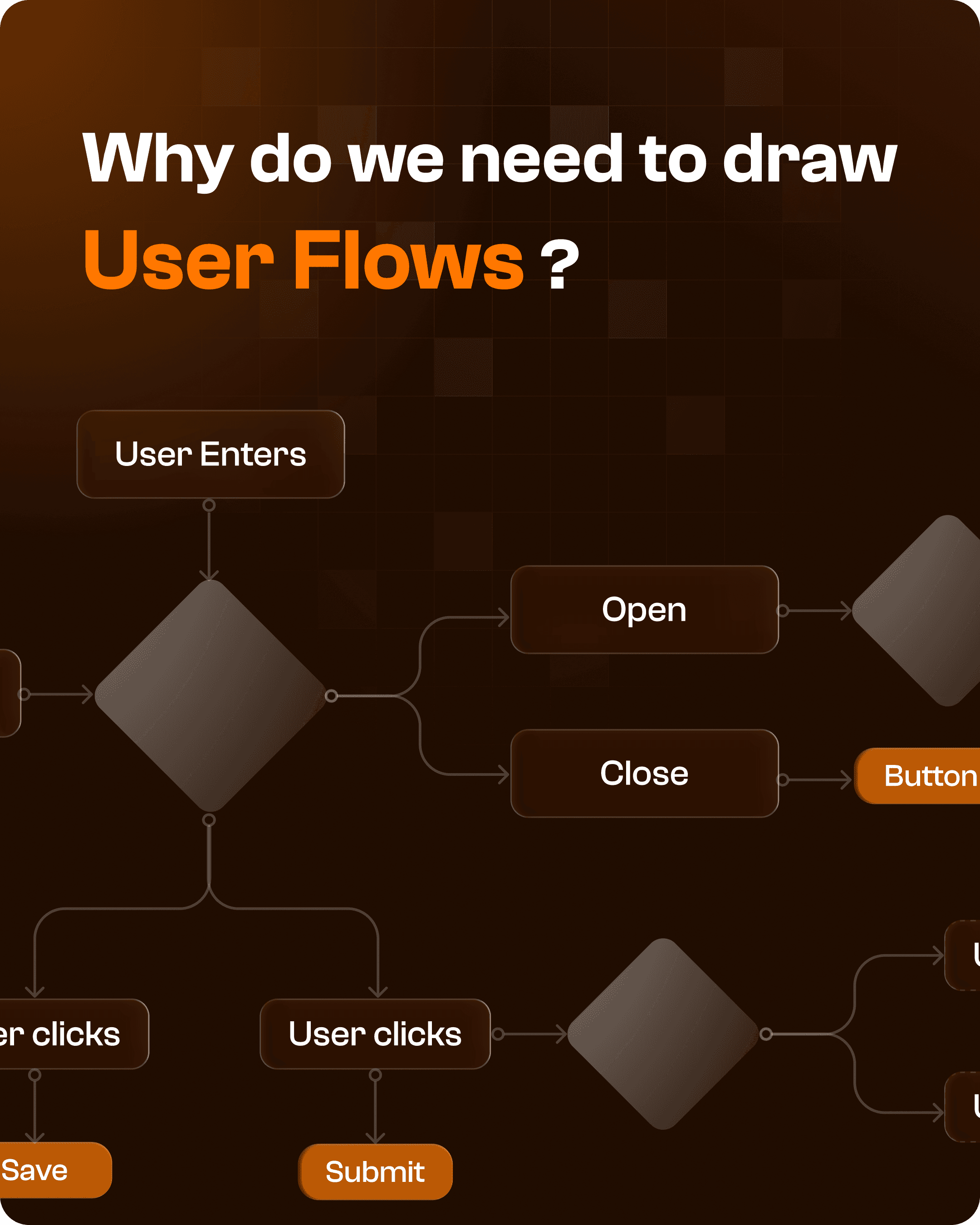

What is a User Flow in UX Design?
A user flow is a visual representation of how a user moves through a product to complete a specific goal.
It maps:
Every step
Every interaction
Every decision point
from entry to outcome.
Instead of focusing on individual screens, user flows focus on the journey between screens.
Why User Flows Matter in Product Design
Without a defined flow, products often suffer from:
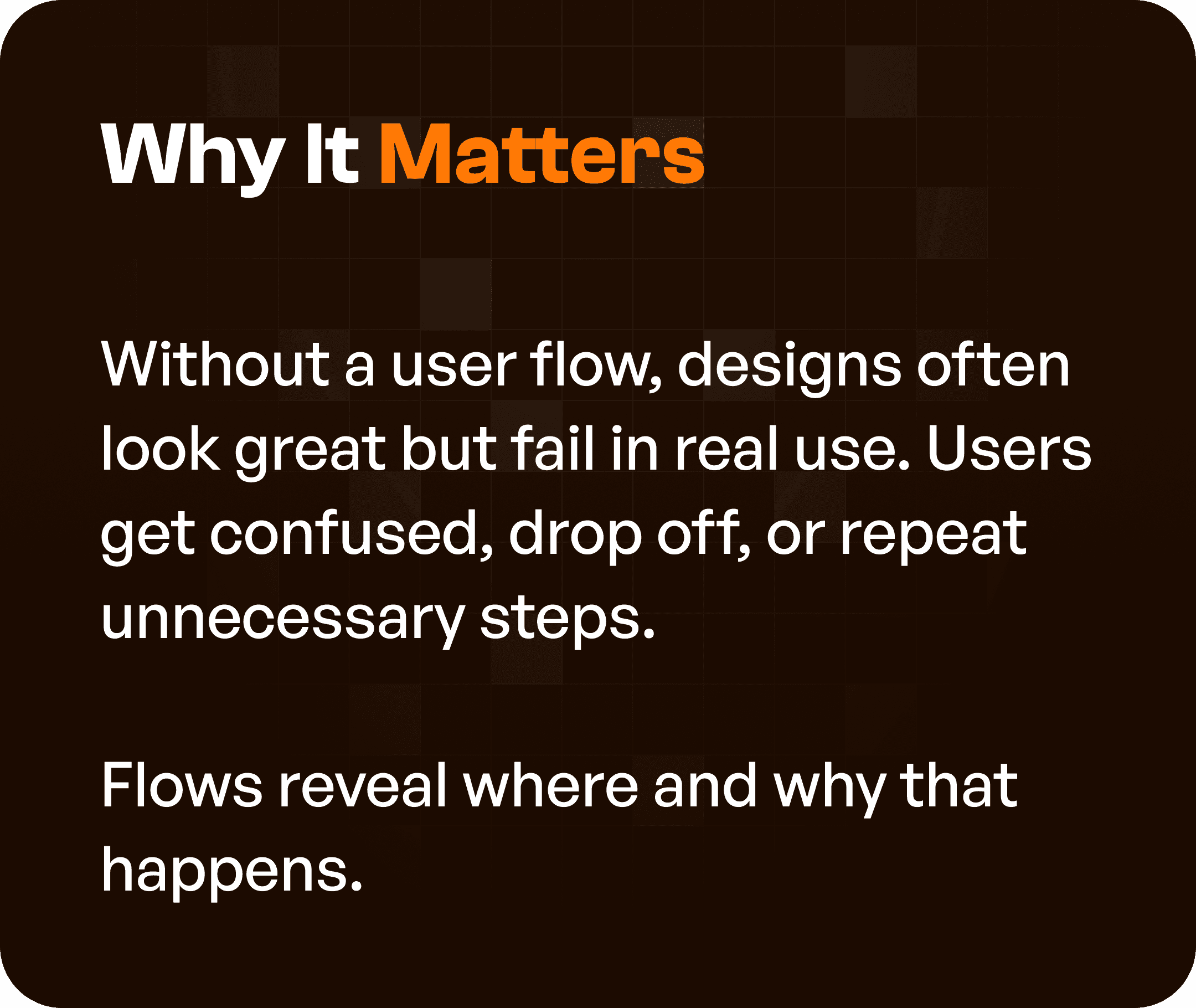
Confusing navigation
Unnecessary steps
Unclear success paths
Inconsistent user journeys
This leads to:
User frustration
Drop-offs
Inefficient workflows
User flows help identify where and why these issues occur before development begins.
The Core Benefit: Clarity Across the Entire Journey
Drawing user flows brings clarity to complex systems.
It allows teams to:
See how screens connect
Understand user intent at each step
Identify gaps in the experience
Instead of designing isolated screens, teams design connected journeys.

Problems User Flows Help Solve
User flows are especially important in enterprise and SaaS platforms, where workflows are complex.
They help solve:
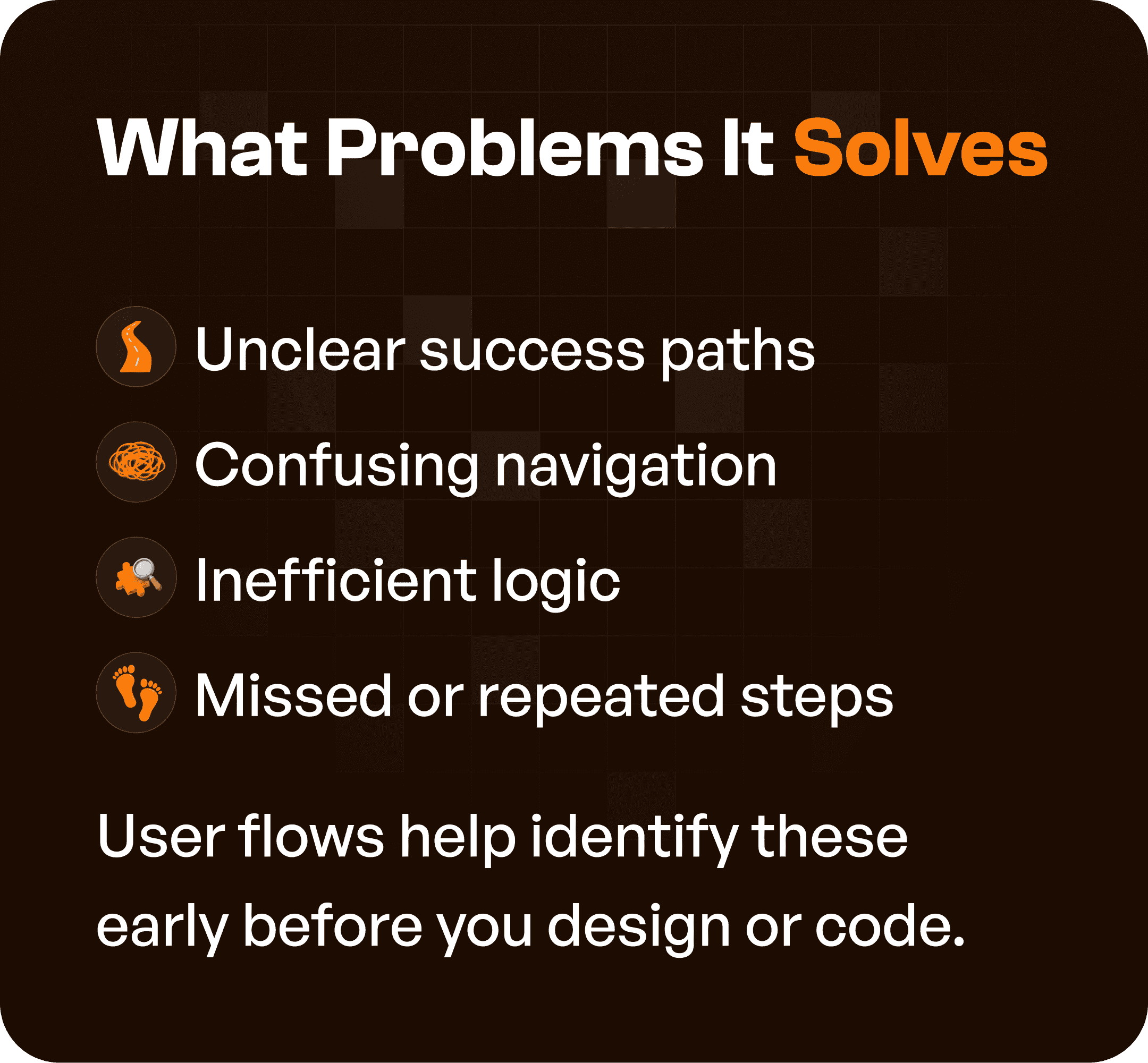
1. Unclear Success Paths
Users don’t know how to reach their goal.
2. Confusing Navigation
Users struggle to move between screens.
3. Inefficient Logic
Steps are out of order or unnecessary.
4. Missed or Repeated Steps
Important actions are skipped or duplicated.
By mapping flows early, teams can fix these issues before design or development begins.
How User Flows Improve Team Alignment
User flows are not just a design tool.
They are a communication tool.
They help align:
Product teams
Designers
Developers
Stakeholders
Everyone understands:
How the product works
What the user journey looks like
Where decisions happen
This reduces assumptions and improves collaboration.
The UX Advantage of Clear User Flows
When user flows are well-defined:
Users know where they are
Users understand what to do next
Users can reach their goal without confusion
This results in:
Smoother user experiences
Higher task completion rates
Better product adoption
This is the foundation of effective UX design.

The Efficiency Factor: Saving Time and Cost
Fixing UX issues after development is expensive.
User flows help teams:
Identify problems early
Validate logic before design
Reduce redesign effort
This makes the process:
Faster
More cost-effective
More accurate
When Should You Create User Flows?
The best time to create user flows is:
After defining requirements
Before starting wireframes
At this stage, flows act as a bridge between ideas and interface design.
They ensure that the structure is correct before visual design begins.
Applying This in Real Projects
At Upslide Design Studio, user flows are a core part of the UX process.
We use them to:
Map complex workflows
Identify friction points
Structure product logic
Guide design decisions
This ensures that enterprise systems are:
Structured
Scalable
Easy to use
Why User Flows Matter in Enterprise and SaaS UX
Enterprise products involve:
Multiple user roles
Layered workflows
Complex interactions
Without user flows:
Systems become fragmented
Users require training
Workflows become inefficient
With user flows:
Experiences become predictable
Navigation becomes intuitive
Tasks become easier to complete
Final Thoughts
User flows are not just diagrams.
They are a strategic foundation for designing effective products.
They ensure that every screen, action, and interaction is connected with purpose.
Without them, design becomes guesswork.
With them, design becomes structured, intentional, and user-centered.




