
What are Micro-Interactions?
Micro-interactions are intentional, focused design elements that provide feedback, guidance, and reassurance to users as they interact with a product. Rather than being decorative, they serve clear functional and experiential purposes.
They typically support four core functions:
Functionality – Helping users complete tasks efficiently
Feedback – Communicating the result of an action
Guidance – Assisting users as they move through a process
Aesthetics – Adding subtle personality and visual polish
These interactions range from simple button hover effects to animations that indicate success, error, or progress. When designed well, micro-interactions make users feel informed, in control, and confident.
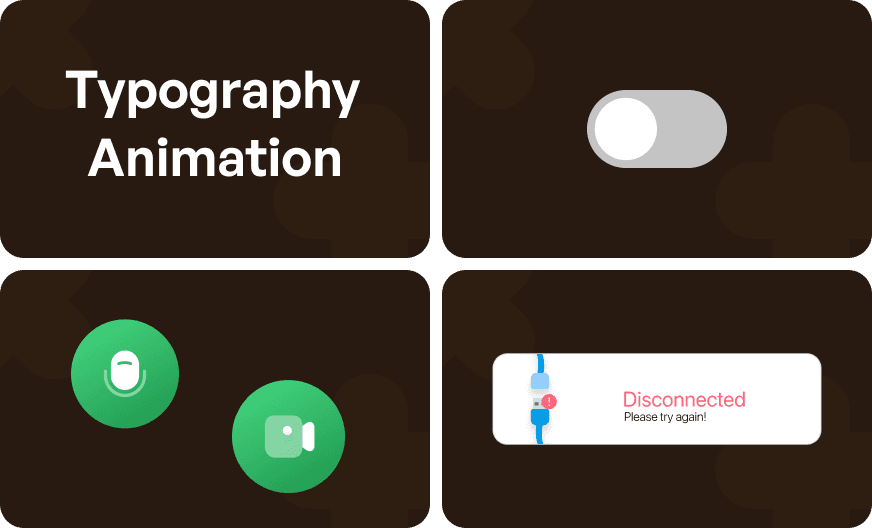
Why Micro-Interactions Matter in SaaS ?
SaaS products often involve complex workflows, repeated actions, and long-term usage. In these environments, clarity and feedback are essential.
Micro-interactions help:
Reduce user uncertainty
Prevent errors before they happen
Reinforce system responsiveness
Improve task completion confidence
Over time, these moments directly influence engagement, retention, and conversions.
Best Practices for Implementing Micro-Interactions
Designing effective micro-interactions requires restraint, intention, and alignment with user flows. Below are key principles to follow.
Focus on Purposeful Design
Every micro-interaction should serve a clear purpose whether it’s confirming an action, guiding the next step, or reducing cognitive load.
Before adding an interaction, ask:
Does this help the user understand something?
Does it remove friction or uncertainty?
Does it support a critical action?
Overusing animations or adding them without intent can negatively affect performance and distract users rather than help them.
Maintain Consistency Across the Product
Consistency builds trust. Micro-interactions should follow a unified design language across the product.
If a button hover uses a specific color or motion pattern, the same behavior should apply everywhere. Consistent feedback helps users build familiarity and reduces the learning curve as the product scales.
Ensure Responsiveness Across Devices
Micro-interactions must adapt seamlessly to different screen sizes and interaction modes.
What works on desktop may need refinement on mobile. Ensure animations feel natural, responsive, and performant across devices without slowing down the experience.
Keep Interactions Simple and Fast
Micro-interactions should enhance the experience not dominate it.
They should be:
Subtle rather than flashy
Fast rather than slow
Supportive rather than distracting
Avoid complex animations that interrupt workflows or draw attention away from the task at hand.
The Impact of Thoughtful Micro-Interactions
When implemented with intention, micro-interactions improve usability, reduce friction, and increase user confidence. They transform routine actions into smooth, reassuring experiences that feel polished and reliable.
In SaaS products especially, these small moments compound over time leading to better engagement, higher conversion rates, and improved retention.
Conclusion
Micro-interactions are high-impact, low-effort opportunities to elevate user experience in SaaS products. By focusing on purposeful design, consistency, responsiveness, and simplicity, teams can create experiences that feel intuitive, trustworthy, and enjoyable.
Even the smallest enhancements like a loading indicator or confirmation message can meaningfully improve how users perceive and interact with your product.
When designed thoughtfully, micro-interactions don’t just support usability they quietly drive business outcomes.




