

One request across three responsibilities
The public case covers onboarding, attendance, payroll, leave and multi-organization management, and describes fragmented workflows and unclear actions: SarvHR HRETE project
Role / task | Priority information | Exception to handle |
|---|---|---|
Employee submits a request | Dates, required context and current submitted state. | A missing input preserves the other values and explains the correction. |
Manager reviews | Employee identity, relevant context and authorized decision. | A conflict or missing prerequisite explains why review cannot finish. |
Employee responds | Specific return reason and editable information. | The correction remains linked to the original request. |
HR administrator resolves | Current state, role responsibility and organization context. | Cross-organization access follows actual authorization, not a convenient global view. |
A concrete hierarchy tradeoff
A manager’s overview can prioritize actionable requests and exceptions rather than a large decorative aggregate. The employee’s view can prioritize their own request status. A shared underlying identity keeps the handoff coherent while the information hierarchy changes by task.
Verify the organization and role model before exposing records.
Test one returned request with employee and reviewer roles.
Distinguish successful submission from approval.
Measure assistance, correctness and recovery before claiming adoption or time savings.
Validate the proposed sequence against the actual HRETE scope before calling it implemented.
The useful HR view answers what needs this person’s attention in the correct organization.
The Core Problem in HR Software UX
SarvHR faced a common issue seen across many enterprise HR platforms:
Unclear workflows
Long onboarding journeys
Frequent confusion during task completion
As a result:
Daily HR tasks became slow
Users depended on support for basic actions
Onboarding required excessive guidance
This indicated a deeper issue: the system structure was not aligned with how users actually work.
For documenting roles, tasks and evidence, use the enterprise user-persona guide.
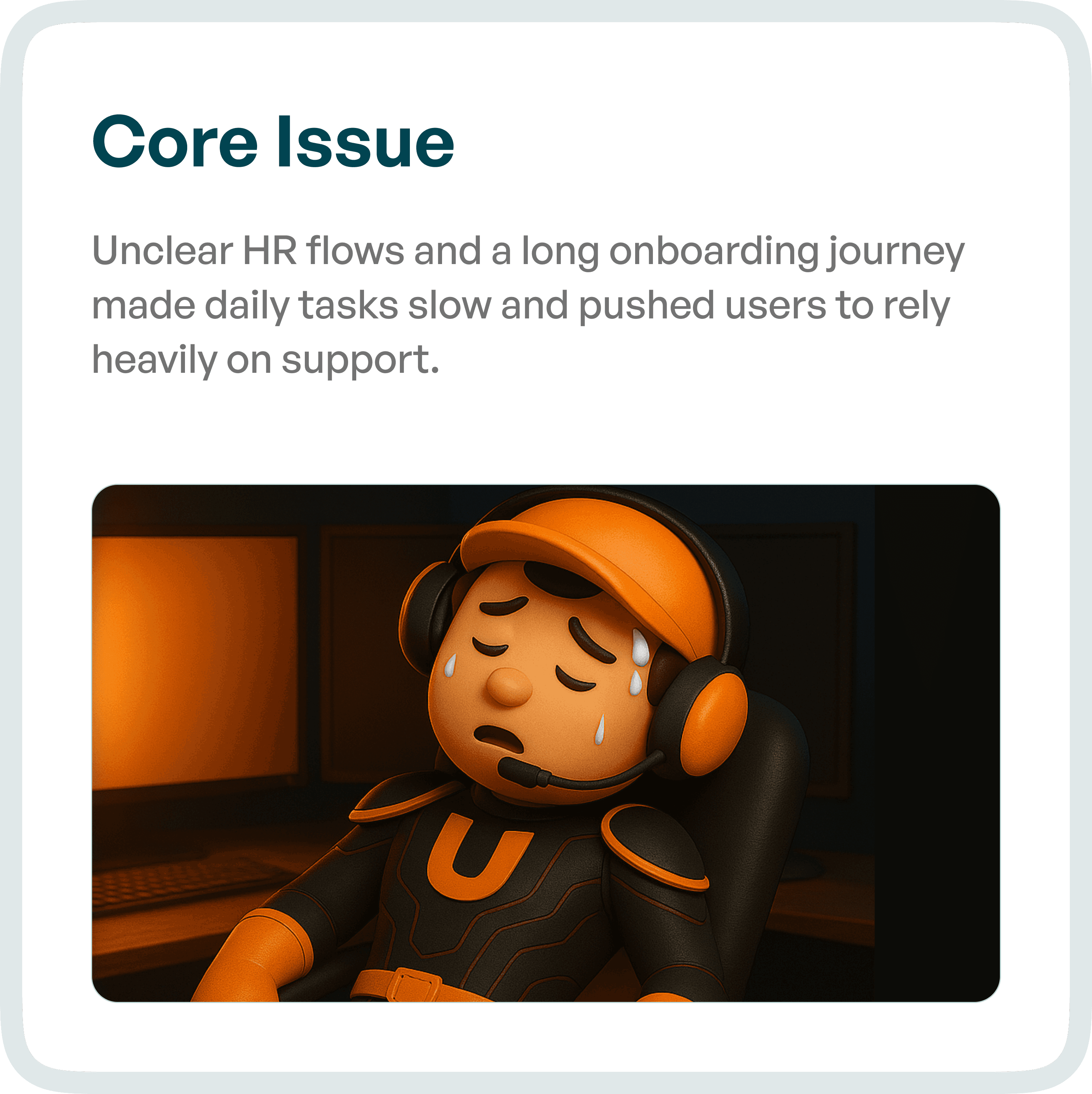
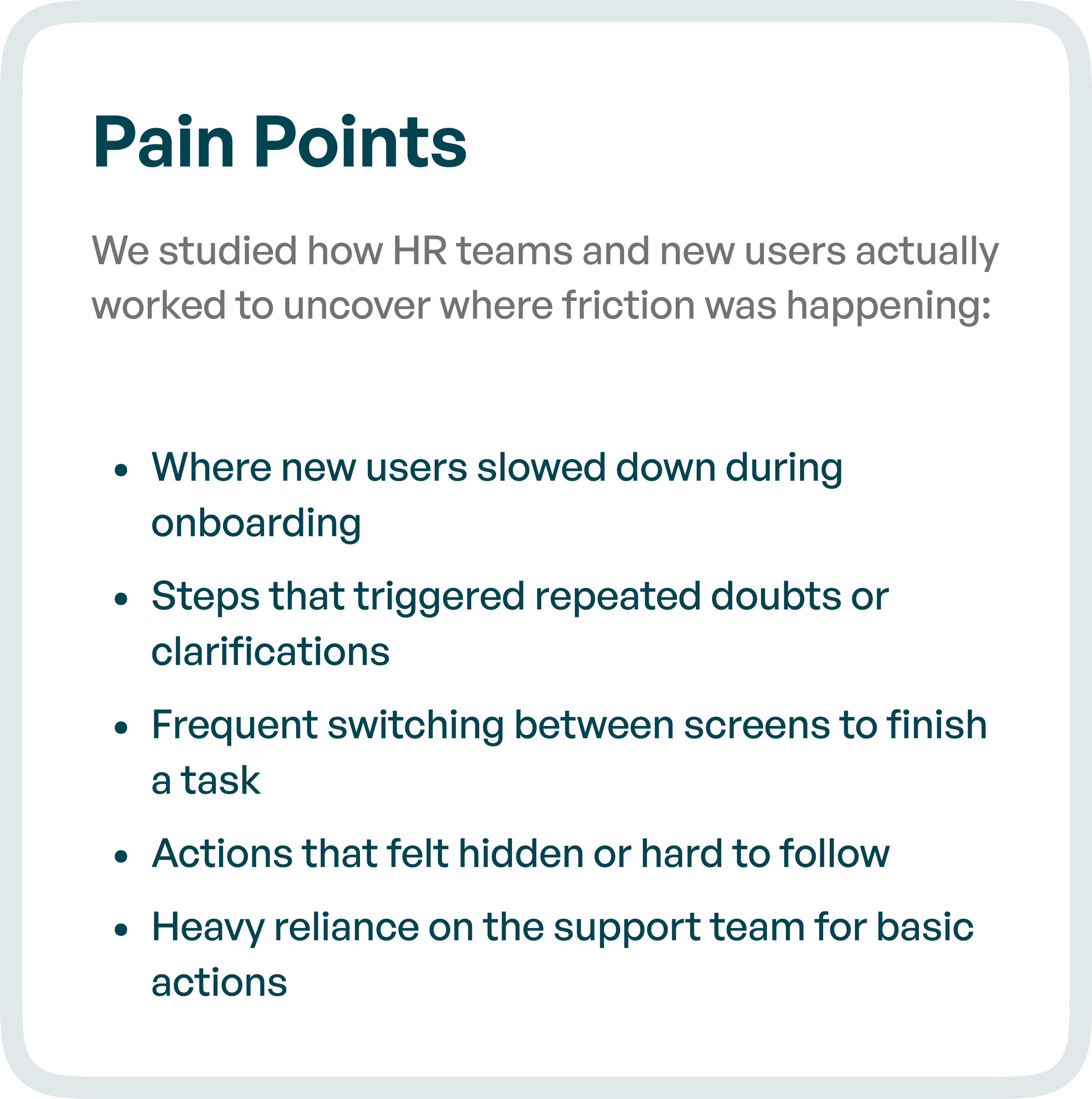
Identifying UX Pain Points in HR Workflows
To redesign the experience, we studied how HR teams and new users interacted with the system.
Key friction points identified:
Users slowing down during onboarding
Repeated doubts and clarification requests
Switching between multiple screens to complete tasks
Actions that felt hidden or difficult to locate
Heavy reliance on support teams
These issues are common in HR SaaS platforms with poor UX structure.
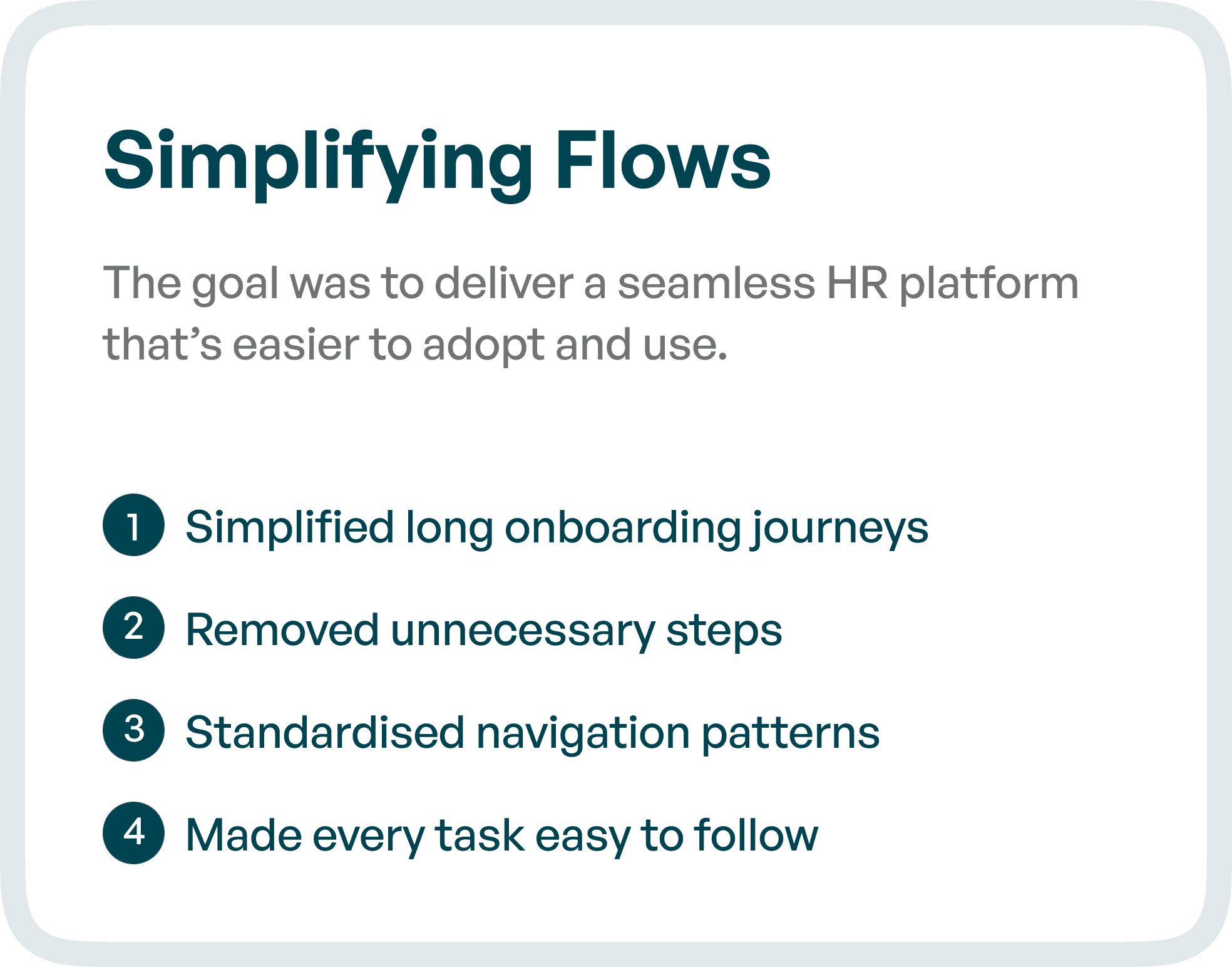
The UX Goal: Simplify and Structure HR Workflows
The goal of the redesign was to create a system that is:
Easy to adopt for new users
Efficient for daily HR operations
Structured for clarity and consistency
We focused on transforming SarvHR into a platform where users can:
Understand what to do next
Complete tasks without confusion
Navigate workflows without external support
UX Approach: Restructuring Instead of Redesigning Visually
Instead of focusing only on UI improvements, the redesign addressed core workflow structure and usability.
1. Simplifying Long Onboarding Journeys
We reduced onboarding complexity by:
Breaking flows into smaller steps
Removing unnecessary inputs
Guiding users through clear sequences
This reduced cognitive load and improved onboarding speed.
2. Removing Unnecessary Steps
Many workflows included redundant actions.
We:
Eliminated repeated steps
Combined related actions
Streamlined task completion paths
This improved efficiency across HR tasks.
3. Standardizing Navigation Patterns
Inconsistent navigation was a major issue.
We introduced:
Predictable navigation structures
Consistent UI patterns
Clear action placements
This reduced the learning curve for users.
4. Making Tasks Easy to Follow
Each task was redesigned with:
Clear step-by-step guidance
Visible next actions
Reduced ambiguity
This ensured users could complete tasks without confusion.
Streamlining Everyday HR Tasks
We redesigned core HR operations with a focus on clarity and consistency.
Key improvements:
Clearer layouts for better readability
Grouped actions for faster access
Consistent interaction patterns across the system
This made everyday HR tasks faster and more intuitive.
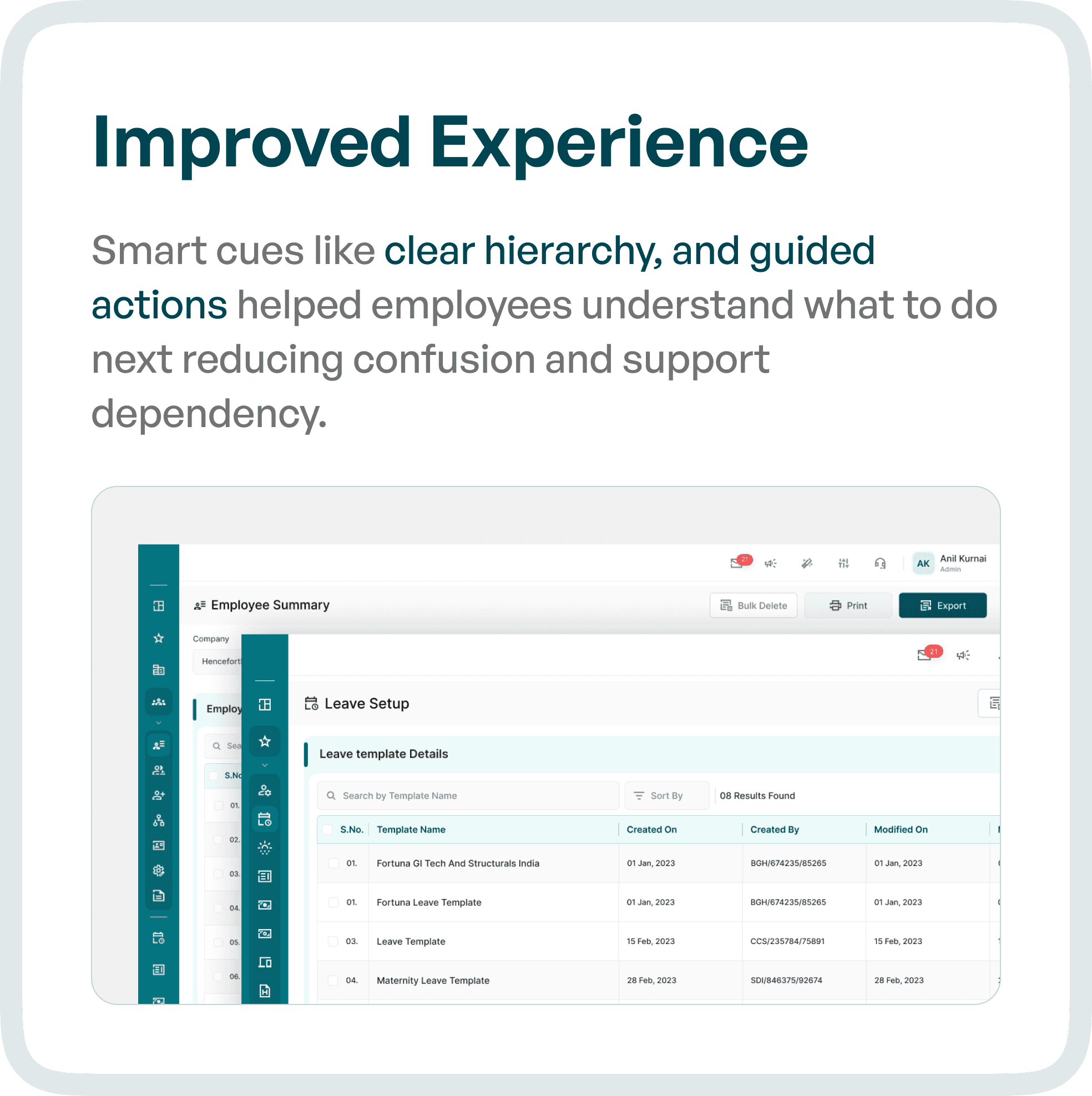
Improving User Experience with Guided Design
To reduce dependency on support, we introduced:
Strong visual hierarchy
Guided actions
Contextual cues
These elements help users understand:
What to do next
Where to click
How to complete tasks
This significantly reduced confusion and support requests.
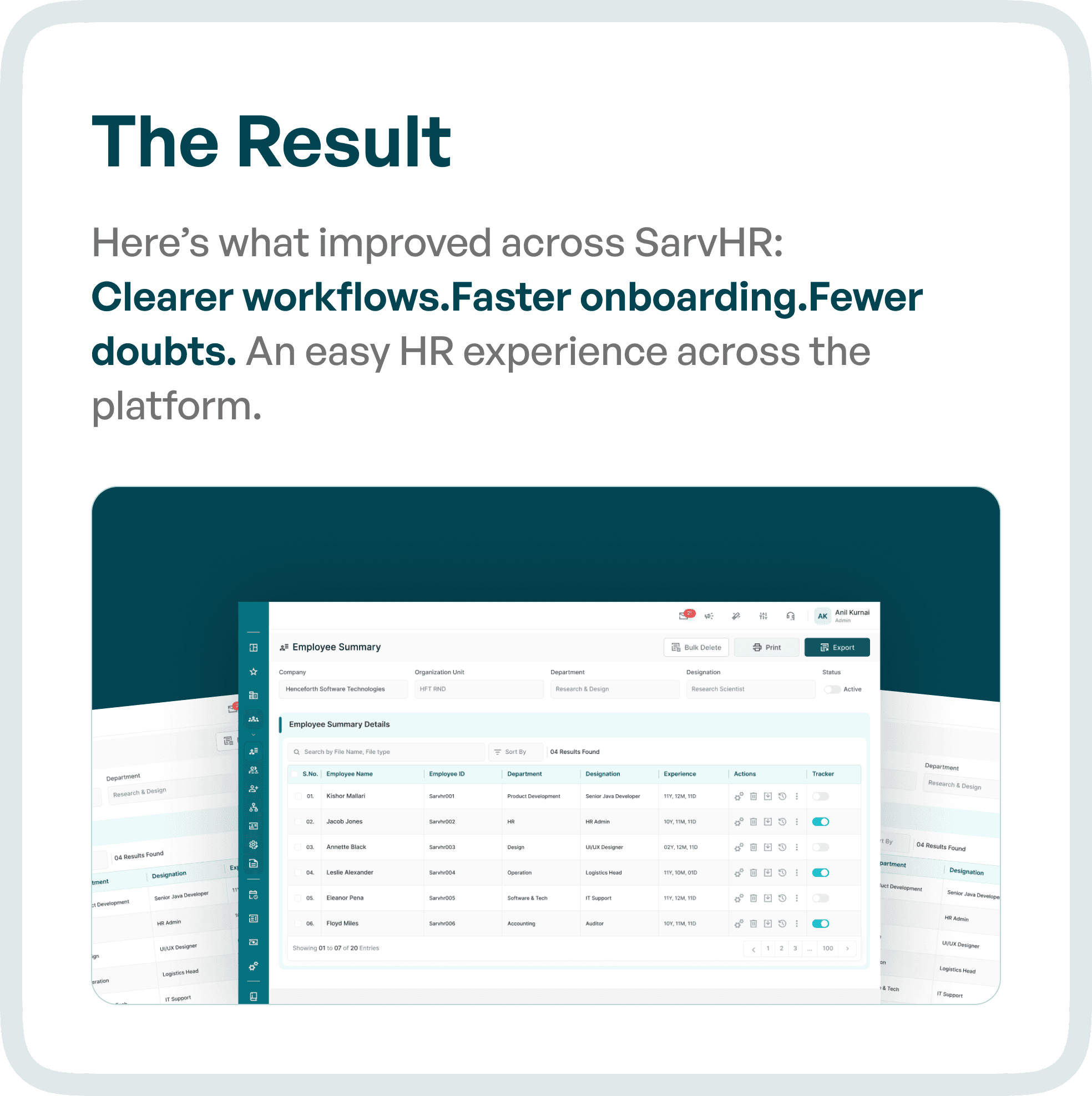
The Result: A Structured and Efficient HR Platform
After the redesign, SarvHR transitioned from a complex system to a guided and user-friendly HR platform.
Key outcomes:
Clearer workflows
Faster onboarding
Fewer user doubts
Reduced dependency on support
Users could now:
Complete tasks independently
Navigate the system with ease
Perform HR operations more efficiently
Why UX Design is Critical for HR SaaS Platforms
HR systems are used daily by multiple roles:
HR managers
Employees
Administrators
If workflows are not clear:
Productivity drops
Errors increase
Adoption declines
A well-structured UX ensures:
Faster task completion
Better user confidence
Higher product adoption
Final Thoughts
The biggest issue in most HR platforms is not the lack of features.
It is the lack of clarity in workflows and task execution.
By restructuring workflows and simplifying interactions, HR systems can become significantly more effective.
Frequently asked questions
How do employee and HR-admin UX needs differ?
Employees usually need clear self-service actions and understandable request status; HR administrators need to process work, handle exceptions and manage role-appropriate information. Map both sides of the same request so simplifying one view does not obscure the handoff to the other.
What should an HR request workflow show at each stage?
Make the request, current stage, responsible role and next action visible together. Explain missing information and returned requests, and preserve context when work changes hands. A dashboard count is less useful if it does not lead to an actionable queue.

