

Evaluate a trend before adopting it
Pattern / original example | Useful task | Cost or reason to reject |
|---|---|---|
Modular card layout / a report overview | Scan distinct summaries and drill into a chosen record. | Avoid unequal cards when the task requires comparing consistent rows. |
Translucent surface / a navigation overlay | Keep a light sense of the underlying context. | Use an opaque alternative if changing backgrounds compromise text or selected-state contrast. |
Expressive motion / an upload transition | Connect an initiated action to a persistent progress state. | Reject decorative delay; keep a static state and respect reduced-motion preferences. |
AI assistant / a query composer | Help formulate an analysis while leaving the source and result inspectable. | Reject a chat-only replacement when a stable table or direct filter is more precise. |
A dated example is not evidence of universal adoption
The original animation already on this page can be reviewed as an artifact: identify its trigger, the information that changes and what remains visible after it ends. Pair it with the same final state rendered without movement. This checks communication without assuming that animation itself improves conversion.
Prototype one real task in the trend treatment and in a conventional treatment.
Keep text, data and available actions equivalent so the comparison is meaningful.
Check focus visibility, long content, narrow screens and the state with imagery unavailable.
Measure task completion, mistaken actions and comprehension; record rendering cost separately.
Date the observation and revisit it when the product context changes.
For a dense operations table, an ordinary row-and-column structure may be the stronger choice. Brand expression can live in restrained typography, spacing and illustration without changing a familiar control pattern.
Adopt the behavior that helps the task; treat the visual fashion as a hypothesis.

The Problem with UI Trends
Many companies find themselves caught in the whirlwind of UI design trends, adopting flashy new styles that promise to modernize their digital presence. However, this approach often leads to a surface-level upgrade that neglects the core user experience. The allure of shiny, trendy interfaces distracts from addressing fundamental usability issues, resulting in products that look contemporary but fail to function optimally for their users.
This trend-following behaviour leads to a common pitfall: visual updates without an accompanying improvement in user experience. Organizations may end up with a beautiful interface that still delivers the same clunky workflow, ultimately frustrating users. The focus on aesthetics over functionality fails to address the real problems that users face, such as confusing navigation or inefficient task completion processes.
Trends, by their very nature, are fleeting. They don't solve systemic issues within a product. Instead, they often serve as a temporary mask, covering up deeper usability flaws. Companies need to recognize that adopting trends indiscriminately can be more of a distraction than a solution, diverting attention from what truly matters—creating an intuitive and efficient user experience.
For the broader changes to the design workflow, read AI in UX design.
What UI Design Trends Actually Represent
It’s important to reframe our understanding of UI design trends. They are not mere aesthetic choices but reflections of broader changes in technology, user behavior, and business needs. For instance, the rise of AI and extended reality (XR) technologies has led to the development of personalized and immersive interfaces, which adapt to the context of each user.
Trends like data visualization are not just about making dashboards look impressive. They represent a shift towards visual storytelling, enabling users to derive meaningful insights and make informed decisions. This is a response to the increasing volume of data businesses must manage and interpret.
UI trends serve as indicators of deeper transformations in product design. They signal shifts in how products are crafted to meet the evolving demands of users and technological advancements. Recognizing these underlying changes allows companies to leverage trends more strategically, aligning them with their broader product strategy.
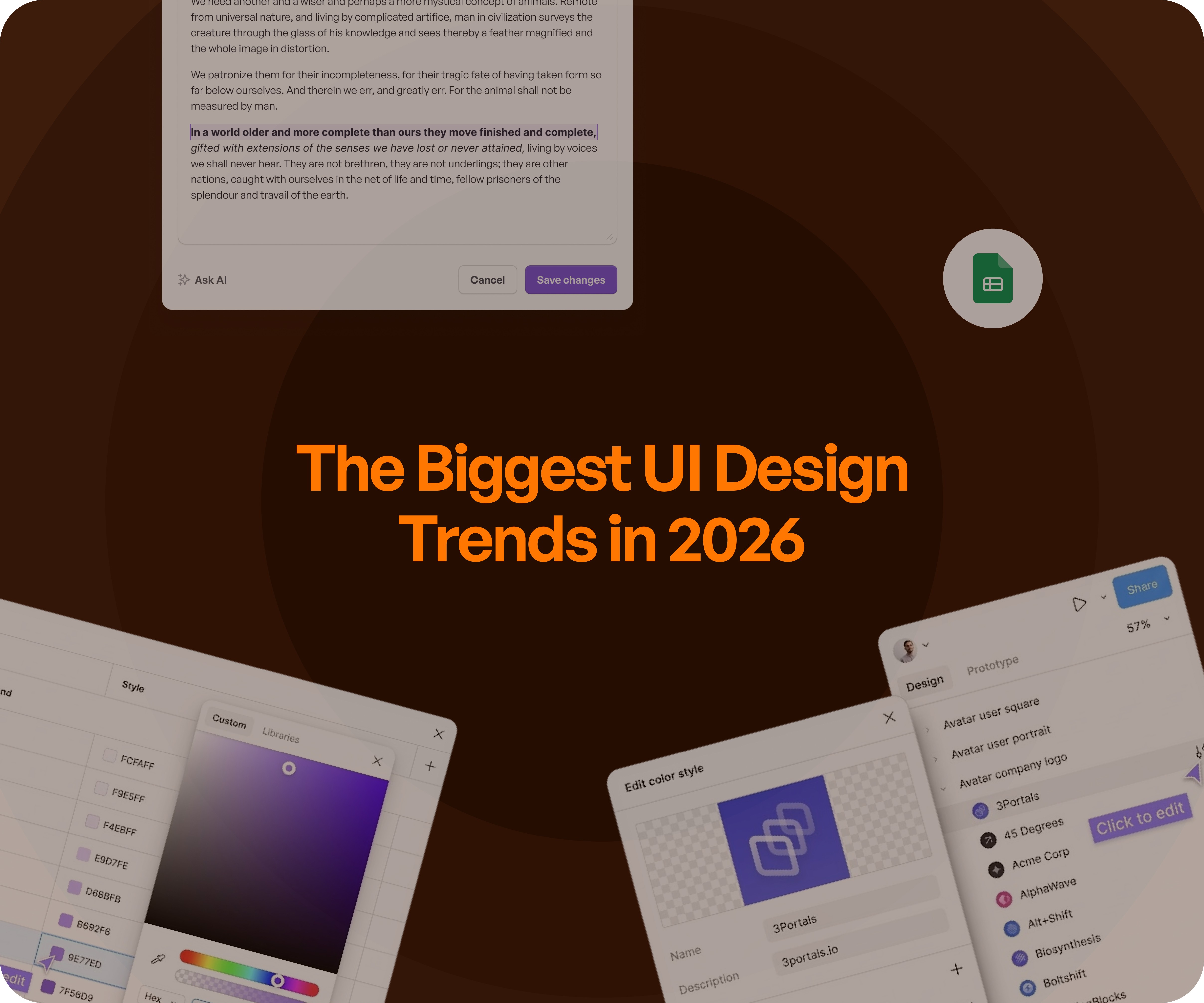
The Biggest UI Design Trends in 2026
UX strategy is not merely a design investment; it’s a business investment that directly impacts product adoption, retention, operational efficiency, and cost reduction. A well-executed UX strategy can transform a product from a collection of features into a cohesive, user-friendly system that meets business objectives.
As we look ahead to 2026, several key UI design trends are emerging, each driven by underlying shifts in technology and user needs. These trends are not just about aesthetics; they represent significant changes in how interfaces are designed and experienced.
AI-Driven & Generative UI
AI-driven interfaces are becoming increasingly prevalent, offering personalized layouts, content, and actions that adapt in real-time to the user's context. This trend is particularly effective in SaaS dashboards, where dynamic interfaces can enhance user engagement and efficiency. However, the risk lies in the potential loss of consistency, as overly personalized experiences can confuse users.
Data as Story (Not Dashboard)
The traditional static dashboard is being replaced by interactive storytelling. Users no longer seek raw data; they desire actionable insights that drive decision-making. This approach shifts the focus from merely presenting information to empowering users with meaningful narratives that guide their actions.
Spatial & Immersive Interfaces
With AR and VR technologies advancing, spatial and immersive interfaces are moving into real-world workflows. These interfaces are particularly useful in complex systems where visualizing spatial relationships can aid understanding. However, their application is more limited in everyday SaaS products, where simplicity and clarity are paramount.
Motion as Communication (Not Decoration)
Motion in UI design is evolving from decorative elements to functional components that guide user behavior. Micro-interactions, when used correctly, can reduce cognitive load, making interactions more intuitive and efficient. However, excessive motion can slow down interactions, leading to user frustration.
Hyper-Personalization
Interfaces that adapt to individual user behavior and preferences are on the rise. Hyper-personalization promises a tailored experience, but it carries the risk of inconsistency and confusion if not implemented carefully. Striking the right balance is crucial to avoid overwhelming users with too many personalized elements.
Minimalism vs Maximalism Shift
The debate between clean, minimalistic design and expressive, maximalist "dopamine design" continues. Each approach has its place, with minimalism suiting straightforward tasks and maximalism enhancing engagement in more dynamic contexts. The key is understanding when each style is appropriate.
Ethical & Transparent UI
In an era of increasing concern over privacy and data security, ethical and transparent UI design is gaining traction. Users demand clarity and trustworthiness in their interactions, making transparency a critical component of modern UI design. This trend emphasizes the importance of trust in user experience.
Why Most UI Trends Fail in SaaS
Despite the allure of UI trends, many fail when applied to SaaS products. This is often due to a lack of context; trends are designed for marketing sites, not complex software products. When UI layers are applied over broken UX, the result is a superficial enhancement that does not address underlying usability issues.
Consider the following diagnostic table to understand the pitfalls:
Trend Applied | What Teams Expect | What Actually Happens | Result |
Fancy UI redesign | Better engagement | Same workflows | No adoption gain |
Personalization | Better experience | Inconsistency | Confusion |
Motion-heavy UI | More engagement | Slower interaction | Friction |
Trends often fail in SaaS because they are implemented without addressing UX fundamentals. To succeed, companies must prioritize usability and workflow over visual appeal.
What Actually Matters More Than Trends
While trends capture attention, what truly matters in UI design is often less visible. Clarity, workflow efficiency, consistency, and scalability are the cornerstones of successful design. These elements drive productivity and adoption, far outweighing the temporary allure of visual trends.
Consider the strategic table below:
Trend Focus | What Actually Matters | Business Impact |
Visual design | Task completion | Higher productivity |
Aesthetics | Usability | Better adoption |
Innovation | Clarity | Reduced support cost |
Trends | Systems | Long-term scalability |
Good UI design should be invisible. It should seamlessly enable users to accomplish their tasks without drawing attention to itself. This principle aligns with the goal of creating products that not only look good but operate efficiently and effectively.
The Upslide Approach
At Upslide, we believe in focusing on UX before UI, using trends selectively, and designing for business outcomes. Our approach contrasts with the trend-first mentality that often prioritizes aesthetics over functionality.
Consider the positioning table below:
Typical Approach | Upslide Approach | Business Outcome |
Trend-first design | Problem-first design | Real impact |
UI redesign | UX restructuring | Better usability |
Visual focus | Workflow focus | Higher adoption |
With over 50 enterprise redesigns, Upslide has helped governments, enterprises, and startups transform their software to run businesses better. Our design philosophy centers on creating systems that drive efficiency and adoption, ensuring that visual enhancements are grounded in solid UX principles.
For a wider review of interaction quality, use UI/UX best practices.
Final Insight
UI trends are transient, changing with each passing year, while bad UX issues remain persistent. To build great products, companies must prioritize good decisions over fashionable trends. Effective UI design is about making products work better, not just look better.
As a strategic partner, Upslide can help you apply UI trends effectively, ensuring they contribute to real product impact. Trust us to guide your design strategy and drive meaningful results for your SaaS product.
Further reading:
Improve engagement — Enhance web UI/UX design
Frequently asked questions
How should SaaS teams decide whether a UI trend is useful?
Identify the user problem the trend is meant to solve, then compare a prototype with a simpler alternative. Check task completion, readability and implementation cost. A visual treatment earns its place when it improves the experience, not merely because it looks current.
When should accessibility or performance outweigh visual novelty?
Whenever a visual treatment makes important content harder to perceive, increases distraction or delays a frequent task. Keep the useful function, simplify the treatment and test reduced-motion and lower-performance conditions before deciding whether the effect belongs in production.

