

A worked context-to-evaluation loop
Stage | Illustrative returned-request example |
|---|---|
Understand context | An employee checks a request between other duties on a narrow screen. Confirm this context through recruitment and observation. |
Define the need | The person must know whether they need to act and what information is missing. |
Initial design | A colored “Returned” badge is visible, with the reason buried in history. |
Evaluation question | Can the person identify the missing input and resume the request without coaching? |
Possible finding / assumption | The badge may communicate delay without explaining the required action. This is a hypothesis to test. |
Revised response | Show “Add the delivery location” beside the returned state and open the existing draft. |
Next evaluation | Check comprehension, data preservation and recovery; retain controls that protect authorized review. |
Keep a reusable decision log
For each iteration record the date, task, evidence source, confidence, design alternatives, selected change and unresolved question. Link an observation to its specific record rather than summarizing every participant as if they agreed.
Recruit people who perform or own the actual task, including relevant accessibility and operational constraints.
Use realistic content and a plausible failure state.
Separate facilitator explanation from participant discovery.
Treat a failed assumption as information, then document what changed.
Retest the risky part after revision instead of assuming that a new visual treatment resolved it.
A business, security or technical constraint remains part of the context. User-centered work makes its impact understandable and seeks a workable route; it does not mean removing every necessary check.
The loop is complete when evidence can change the design, not when the diagram contains four arrows.
The Illusion: Most Products Claim to Be User-Centered
In the competitive realm of SaaS, nearly every product touts itself as being "user-first." However, the reality often paints a different picture. Users frequently find themselves grappling with complex interfaces, unused features, and perplexing onboarding processes. The promise of a user-centered experience often dissolves into a feature-centric reality where user needs are sidelined in favor of ambitious feature roadmaps.
This disconnect stems from a fundamental misunderstanding: most products are inadvertently designed around features rather than the user. The illusion of being user-centered is shattered when users struggle to navigate or fully utilize the software. The insight here is clear true user-centered design is not simply about claiming to be user-first; it’s about embedding user needs and behaviors into the very fabric of product development.
What User-Centered Design Actually Means (System-Level View)
Understanding what user-centered design (UCD) truly entails requires a shift from traditional perceptions. UCD focuses not on what users say they want but on their goals, behaviors, and real workflows. This requires a deep understanding of how users interact with the product in their natural environment, allowing designers to craft solutions that resonate with actual user needs.
Consider the following table:
Layer | Feature-Centered Design | User-Centered Design | Business Impact |
Focus | Features & roadmap | User goals & tasks | Better adoption |
Decision Basis | Internal assumptions | User insights | Reduced risk |
Product Structure | Feature-driven | Workflow-driven | Efficiency |
Outcome | Complexity | Usability | Retention |
The insight is profound: user-centered design transcends mindset; it embodies a decision-making system that prioritizes user-centric data over internal biases, leading to products that users not only use but also cherish.

The Core Industry Mistake: Listening to Users, Not Understanding Them
Many product teams fall into the trap of equating user feedback with user understanding. Reliance on feedback, feature requests, and surveys often results in a skewed perception of user needs. Users, constrained by their experiences, tend to describe symptoms rather than root causes, leading teams to develop solutions that only scratch the surface of the problem.
Let's explore this through a diagnostic table:
What Teams Do | Why It Fails | What Should Happen | Result |
Build based on requests | Users describe symptoms | Understand root problems | Better solutions |
Use surveys only | Opinion-based | Behavior-based research | Accurate insights |
Prioritize loud users | Biased decisions | Pattern-based decisions | Scalable UX |
The insight here is critical: user-centered design is not about listening to users but about understanding them deeply. This understanding comes from observing behaviors and identifying patterns that reveal true user needs, leading to solutions that are intuitively aligned with user workflows.
Choose evidence appropriate to the decision using UX research methods for SaaS teams.
Why User-Centered Design Impacts Business
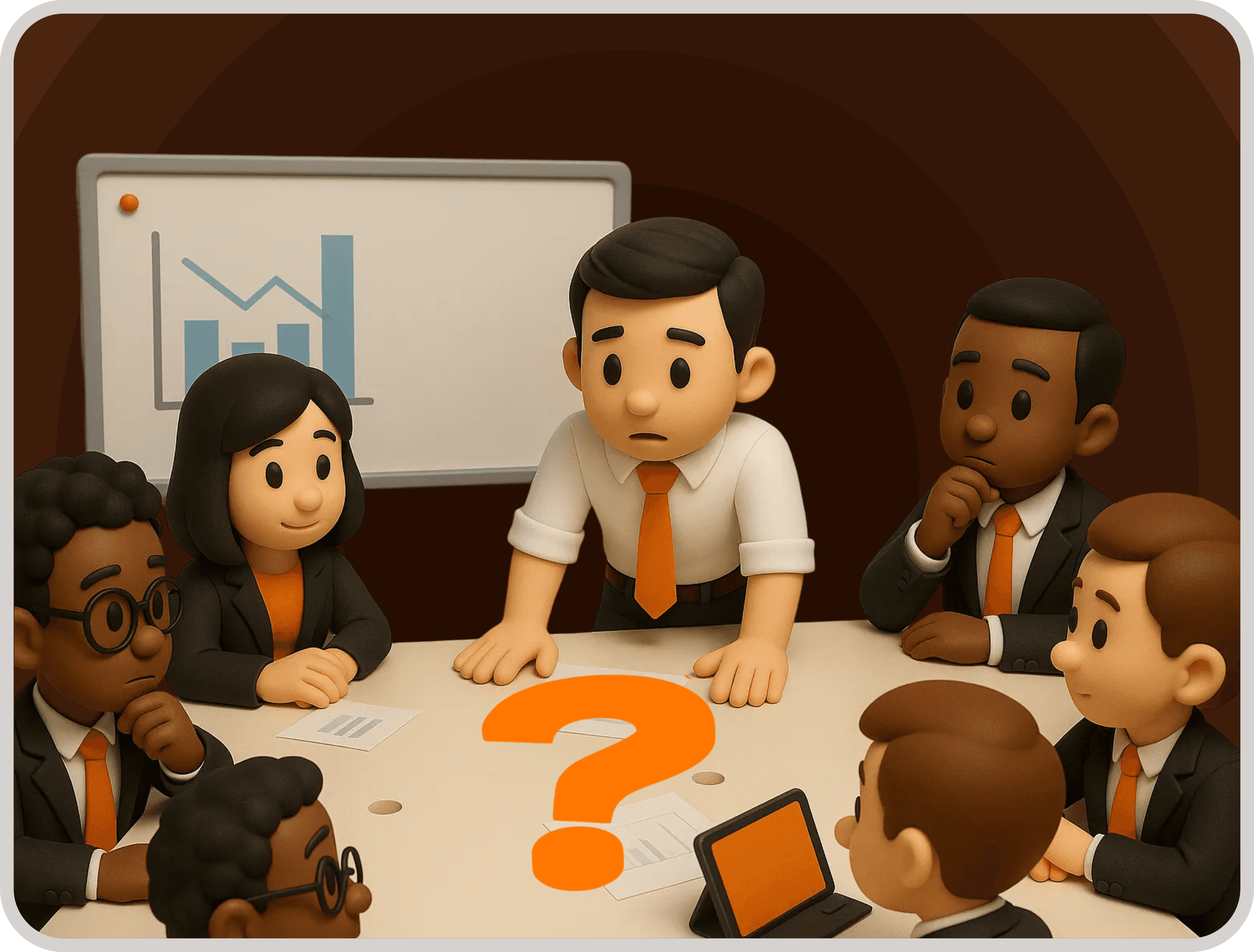
Adopting a user-centered design approach has far-reaching implications for business success. It influences key metrics such as adoption, retention, support costs, and product efficiency. The impact is not just on user experience but also on the bottom line.
To illustrate this impact, consider the revenue impact table:
User Problem | Product Impact | Business Outcome | Hidden Cost |
Poor onboarding | Users drop early | High churn | Lost acquisition spend |
Complex workflows | Slow task completion | Low productivity | Time inefficiency |
Feature overload | Features ignored | Wasted dev cost | Resource waste |
Confusing UI | Errors & support | Increased cost | Operational burden |
The insight from this analysis is evident: neglecting user-centered design doesn't just compromise user experience; it directly affects revenue streams and operational efficiency. Businesses that prioritize user-centered design find themselves better positioned to retain customers and optimize resource allocation.
The User-Centered Design Process (But Reframed)
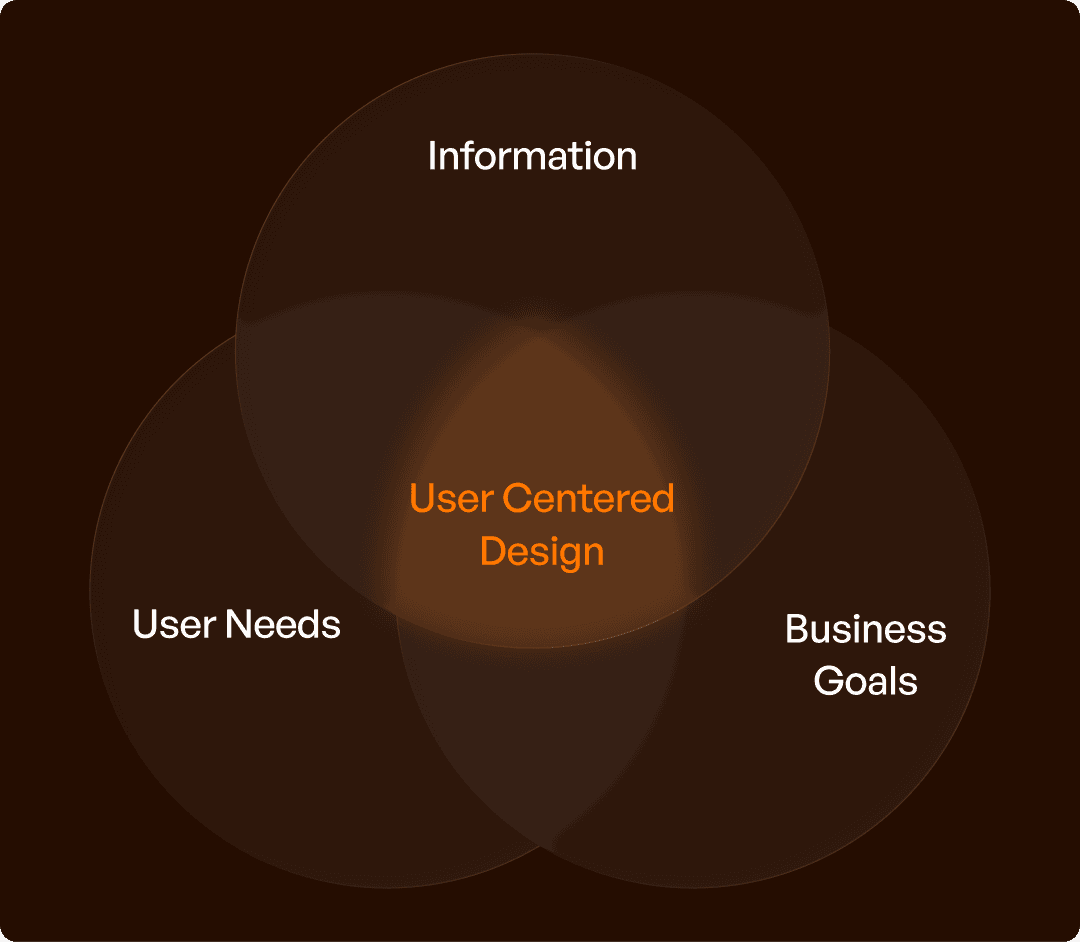
To truly embrace user-centered design, one must move beyond textbook processes and focus on outcomes. This involves a continuous cycle of understanding users, defining problems, designing solutions, testing, and iterating. Each step in this process is crucial and skipping any can lead to significant repercussions.
Here's a process table to illustrate:
Step | What It Does | Mistake When Skipped | Impact |
Research | Understand users | Assumptions | Wrong direction |
Problem Definition | Identify real issues | Solving symptoms | Ineffective solutions |
Design | Build flows | Screen-first thinking | Poor UX |
Testing | Validate usability | Late fixes | Higher cost |
Iteration | Improve continuously | Static product | Stagnation |
The insight here is vital: user-centered design is not a single phase but a continuous system. By integrating user feedback and behavioral insights into each stage, businesses can ensure their products remain aligned with user needs, thus fostering long-term growth and innovation.
Validate the revised task with representative users using usability testing.
Why UCD is Hard in B2B SaaS (Industry Reality)
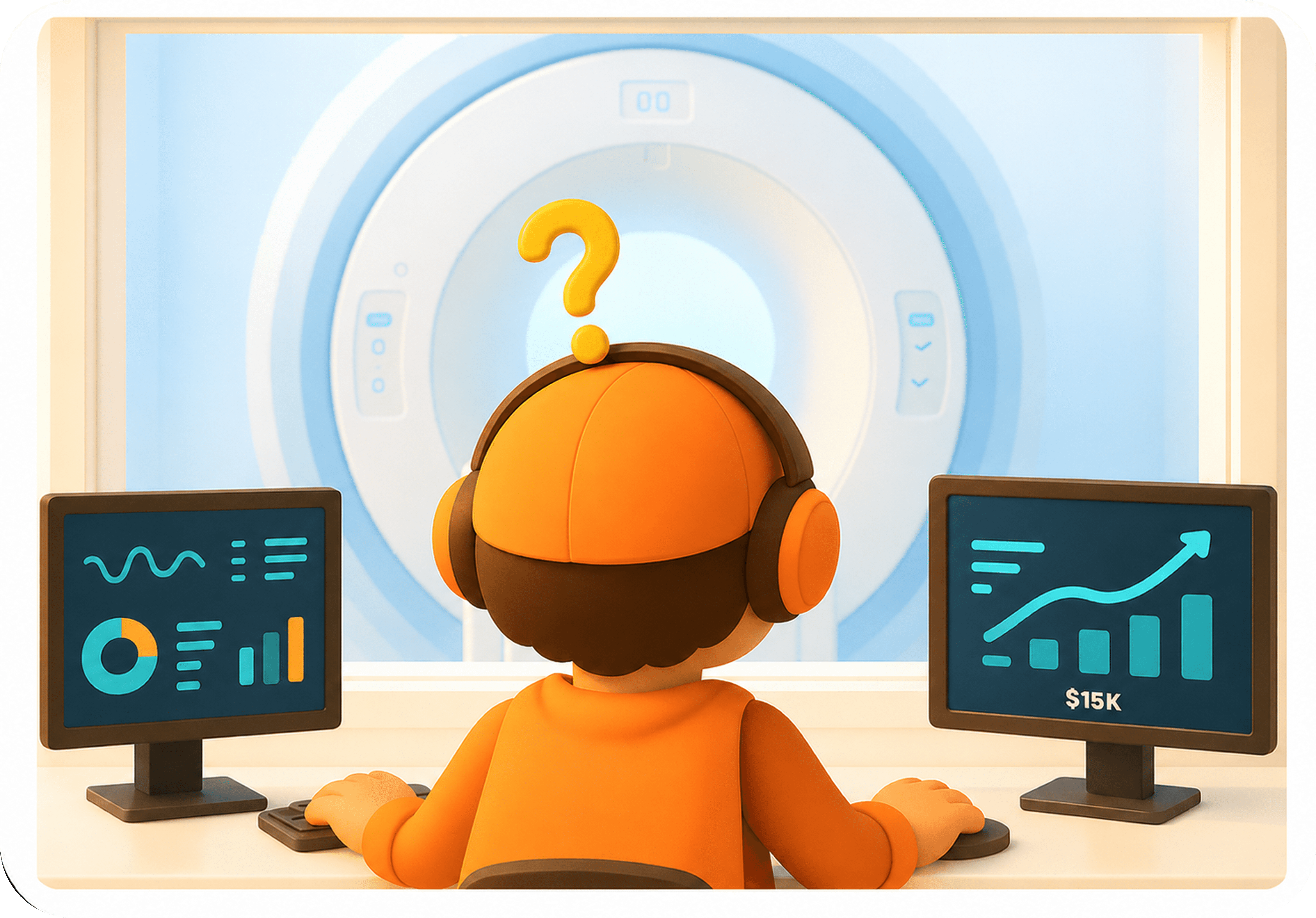
Implementing user-centered design in the B2B SaaS sector presents unique challenges. The complexity of workflows, multiple stakeholders, conflicting requirements, and legacy systems all contribute to making UCD a daunting task. These challenges often result in designs that fail to align with the diverse needs of users.
Consider the following reality table:
Challenge | What Teams Do | What Goes Wrong | Result |
Multi-role users | One design for all | Misaligned experience | Poor usability |
Complex workflows | Simplify visually | Logic remains complex | Confusion |
Stakeholder input | Prioritize opinions | User needs ignored | Low adoption |
The insight is that user-centered design often breaks when business decisions overshadow user realities. To overcome these challenges, it’s crucial for B2B SaaS companies to embrace a more nuanced approach where user workflows guide design decisions, ensuring that products are both effective and efficient.
The Upslide Approach
Upslide offers a distinctive approach to user-centered design that prioritizes workflows over features, aligning design with user behavior to build scalable systems. This approach is about more than aesthetics; it’s about creating products that drive business outcomes by ensuring users can achieve their goals effortlessly.
Consider the following positioning table:
Typical Approach | Upslide Approach | Business Outcome |
Feature-first | User-first workflows | Better adoption |
UI-focused | UX system-focused | Efficiency |
One-time design | Continuous improvement | Long-term growth |
Having redesigned over 50 enterprise software systems globally, Upslide has partnered with governments, enterprises, and startups to transform complex software into efficient, scalable tools. By focusing on how products run businesses better rather than just looking better, Upslide ensures that user-centered design principles are at the forefront of every project.
For documenting roles, tasks and evidence, use the enterprise user-persona guide.
Final Insight
Despite the myriad claims, most products remain roadmap-centered rather than truly user-centered. The difference lies in the impact on user success a user-centered approach focuses not on what is built but on how users succeed with the product.
For B2B SaaS companies struggling with low adoption, high churn, and confusing workflows, the path to improvement lies in embracing user-centered design as a strategic initiative. Upslide stands ready as a partner to align product design with real user behavior, ensuring that businesses can thrive by delivering solutions that genuinely meet user needs.
Frequently asked questions
How is user-centered design different from implementing every user request?
User-centered design investigates the underlying need, not just the requested feature. A request may describe a workaround rather than the real problem. Teams compare evidence, prototype alternatives and test whether the chosen solution supports the user’s goal.
Where do business and technical constraints fit in UCD?
They belong in the problem definition and design evaluation throughout the process. Make constraints explicit, examine how they affect users and test the resulting tradeoffs. User-centered design does not mean promising a solution that the organization cannot deliver or maintain.

